will be asked to check username and password when you
want to save a configuration page and you have not been
verified yet. Please ignore the username and enter password
at that moment and reload the configuration pages again. The
configuration pages will now be displayed in the browser
window.
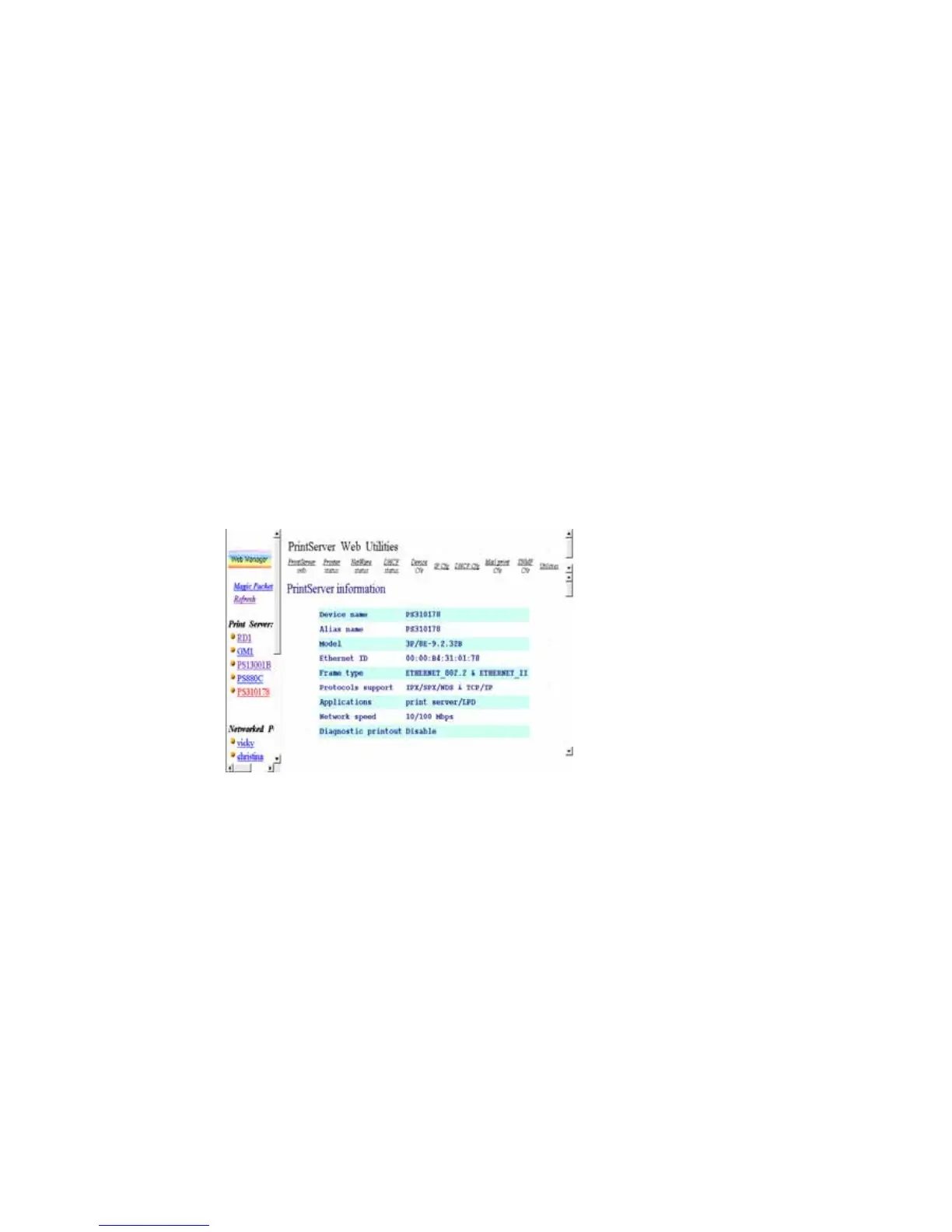
8.3.2 Getting Print Server Information
Each time you run browser to connect to a print server,
you will get this print server information page initially. The
print server information page displays some general
information of print server.
8.3.3 Getting Printer Status
The Printer status page can be used to display the status
of attached printer(s) for each port.















 To Next Page