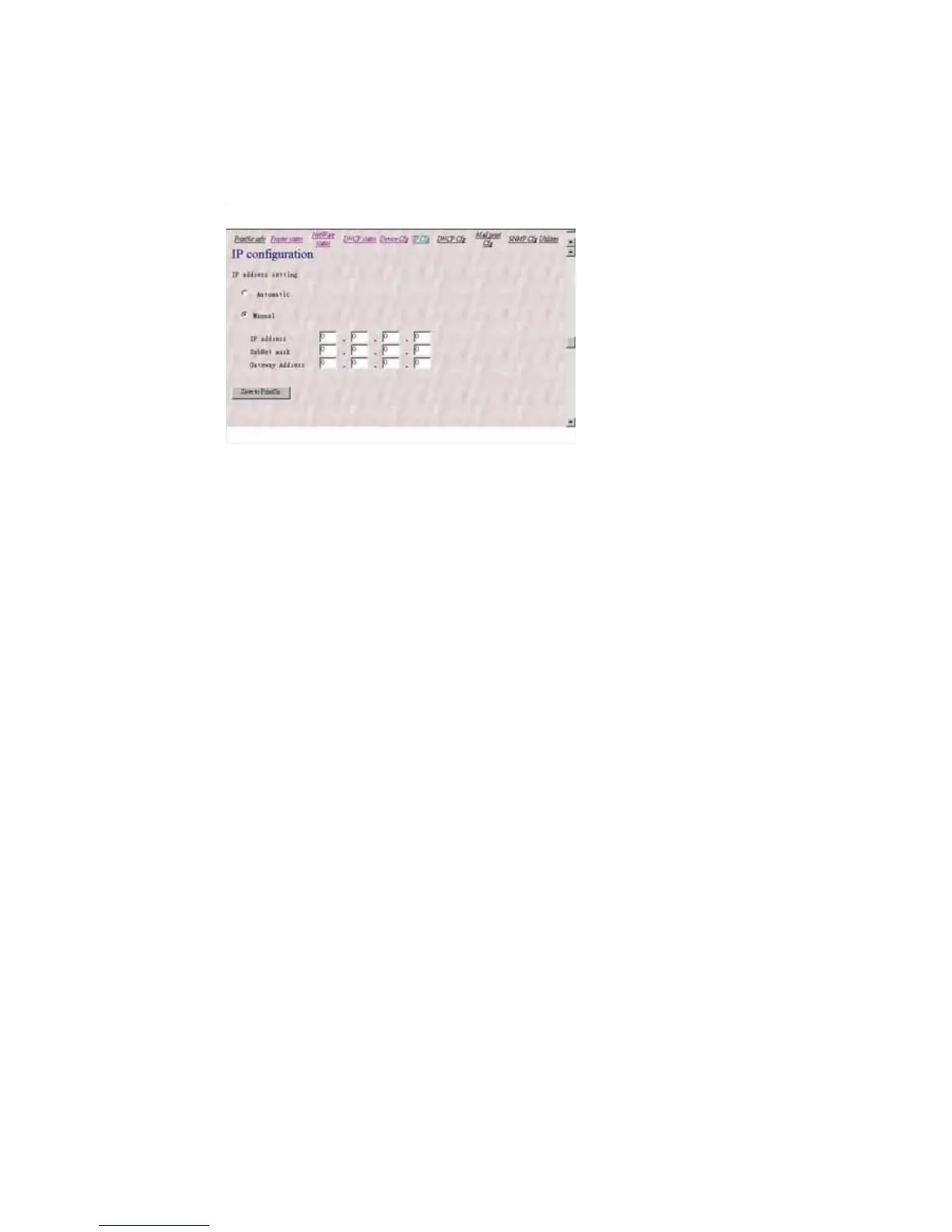
8.3.7 Setting IP Address
The IP Cfg page allows you to configure the IP address
where the print server is to be located. The print server will
obtain its IP address automatically by the protocol DHCP,
BOOTP, RARP if you configure the IP address as Auto. Click
Save to print server button to save the configuration to the
print server.
The print server will verify your password (it will ignore
the User Name item) when you save the configuration. Make
sure to reset the print server (described in section 8.3.11
System Utilities
) to let the changes take effect.
8.3.8 Configuring DHCP Parameters
The print server can be configured as DHCP server to
provide dynamic IP addresses assignment. The DHCP Cfg
page allows you to set:















 To Next Page