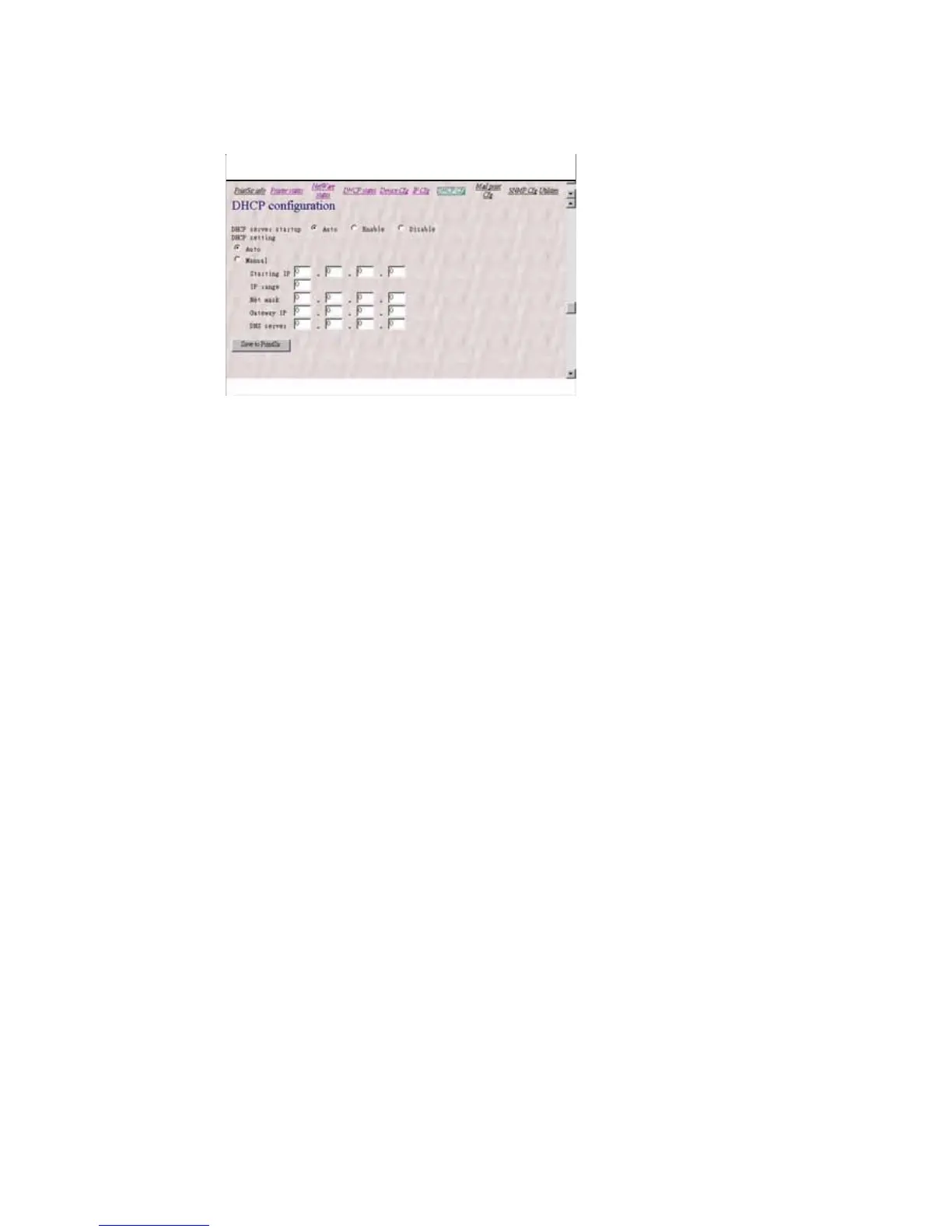
The DHCP server startup, which determine if the
print server will act as DHCP server. If this item
is set to Auto, the print server will detect if there
is any other DHCP server on the network when it
boots up. If there is no DHCP server on the
network, then the print server will configure
itself as DHCP server; otherwise it will disable
this function.
DHCP setting is used to configure TCP/IP
parameters that will be assigned to a DHCP client.
If this item is set to Auto, the print server will
determine all TCP/IP parameters automatically;
otherwise you will configure the following
parameters:
Starting IP: specifies the starting IP address
for assigning to DHCP clients.
IP range: specifies how many IP addresses are
available to DHCP clients.
Net mask: gives the network mask.















 To Next Page