3.5 Client Utilities
After Client Installation is completed, there will be three
tools in print server’s Program folder.
Network Ports Quick Setup
Remote Ports
Uninstall Network Driver
The Uninstall Network Driver will assist you in
removing all installed client software. The other two tools
are described as following:
3.5.1 Network Ports Quick Setup
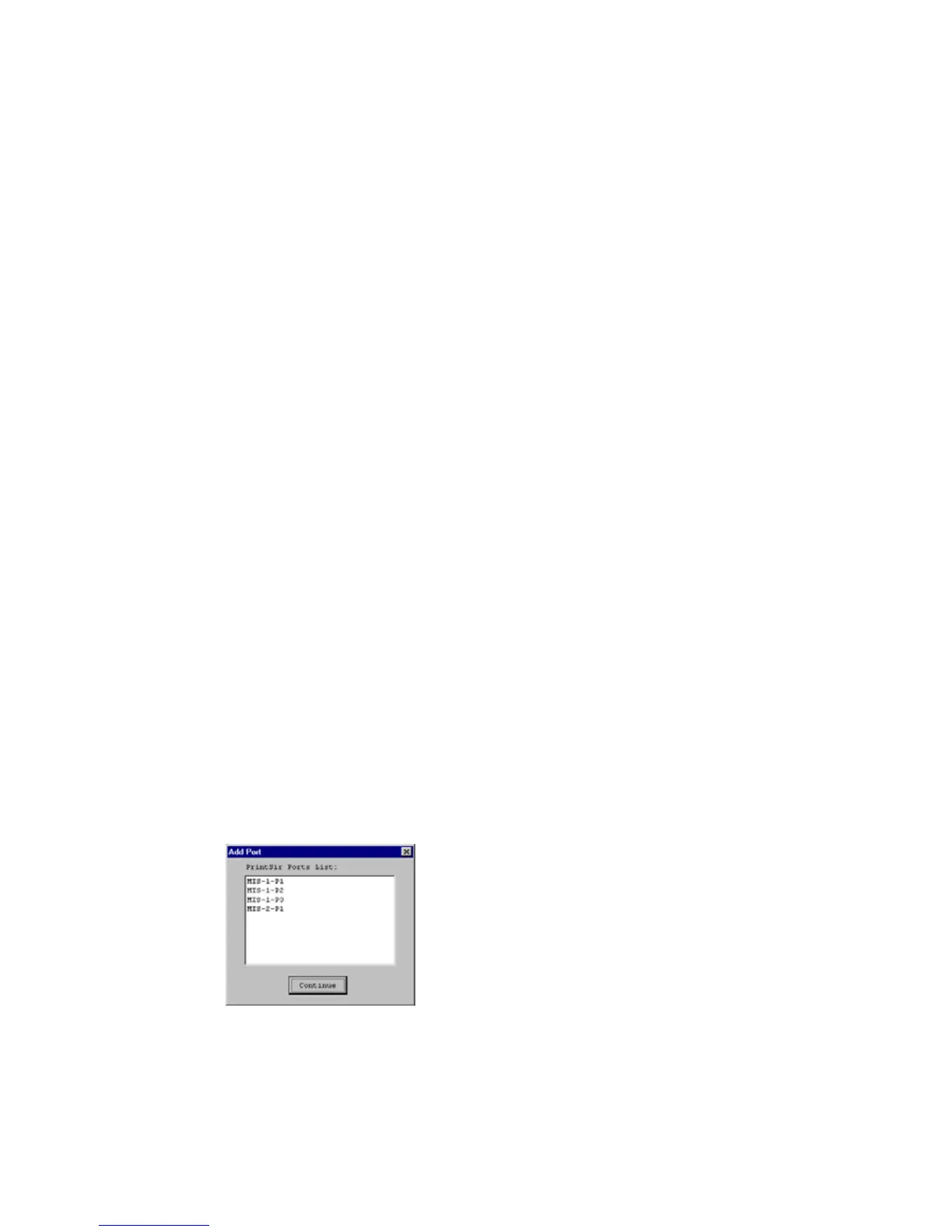
Network Ports Quick Setup Utility offers a very
simple method to add or remove print server’s printer
port from the client’s computer.
During the client’s installation procedure, the
system will automatically search for all print servers on
the network,















 To Next Page