4.2 Windows NT/2000 Server Installation
and Setup
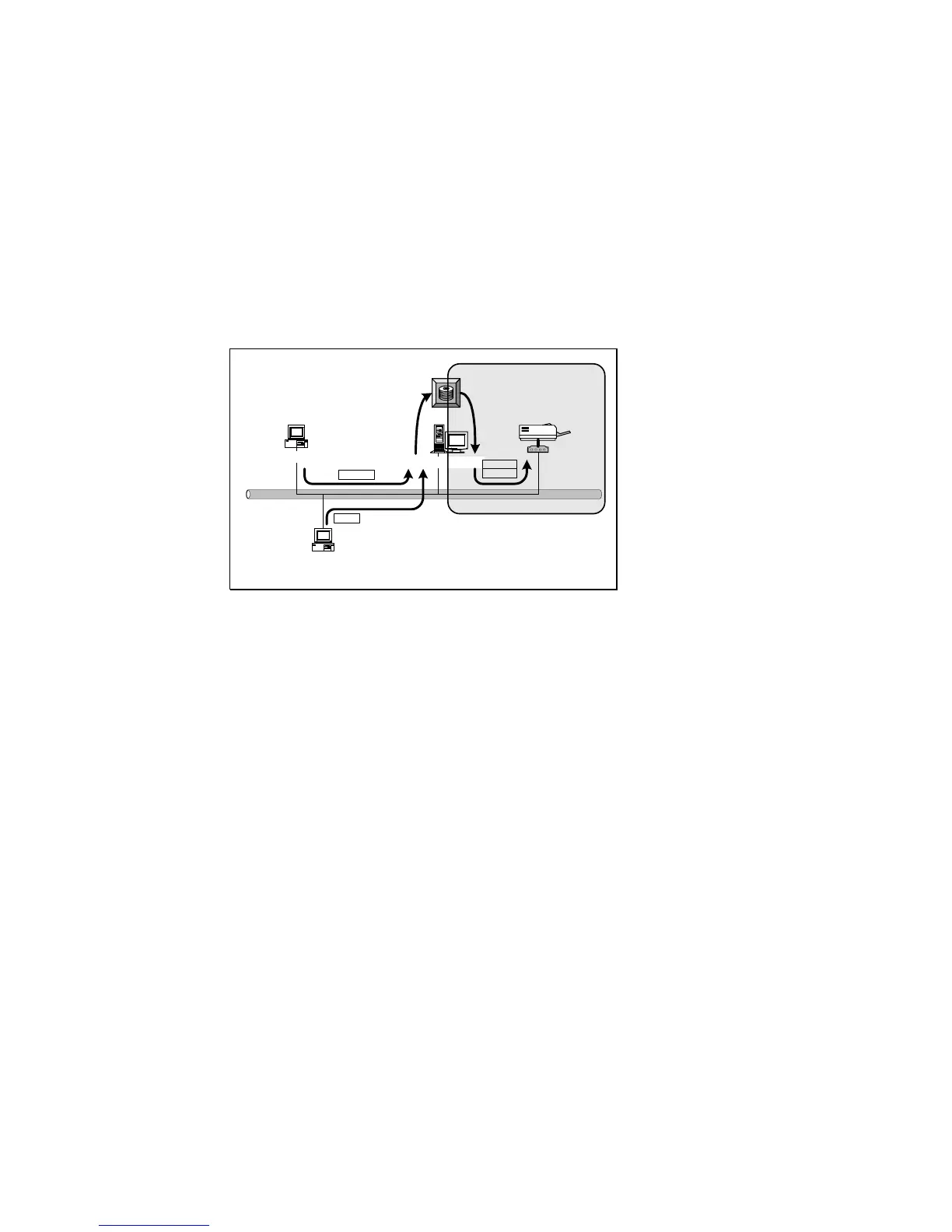
Please follow the procedures described below for
installation and construct a peer-to-peer connection (PTPP)
between Windows NT/2000 Server and Print Server.
Windows NT Server
Windows 98
Windows 2000
* TCP/IP
* IPX
* NetBEUI
TCP/IP
IPX
TCP/IP
PTPP
Print
Queue
Step1.
If this is your first time installing print server, please
install the administrator software on Windows NT/2000
server first. Refer to section 3.2 for installation instructions.
If your network has already installed a working print
server and your Windows NT/2000 server has not yet
installed the PTPP driver, please install the client software.
Refer to section 3.4 and 3.5 for installation instructions.
Step2.
Please add/configure the Peer-to-Peer Printing of the
Windows NT/2000 network printer and verify that you can
print from Windows NT/2000 to the print server by the
installed PTPP driver.















 To Next Page