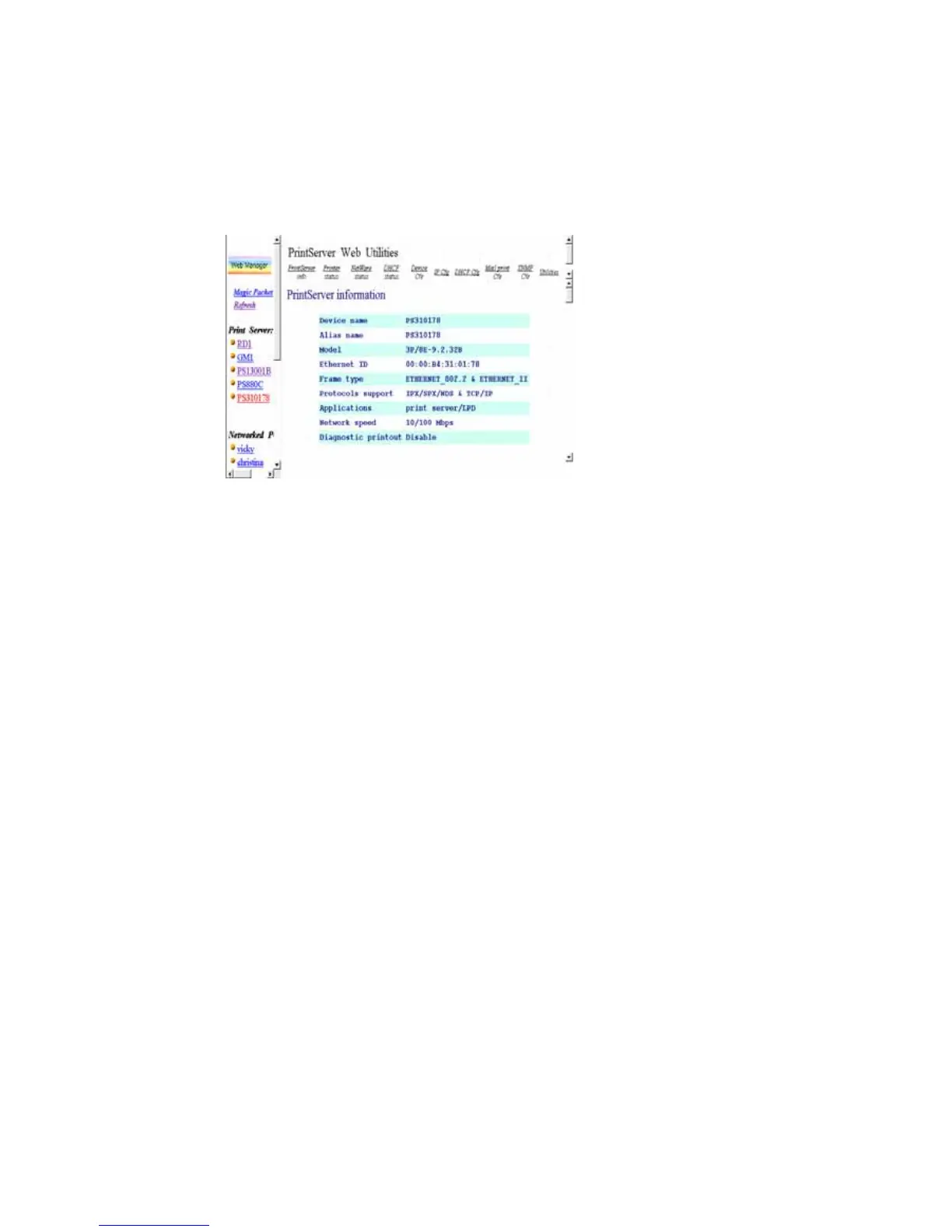
After searching is completed, the screen will be switched
to the following:
The Window will be split into two parts:
Print Server List on the left portion, which lists
all print servers found on the same network.
Web Pages for the selected print server on the
right portion, which displays the configuration
information for the print server.
In the left frame, click on the print server that you want
to manage and configure, then the print server’s Web
configuration screen will be displayed in the right frame.
Instead of executing
Web Manager Utility
, you may also
directly enter print server’s IP address into the address field
of any browser to display its Web management screen. The
only difference is that the list in the left frame will not be
displayed.















 To Next Page