its Windows to your printer. The “Email Printing Driver” is
implemented as a freeware that can be shared with every one.
Please note that the “Email Printing Driver” is designed for
Windows only, it can’t be run on any other operating systems.
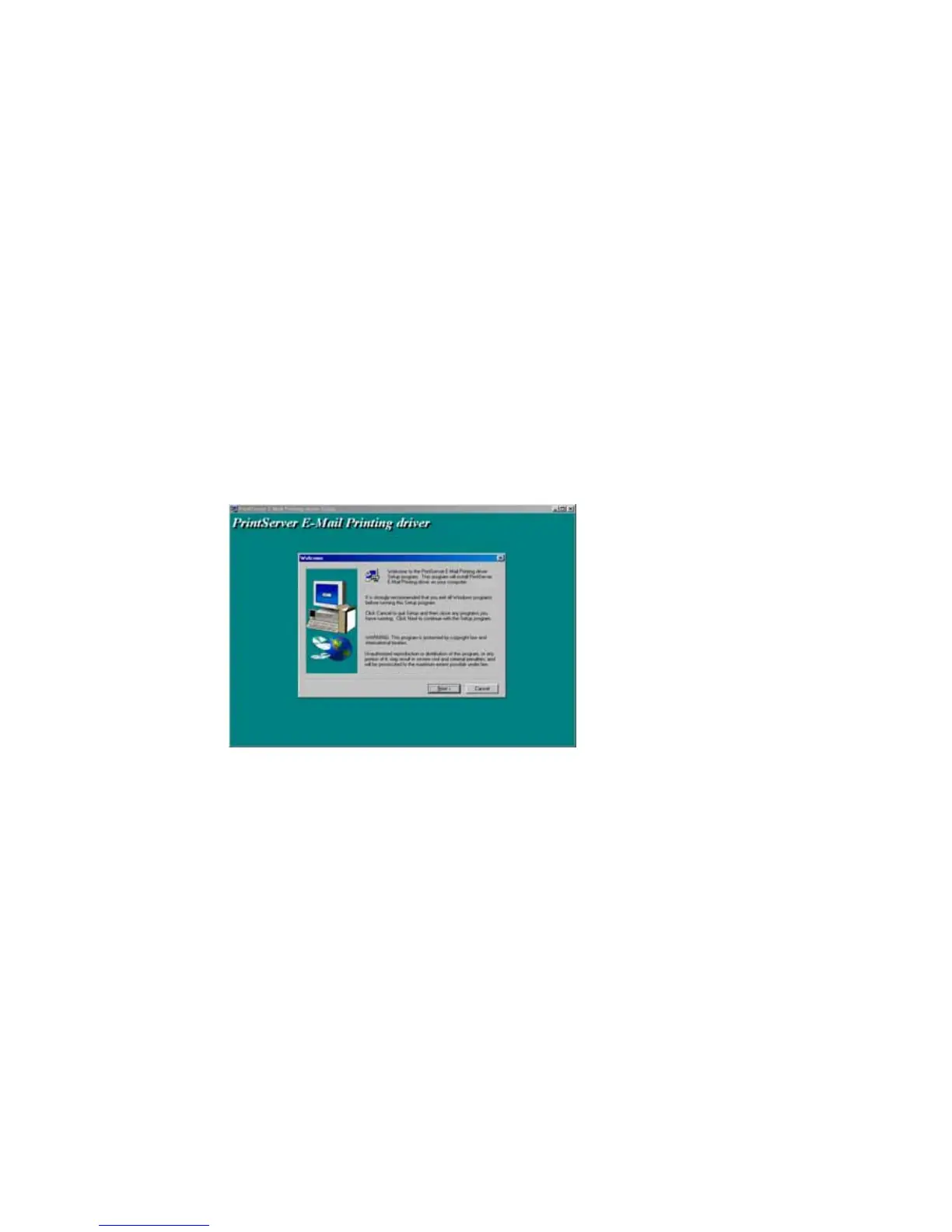
The installation procedure is as following,
1. Insert the CD shipped along with the print server
into your CD-ROM drive. Change the directory to “\Email
Printing\English\”
2. Execute “setup.exe” program
3. Click “Next” and choose a installation path or use
the default,















 To Next Page