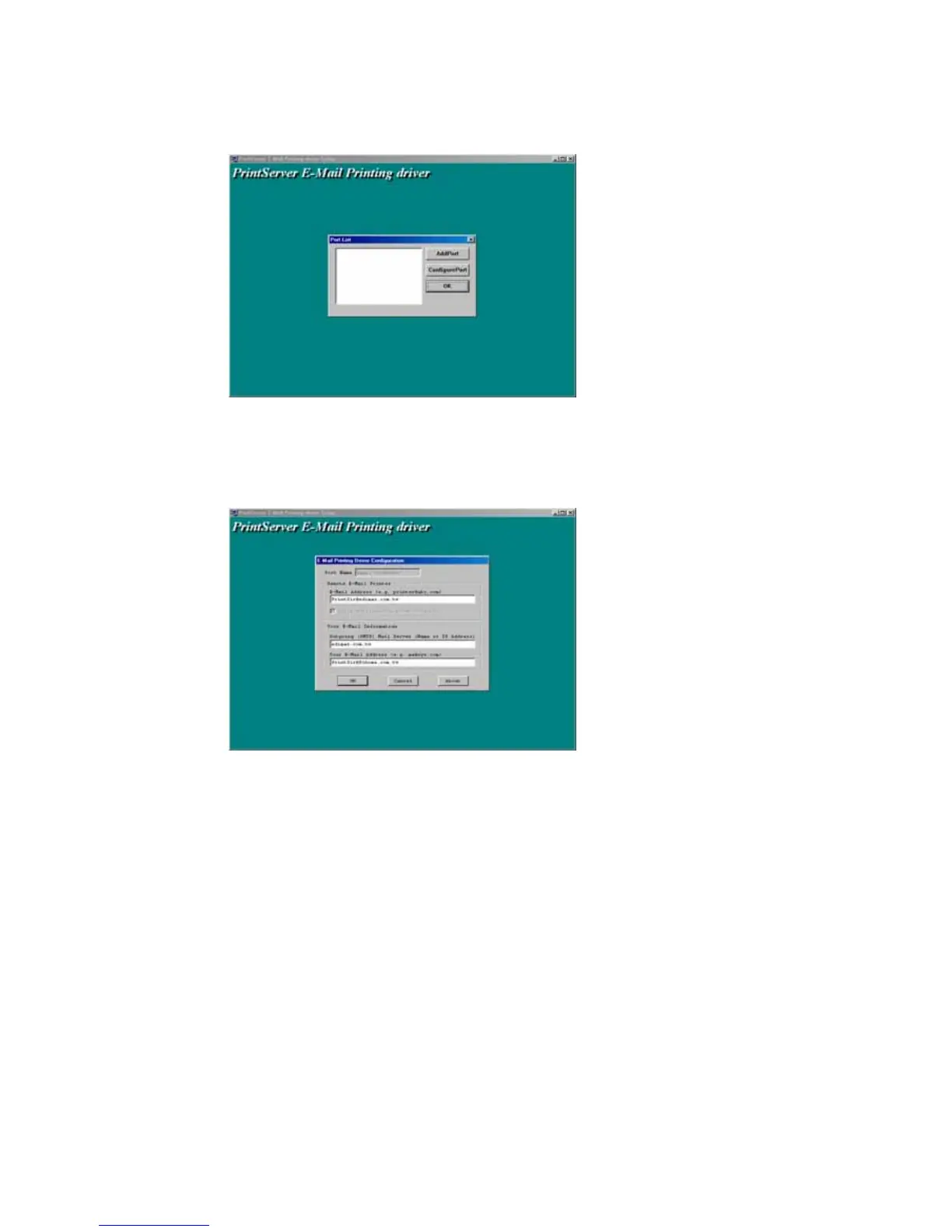
6. Click the “AddPort” Button, and you can see the
following dialog box,
7. Please input the proper value in the fields described
as following,
Port Name: The Printer Port Name for Email Printing. It
will be used when you execute the “Add Printer”
E-Mail Address: The email address serviced by the
print server.
Outgoing Mail Server: The mail server of your client
computer for sending the email.















 To Next Page