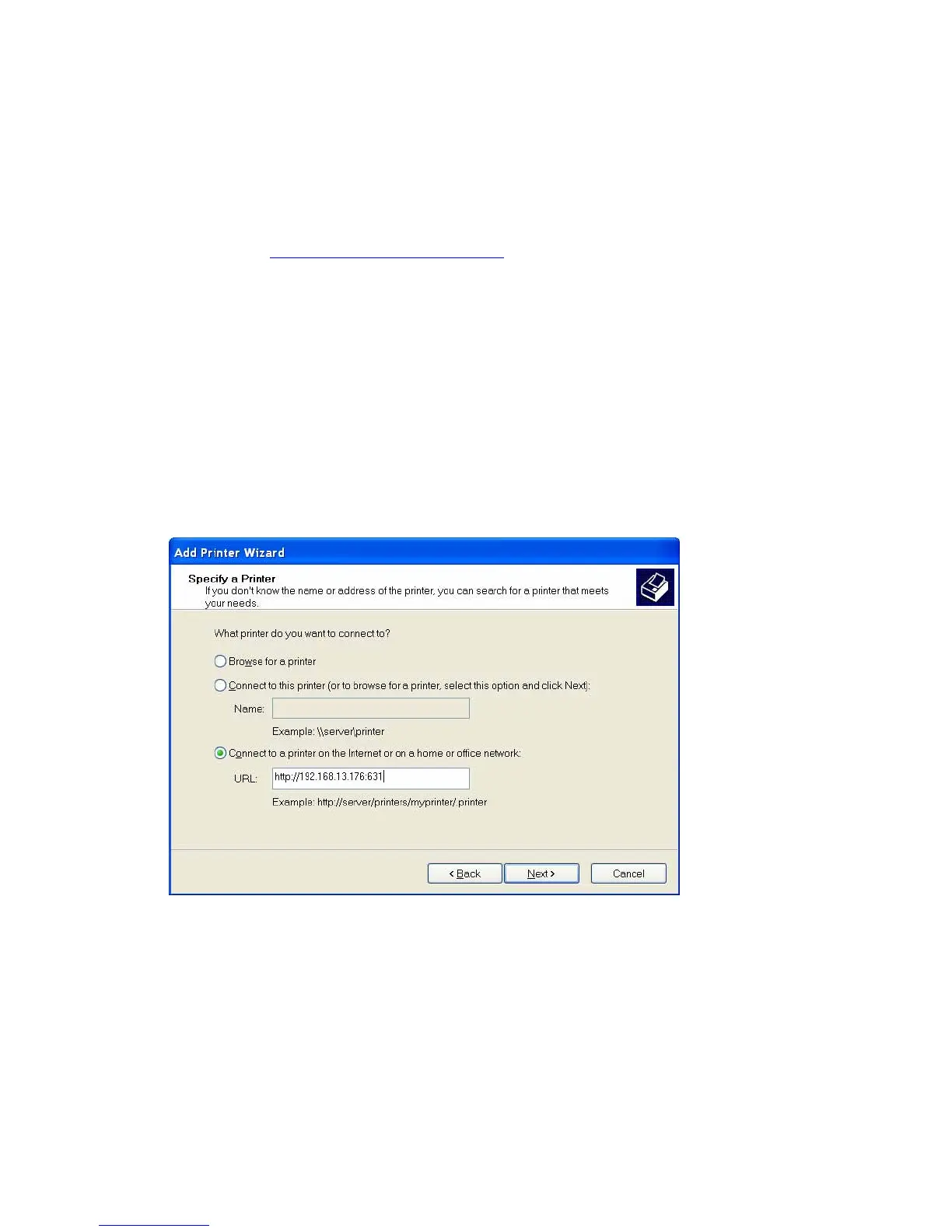
Select “Connect to a printer on the Internet or on
a home or office network” and enter the URL of print
server. The URL format is
“http://IP/LPT_PORT:631
”. The IP should be the
print server’s IP. LPT_PORT is the port name of
print server that your print is connected to. For the
one port print server, the port name is “lpt1”. For the
three port print server, the port name is one of the
three – lpt1, lpt2 or lpt3. The last number 631 is IPP
standard port number. One example of the URL is
“http://192.168.12.13/lpt1:631”. After entering the
URL of print server, click “Next >” and complete the
configurations afterwards to access the shared printer.















 To Previous Page