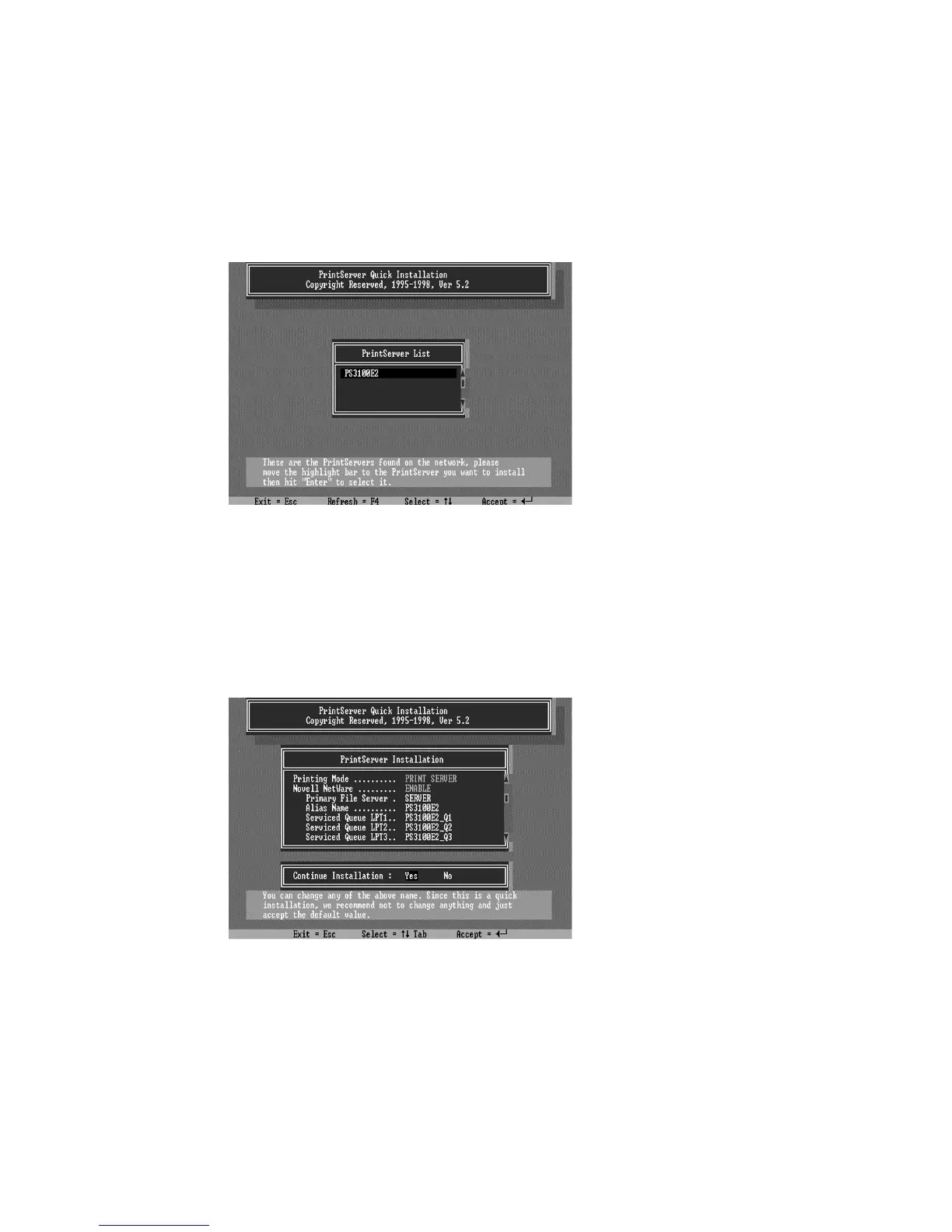
4. Choose your new print server from the displayed list
and press Enter. The name listed will be the same as the
Device Name printed on a label at the your print server.
5. A list of defaults will be displayed. If you need to
change any of these items, use the arrow keys to choose the
item you need to change, then press Enter to display a list of
choices. When all of the values are correct, select the
Continue Installation item and press Enter.
The Current Tree and Current Context settings cannot be
changed within the INSTALL program. If you need to
change the tree or context where the print server will be















 To Next Page