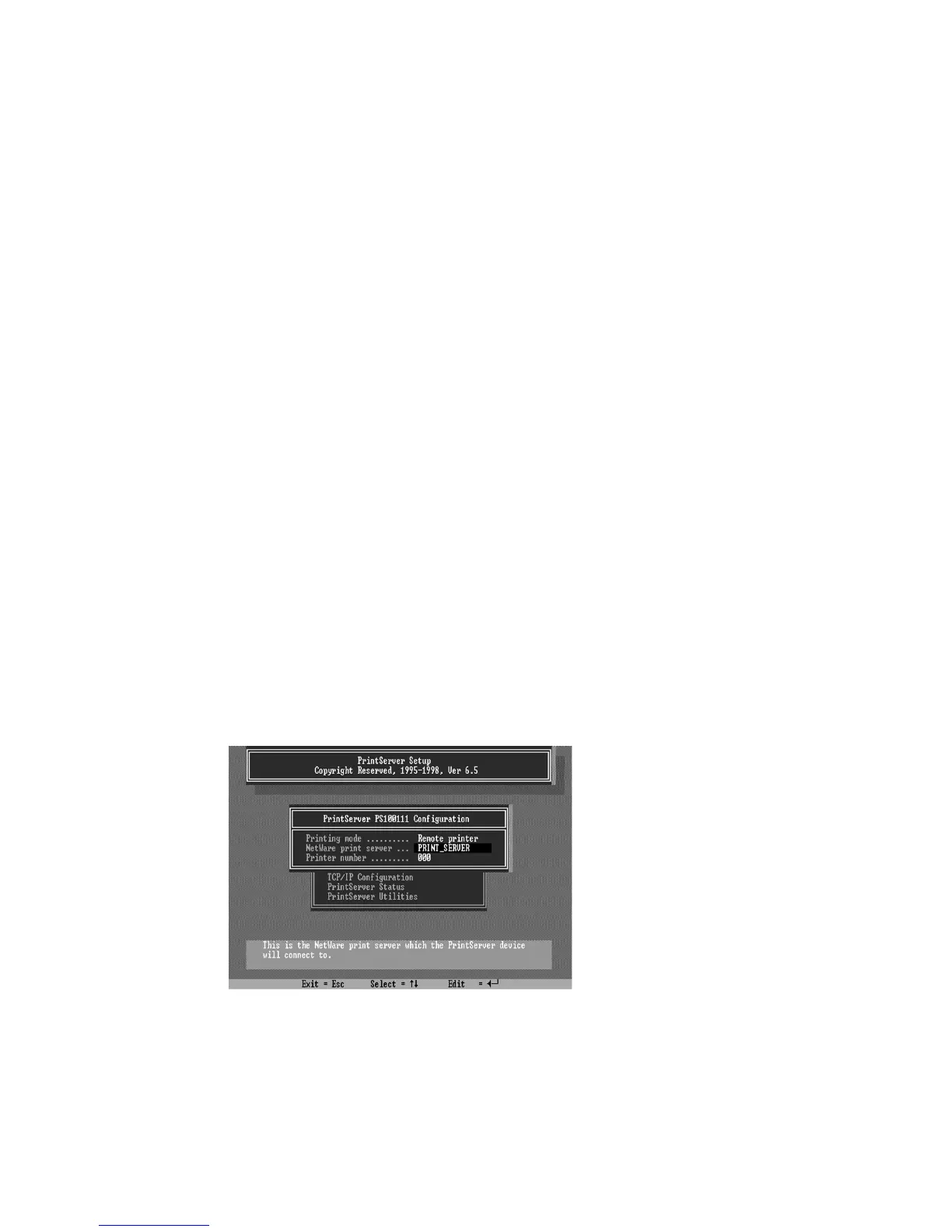
You must load NetWare print server on the NetWare file
server so that the print server configured as a remote printer
can connect to that print server and service the print jobs. To
load the NetWare print server, type
“LOAD PSERVER.NLM
PrintServer”
command at the system console of the NetWare
file server, where
PrintServer
is the print server name newly
created by the
PCONSOLE
program.
To configure the print server as a NetWare remote
printer, perform the following steps:
1. Log in to your NetWare server as ADMIN.
2. Run the
PSETUP
program included on the CD-ROM.
ex: e:\dosutil\psetup.exe
3. Select your new print server from the list provided.
4. Choose
NetWare Configuration
from the menu.
5. Select
Remote Printer
in the Printing mode field.















 To Next Page