10
WWW.EILERSEN.COM
– Reading totals
In the MAIN screen
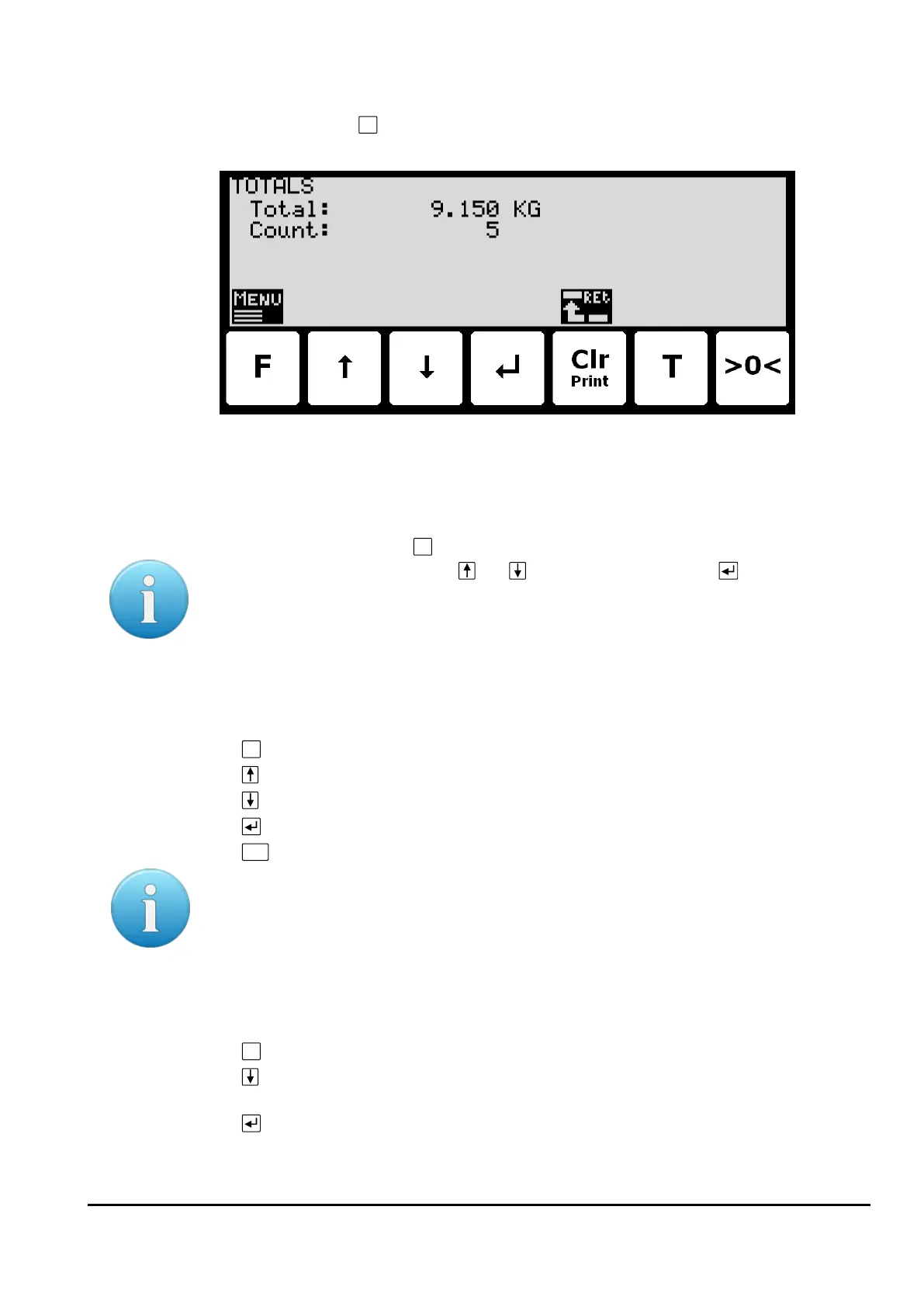
is pressed to select the TOTALS screen from the menu:
In this screen the totals are shown. Whenever a registration is performed the total weight is
updated with the registered amount and the total count is incremented.
Reset of totals
Totals are reset by pressing
to show the TOTALS menu, where the ”RESET TOTALS” item is
selected with the cursor using the and keys and then pressing the key.
Please notice: Reset of totals can NOT be undone.
– Operate the menu system
The installation and service of the system is operated by a series of menus and screens.
Please see below in section Appendix C – Screen overview, page 35, for an overview on all
screens. When using setup and maintenance screens these keys are used:
Select a menu depending on the actual screen.
Increase a value, select previous parameter or move cursor up in a menu.
Decrease a value, select next parameter or move cursor down in a menu.
Select entry or accept of a value, or select an action from a menu.
Return to previous screen. Exit menu without action.
Please notice: Parameters cannot be changed and actions not performed when the system is
powered on. Before such operations are possible the parameters must be unlocked as ex-
plain below in section - Unlock for parameter update, page 11.
– Set date and time
It is possible to set the date and/or time of the internal clock by use of the SETUP menu. To
set date and/or time from the SETUP screen perform the following:
Press once to select the SETUP menu.
Press several times to select the “SET DATE” or “SET TIME” entry from the SET-
UP menu.
Press once to start entry of the selected parameter (date or time).



 To Next Page