EasyManua.ls Logo

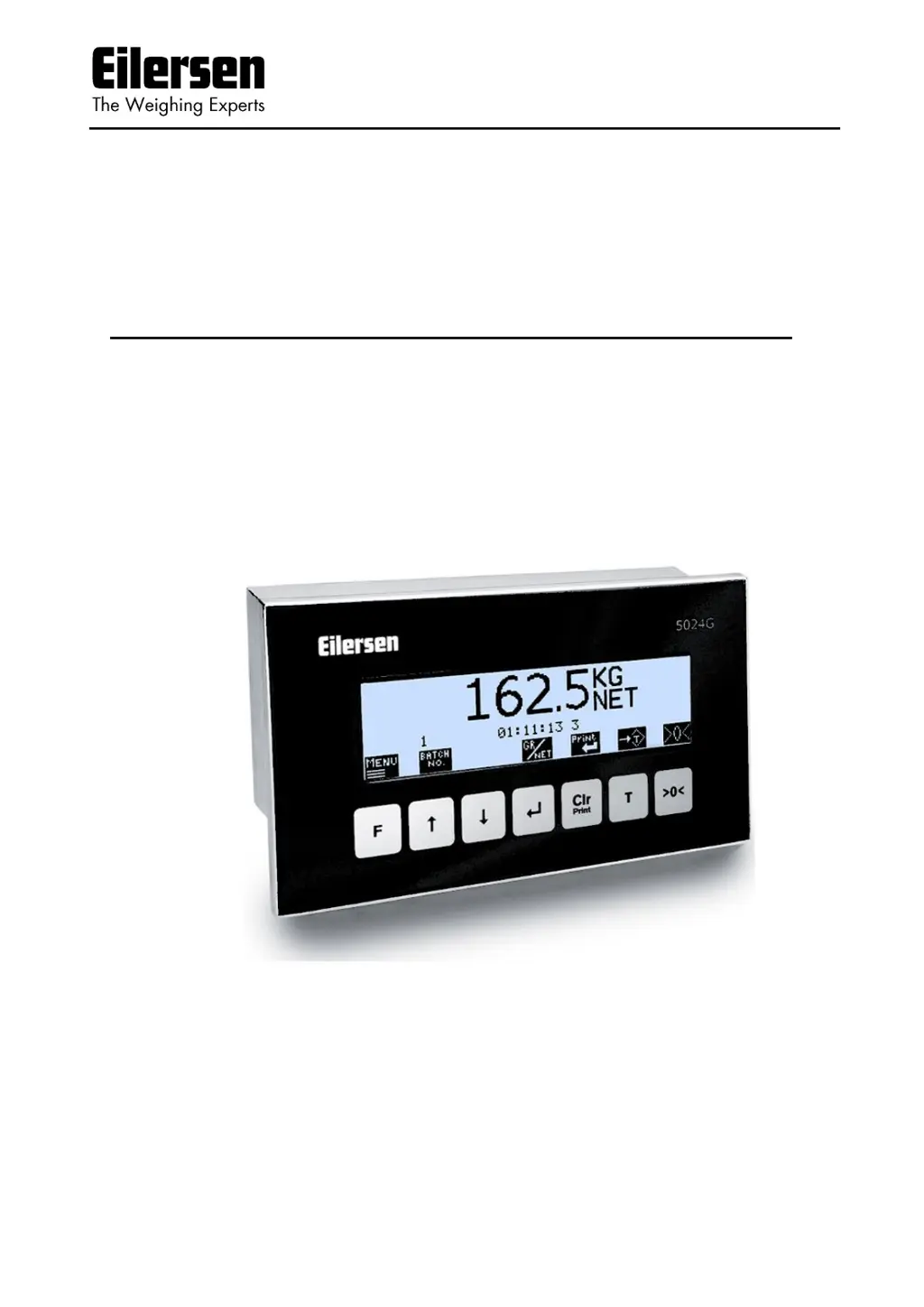
Eilersen 5024G - User Manual

Default Icon
39 pages
Print Icon
To Next Page IconTo Next Page
Loading...
Software: StdLim.140630.5v7
Doc. no.: StdLim-140630-5v7-UG-eng
Date: 2020-09-08
Rev.: 5v7
Contact:
Eilersen Electric A/S
Kokkedal Industripark 4
DK-2980 Kokkedal
Denmark
www.eilersen.com
info@eilersen.com
Tel: +45 49 180 100
Fax: +45 49 180 200
5024G User’s guide StdLim
5024G LCD weighing terminal
Basic scale with automatic dosing

Table of Contents

Other manuals for Eilersen 5024G

Questions and Answers

Summary

Installation

Perform basic operations

Details on the steps needed to install the system are explained below.

Weight reading

Status indications

Keys;actions

Perform automatic dosing

Change setpoints for automatic dosing

Setting Coarse and Fine limits

Specifies COARSE and FINE setpoints to control dosing speed and desired amount.

Start;Stop of dosing

How to start or stop dosing using the keyboard or digital START input.

Change dosing parameters

Change registration period

Setting the time from dosing finish to automatic registration in milliseconds.

Change afterflow status

Enabling or disabling afterflow correction (OFF, ON, AUTO).

Change afterflow correction

Adjusting the actual afterflow correction parameter for dosing completion.

Reading totals

Reset of totals

Operate the menu system

Set date and time

How to set the internal clock's date and time via the SETUP menu.

Unlock the keyboard

Unlock for parameter update

Enter values

Entry using selection list

How to select parameter values from a pull-down menu.

Entry of numbers

How to enter numerical values using a data entry screen.

Check the software version

Activate Intelligent Setup

Set up the load cell configuration

Load cell communication protocol type

Number of load cells

Number of supports

Detect the load cell configuration

Configure the weighing ranges

Perform coarse taring

Configure display, filtering and stability requirement

Interval

Setting the display update interval in milliseconds for steady readings.

Filters

Applying filters to sampling and display weight readings.

Steady;stability detection

Defining when weight is considered stable within entered limits.

Perform load check

Perform corner calibration

Corner calibration procedure

Corner calibration factor

Changing or specifying corner calibration factors manually or via calibration.

Reset corner calibration factors

Procedure to reset corner calibration factors to default values.

Corner calibration procedure details

Perform system calibration

Calibration factor

Changing or specifying the system calibration factor.

Calibration load

Specifying the mass of the load used for calibration.

Perform calibration

Perform linearization

Load points

Up;Down corrections

Hysteresis limit

Reset linearization

Configure Ethernet settings

Address settings

How to set IP, subnet, and MAC addresses via EEConnect or the terminal.

Configure Ethernet TCP communication

Enable TCP protocol

Enabling the TCP protocol in the ETHERNET PROTOCOLS screen.

Select TCP port

Setting the used TCP port number for communication.

Select data output

Check Ethernet communication status

Check load cell serial no., exponent and capacity

Check individual load cell signals

Check load cell diagnostics

Trouble shooting

Error situations

Lists common error messages and their possible explanations and solutions.

Error code display (in NORMAL screen)

Error solving (in STATUS screen)

Appendix A - Installation checklist

Appendix B - Electrical connections

Power Connection

How to connect the 24VDC power supply to the terminal.

Load cell connection

Digital I;O connector

RS485 communication

Analog output connector

Ethernet connector

Jumper settings

Light Emitting Diodes (LEDs)

Appendix C - Screen overview

Appendix D - Filters

Sampling filter

How sampling frequency and filter frequency depend on load cell communication.

Load cell protocol type

Display and steady filters

Appendix E - Setting of MAC Address

Appendix F - Software download

Appendix G - Advanced features

Revision History

Contact

Eilersen 5024G Specifications

General IconGeneral
CategoryAccessories
TypeLoad Cell
Output Sensitivity2 mV/V
MaterialStainless Steel
Protection ClassIP68