23
WWW.EILERSEN.COM
Perform calibration
It is possible to calibrate the system by performing the following calibration procedure:
• Ensure the weighing scale is has been coarse tared.
• Ensure the weighing scale is empty and clean.
Press once to zero the gross reading of the empty weighing scale.
Press repeatedly until “LOAD” parameter is selected with the cursor.
Press once to start entry of the actual calibration load if necessary.
• Place the load on the weighing arrangement. The gross weight of the load displayed
to the far right in the LOAD line will now be inside +/- 10% of the correct reading. If
this isn’t the case the mechanical and electrical installation must be checked. Fur-
thermore all weighing range parameters must be checked again.
Press once to select the CALIBRATE menu.
Press once to select the “PERFORM CALIBRATION” entry from the CALIBRATE
menu.
Press once to perform the calibration.
• The gross weight shown in the display will now match the used calibration load and
the calibration factor will have been updated correspondingly.
Please notice: The accuracy of the calibration is highly dependent on the accuracy and size of
the calibration load. Please select a load with a mass not less than the maximum weight
normally applied to the system.
– Perform linearization
Please notice: Linearization is normally not used, and should only be used in weighing sys-
tems where system mechanics shows non ideal behavior.
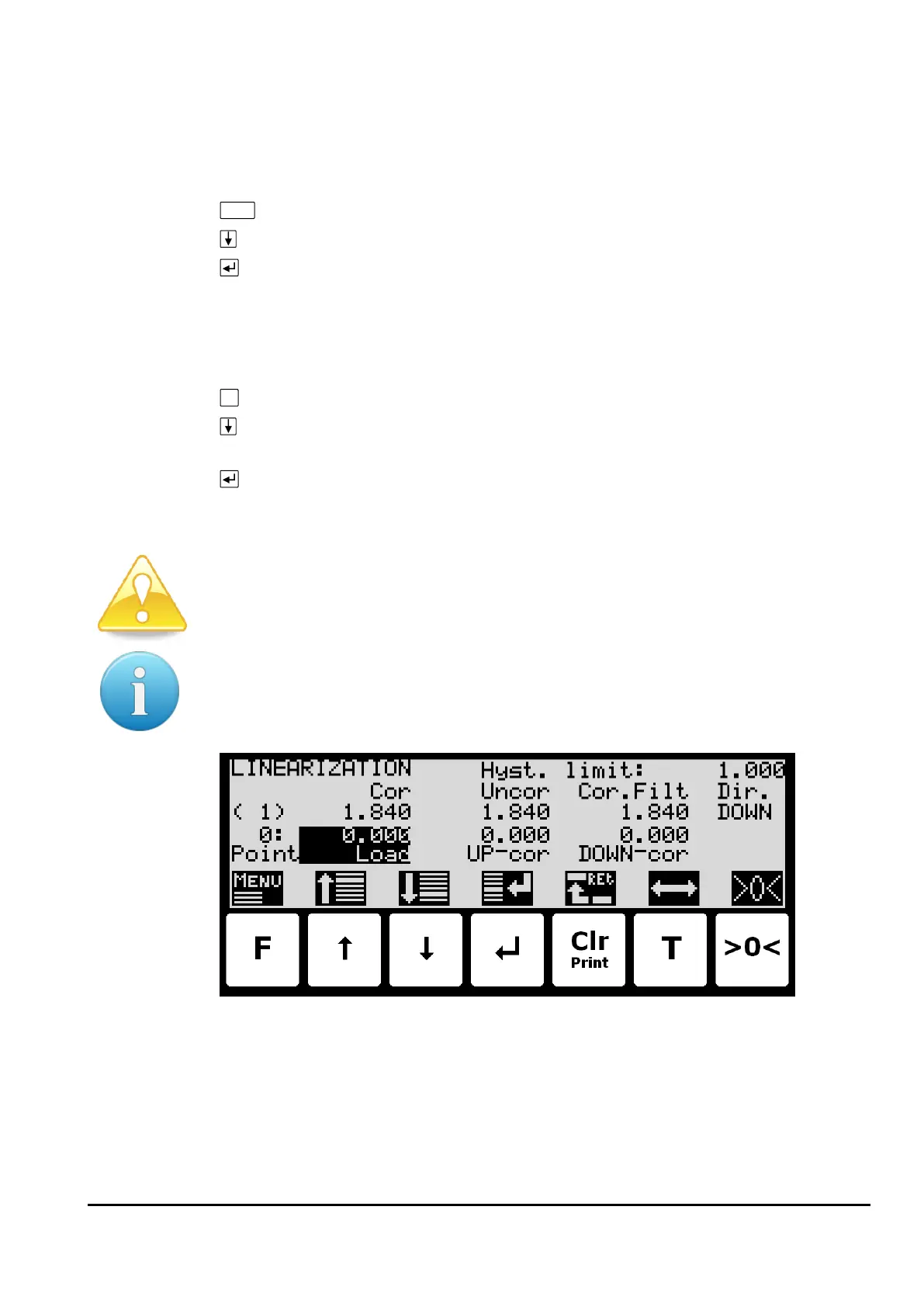
If decided to do so the relevant parameters can be entered in the LINEARIZATION screen.



 To Next Page