15
WWW.EILERSEN.COM
– Activate Intelligent Setup
With reference to installation of the weighing system, the weighing terminal has a build-in in-
telligent setup feature, that automatically comes with suggestions to configuration of the
weighing technical parameters. If this feature is to be used, it can be activated/started by
performing the following:
• From the NORMAL screen press
to activate the menu system, and select SERVICE
MODE menu item to enter the SETUP screen.
• From the SETUP screen press
to activate the menu system, and select SYSTEM
menu item to enter the SETUP SYSTEM screen.
• Unlock the parameters for change by entering the password as described earlier.
• Press
to activate the menu system, and select INTELLIGENT SETUP menu item to
enter the INTELLIGENT SETUP screen.
• NOTE: Refer to the separate ’Intelligent Setup’ manual for further information re-
garding this feature.
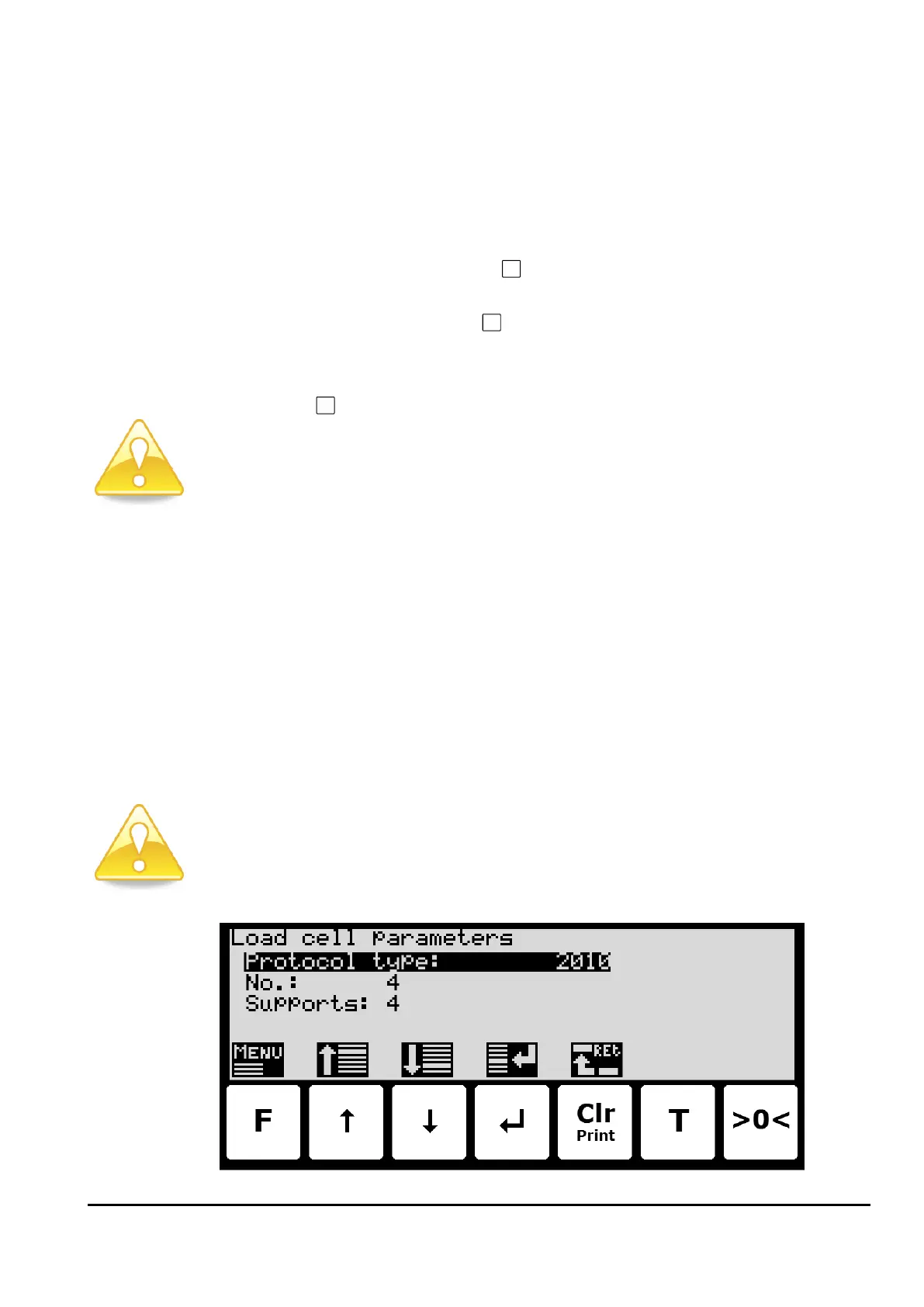
– Set up the load cell configuration
To set up the load cell communication protocol type, number of load cells and supports
please follow these steps:
• From the NORMAL screen select the SERVICE MODE menu item to reach the SETUP
screen.
• From the SETUP screen select the WEIGHING menu item to reach the SETUP WEIGH-
ING screen.
• From the SETUP WEIGHING screen select the LOAD CELLS menu item to reach the
Load cell parameters screen.
• Enter the correct values for load cell communication protocol type, number of load
cells and supports, or detect this automatically from the menu.
• Please notice: The terminal must be power-cycled and the load cells must be con-
nected before changes take effect!



 To Next Page