18
WWW.EILERSEN.COM
– Configure display, filtering and stability requirement
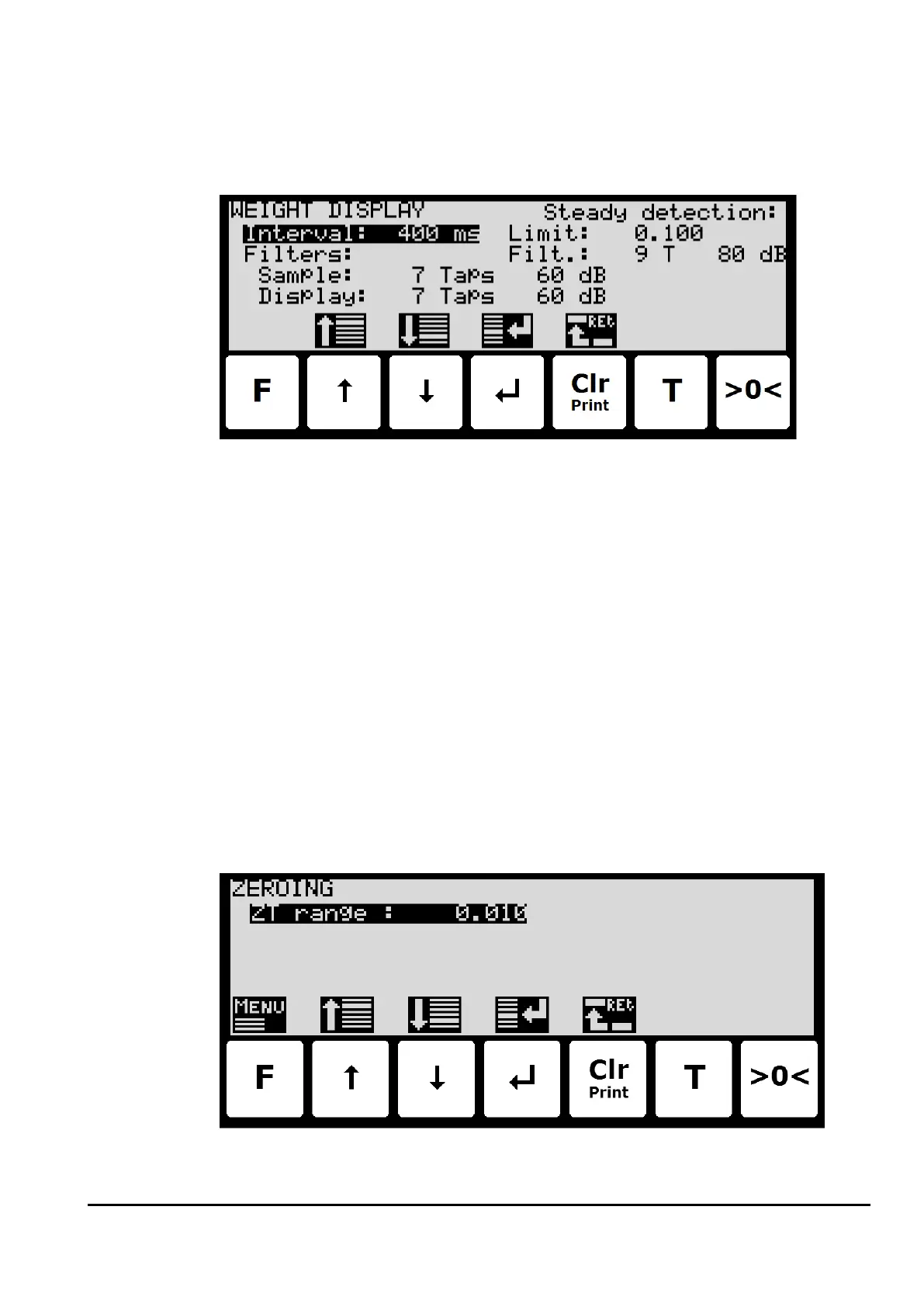
To configure display update rate, filtering and stability requirement, select the WEIGHT DIS-
PLAY screen:
Interval
The interval between each update of the weight indication is entered in milliseconds (ms). A
small value results in fast update of the display reading, while a larger value results in a more
steady display reading. A good starting/default value is 400 ms.
Filters
Two types of filters can be applied: A filter on each sampling from the load cell and/or a filter
on each display weight reading update. The sampling frequency depends on the load cell
communication formats and number of load cells and the weight display reading update rate,
as described below in section Appendix D – Filters, page 35.
Steady/stability detection
The weight is considered stable when the readings are within the limit entered here. The
weight ready used for steady detection is filtered with the filter entered here. The steady de-
tection filter works like the display filter.
– Configure zero tracking
To configure the zero tracking range, select the ZEROING screen:



 To Next Page