14
WWW.EILERSEN.COM
Example - Changing minimum weight from -1.000 to -0.090:
A similar screen to the screen shown above appears once change of minimum weight is re-
quested from the SETUP WEIGHING screen by moving the cursor using and so the
“Minimum” weight parameter is selected and then pressing .
In order to change the “Minimum” weight parameter to -0.090 perform these steps:
Press once until ”- . 9” is shown in the display.
Press once until ”- . 90” is shown in the display.
Press to accept ”- 0.090” as the new desired value.
– Check the software version
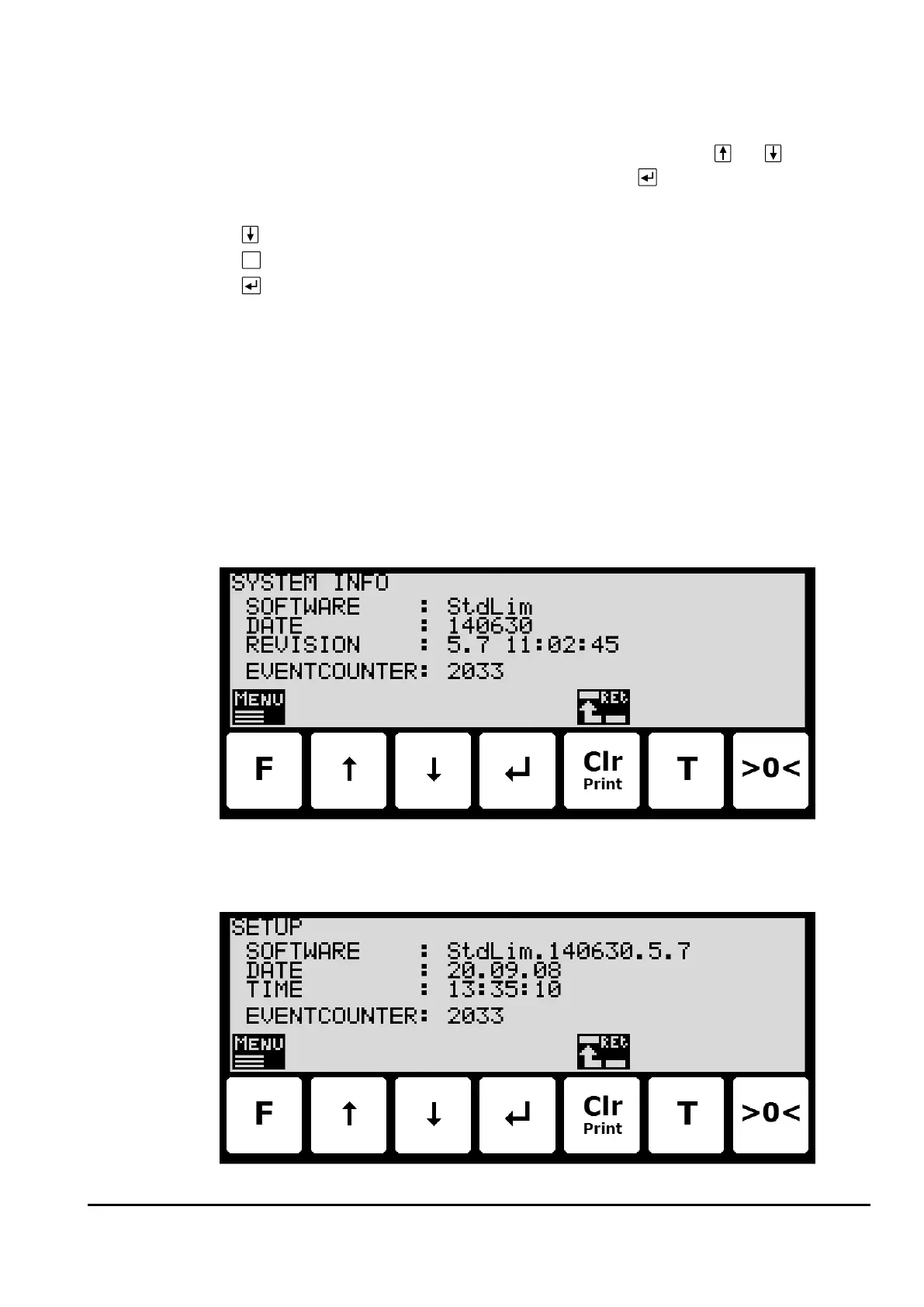
The software version can be checked during the power-on sequence or in the SYSTEM INFO
or SETUP screen. When power is applied to the system, the following will happen:
• The display will show the logo for 5 seconds.
• The display will show the software version (software name, date and revision).
• The weighing terminal is ready and enters the NORMAL screen.
Select the SYSTEM INFO screen to read the software version (software name, date and revi-
sion):
The SETUP screen also shows the software version (software name, date and revision):



 To Next Page