26
WWW.EILERSEN.COM
Select data output
Once the TCP protocol has been enabled, it can be selected when data are to be transmitted.
This can also be done in the ETHERNET PROTOCOLS screen shown above. It is possible to se-
lect None, Registration or Display.
Please notice: In this application either None, Registration or Display should be selected.
With Registration or Display selected the data shown below is transmitted as an ASCII string
on the TCP connection every time a registration is made or the display reading is updated.
This is only done if a client is connected to the weight terminal TCP server. Only 1 TCP con-
nection can be opened.
GGG.GGG,NNN.NNN<CR><LF>
GGG.GGG Gross weight with decimal point position and resolution as in display reading.
NNN.NNN Net weight with decimal point position and resolution as in display reading.
<CR><LF> Carriage return and linefeed characters.
Error codes are transmitted like display reading. The length of the gross and net fields may
vary due to sign, decimal point, error codes etc.
– Check Ethernet communication status
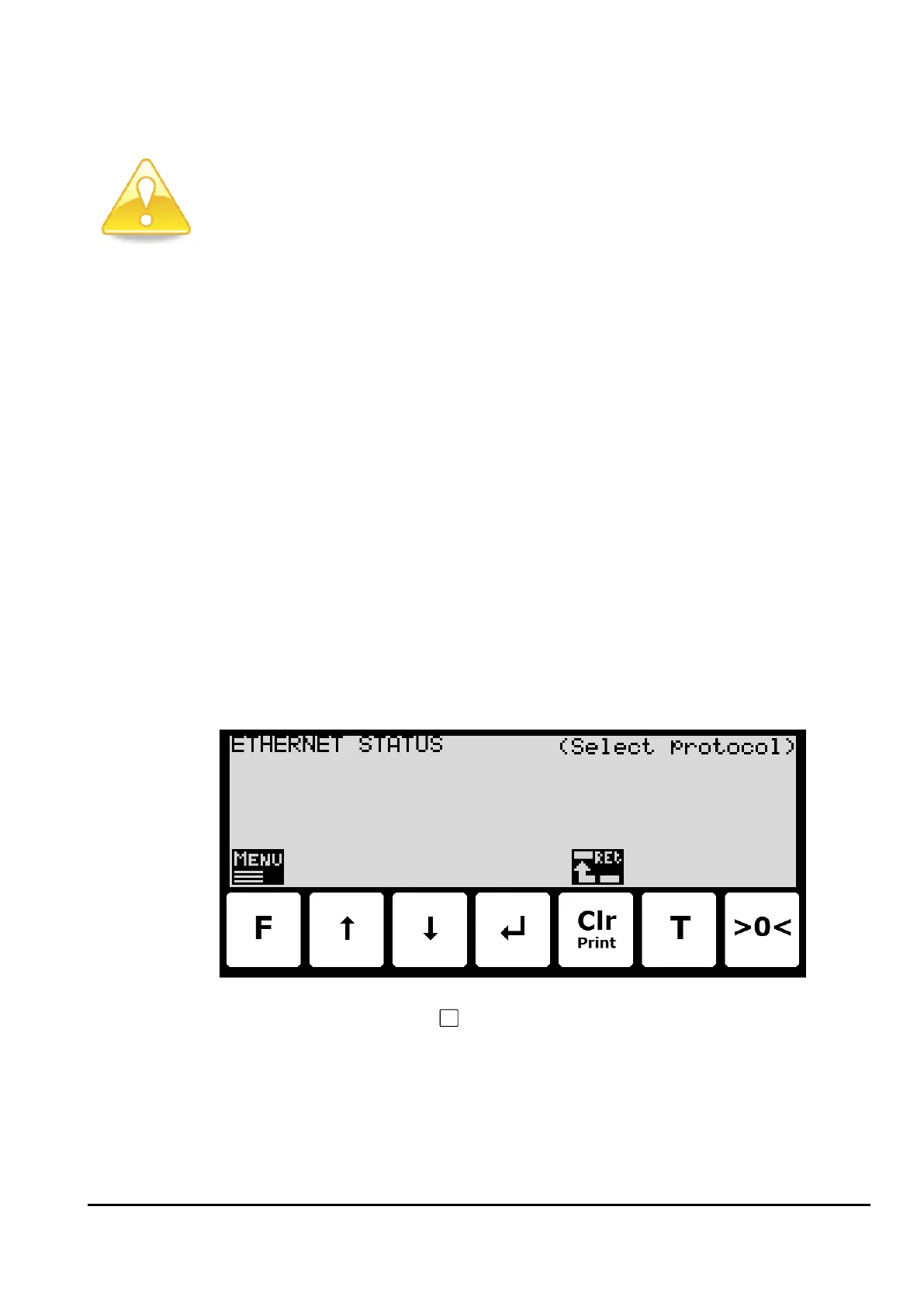
In the ETHERNET STATUS screen, the status of a selected Ethernet communication protocol
can be read:
By use of the screen menu (the
key) the active Ethernet protocol, whose status is to be
read, is selected. For an Ethernet protocol to be selected, it must be active. This means, that
the protocol itself must be enabled in the ETHERNET PROTOCOLS screen (which again also
may require, that the corresponding communication option must be enabled).



 To Next Page