25
WWW.EILERSEN.COM
– Configure Ethernet settings
Address settings
Ip addresses, subnet masks etc. are normally set from a PC with the EEConnect software.
Please refer to the EEConnect documentation for further details.
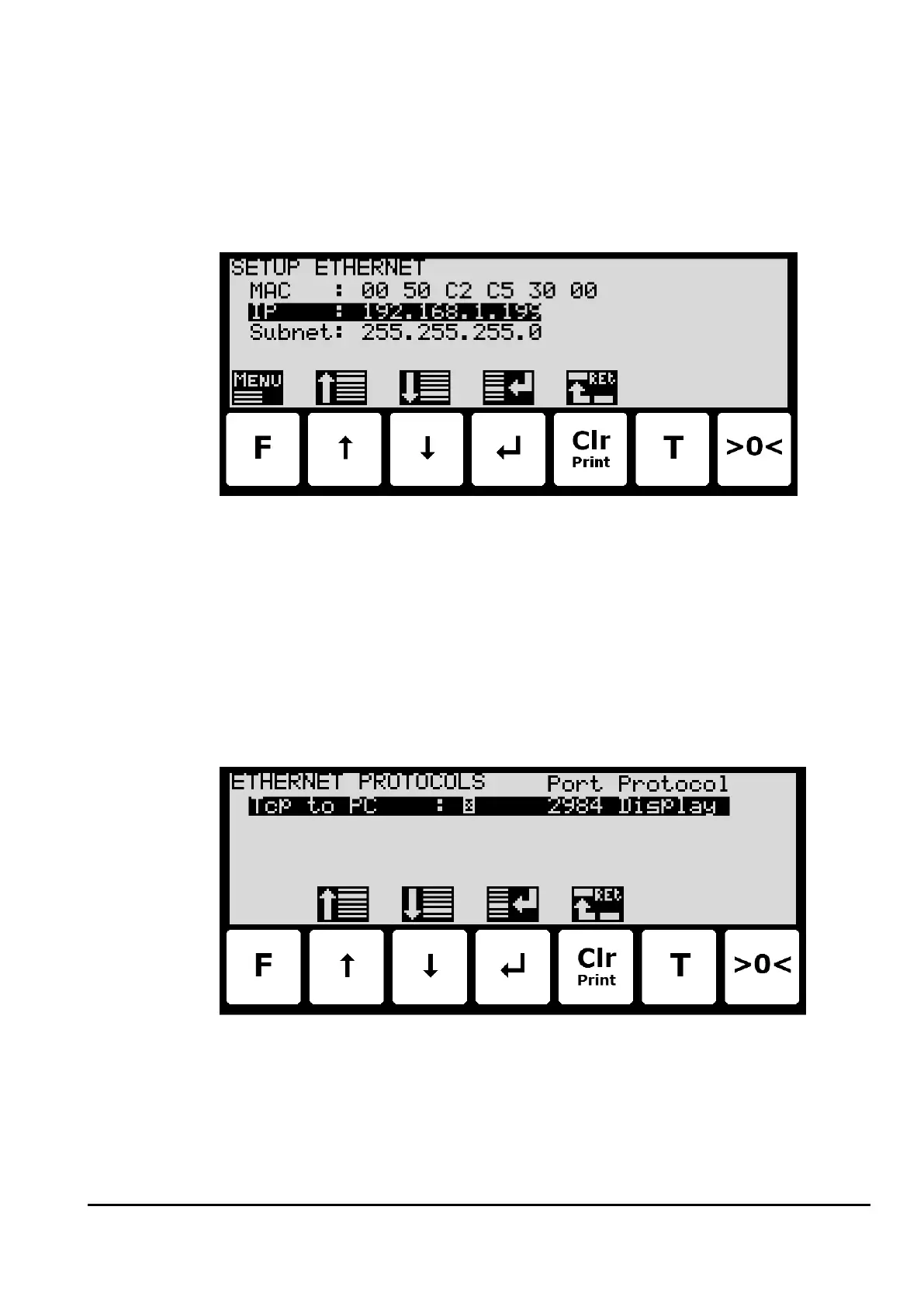
If the terminal is unreachable e.g. due to network topology, the Ethernet settings can be en-
tered in the SETUP ETHERNET screen:
– Configure Ethernet TCP communication
The terminal can perform Ethernet communication on its RJ45/Cat5 Ethernet connector (J7)
using a TCP protocol and using the Ethernet settings previously configured. The weighing
terminal acts as a TCP server. For this to work the following must be performed:
Enable TCP protocol
The TCP protocol must be enabled. This can be done in the ETHERNET PROTOCOLS screen
shown below:
Select TCP port
Once the TCP protocol has been enabled, the used TCP port number must be set. This can al-
so be done in the ETHERNET PROTOCOLS screen shown above.



 To Next Page