11
WWW.EILERSEN.COM
- Unlock the keyboard
The terminal is equipped with a keyboard lock feature, which can be enabled or disabled us-
ing the Keyboard unlock length parameter in the SYSTEM screen as described below. If the
keyboard lock is disabled, then the keyboard functions will always be active. If the keyboard
lock is enabled, and the terminal is in the NORMAL screen without any key activation for 10
minutes (or directly after power-on), the keyboard will automatically lock. When the key-
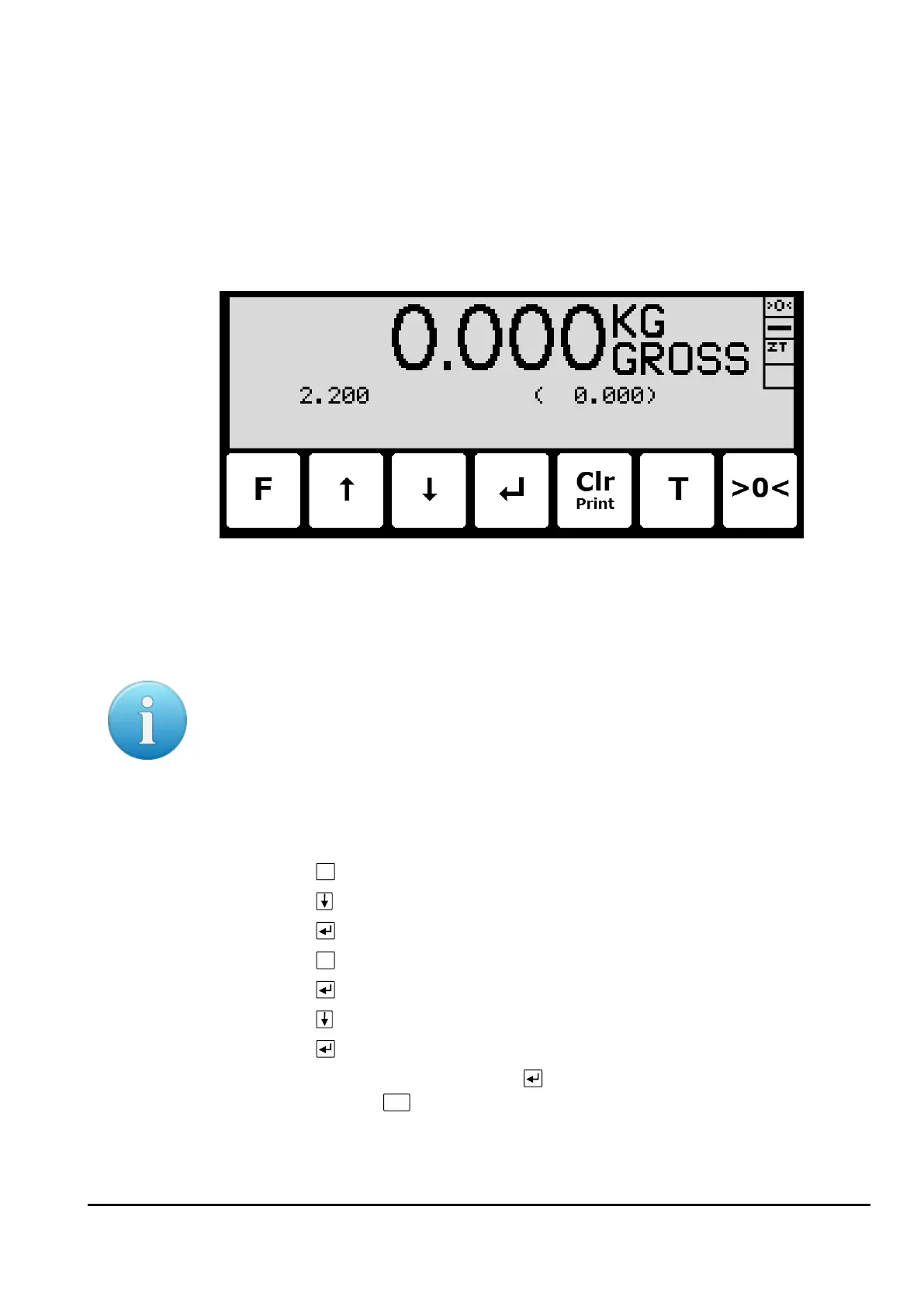
board is locked, the NORMAL screen will appear as follows without any icons above the keys:
To unlock the keyboard:
• Press any key to start the keyboard unlock sequence.
• Press the indicated keys one at a time until the required sequence (specified by the
Keyboard unlock length parameter) is completed without error.
Please notice: This feature is disabled by setting the Keyboard unlock length parameter in
the SYSTEM screen to 0. Any other value specifies the length of the key sequence that must
be pressed correctly to unlock a locked keyboard.
- Unlock for parameter update
Parameters cannot be changed and actions not performed when the system is powered on.
Before such operations are possible the parameters must be unlocked:
• Press
to invoke the menu system.
• Press to highlight the SERVICE MODE menu item.
• Press to select the SETUP screen.
• Press
to invoke the menu where the SYSTEM menu item is highlighted.
• Press to select the SYSTEM screen.
• Press to highlight the Parameters entry.
• Press to select the ENTER UNLOCK PARAM parameter entry.
• Enter the password 1357 and press . Parameters are now unlocked and can be
changed. Press
once to return to the SETUP screen or twice to return to the
NORMAL screen. Please see below in section – Enter values, page 12, for details on
how to enter values (like the password).



 To Next Page