29
Taking test readings
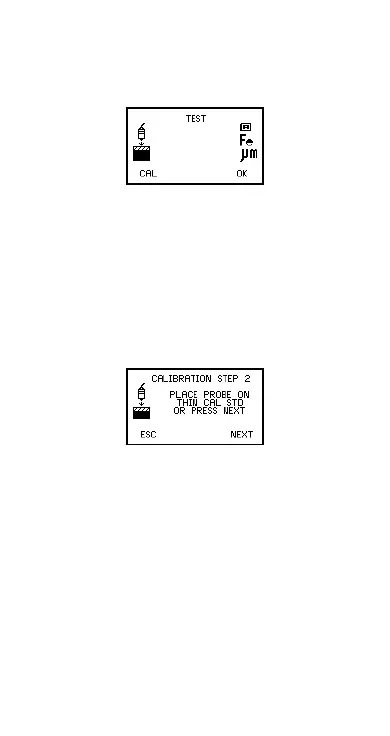
Press YES softkey (see previous section) to take test
readings. This allows the calibration of the gauge to be
tested without contributing to the statistical calculations.
Figure 27. TEST READINGS screen
CAL softkey returns the gauge to Step 1 of the
calibration adjustment procedure.
OK softkey completes the calibration adjustment
procedure and returns the gauge to the reading screen.
Other calibration methods
For the 2-POINT, ROUGH and SPECIAL SUBSTRATE
calibration methods Step 2 requires readings to be taken
on a thin standard value instead of on an uncoated base.
Figure 28. Step 2 - On thin standard
Repeating the reading will display the average. This is
particularly useful for rough surfaces as it allows
variations in the surface to be accounted for in the
Op_456_2_English.book Page 29 Friday, February 17, 2006 3:35 PM



 To Next Page