28
readings and the last reading. Repeat this action
until a stable reading is obtained.
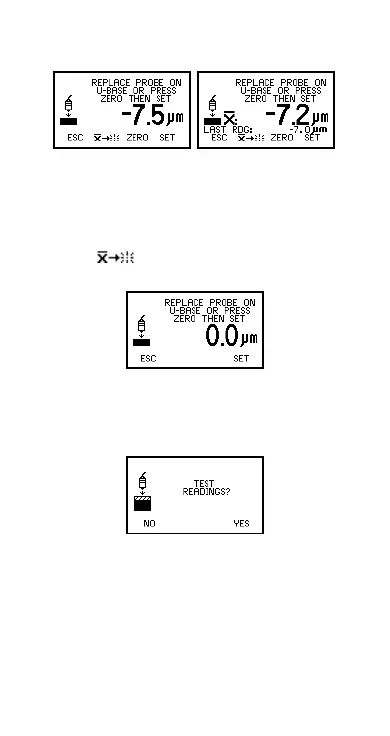
Figure 24. Step 2 - Calibration adjustment on
uncoated sample
To reject the displayed reading and start Step 2 of
the calibration procedure again, press the Reset
softkey .
3. Press ZERO softkey to zero the display (Figure 25).
Figure 25. Zero the display
4. Press SET softkey to accept this value.
The gauge will display the option to test the
calibration of the gauge.
Figure 26. TEST READINGS screen
5. Either press NO softkey to complete the calibration
adjustment procedure and return the gauge to the
reading screen, or proceed to take test readings -
see “Taking test readings” on page 29.
First reading Second reading
Op_456_2_English.book Page 28 Friday, February 17, 2006 3:35 PM



 To Next Page