20
6.2.1. Basic Parameters
In order for the robot to work properly, you should make the adjustments given in the table below in the
motor driver located on the panel behind the robot. Here are the steps you need to follow to make the adjust-
ments:
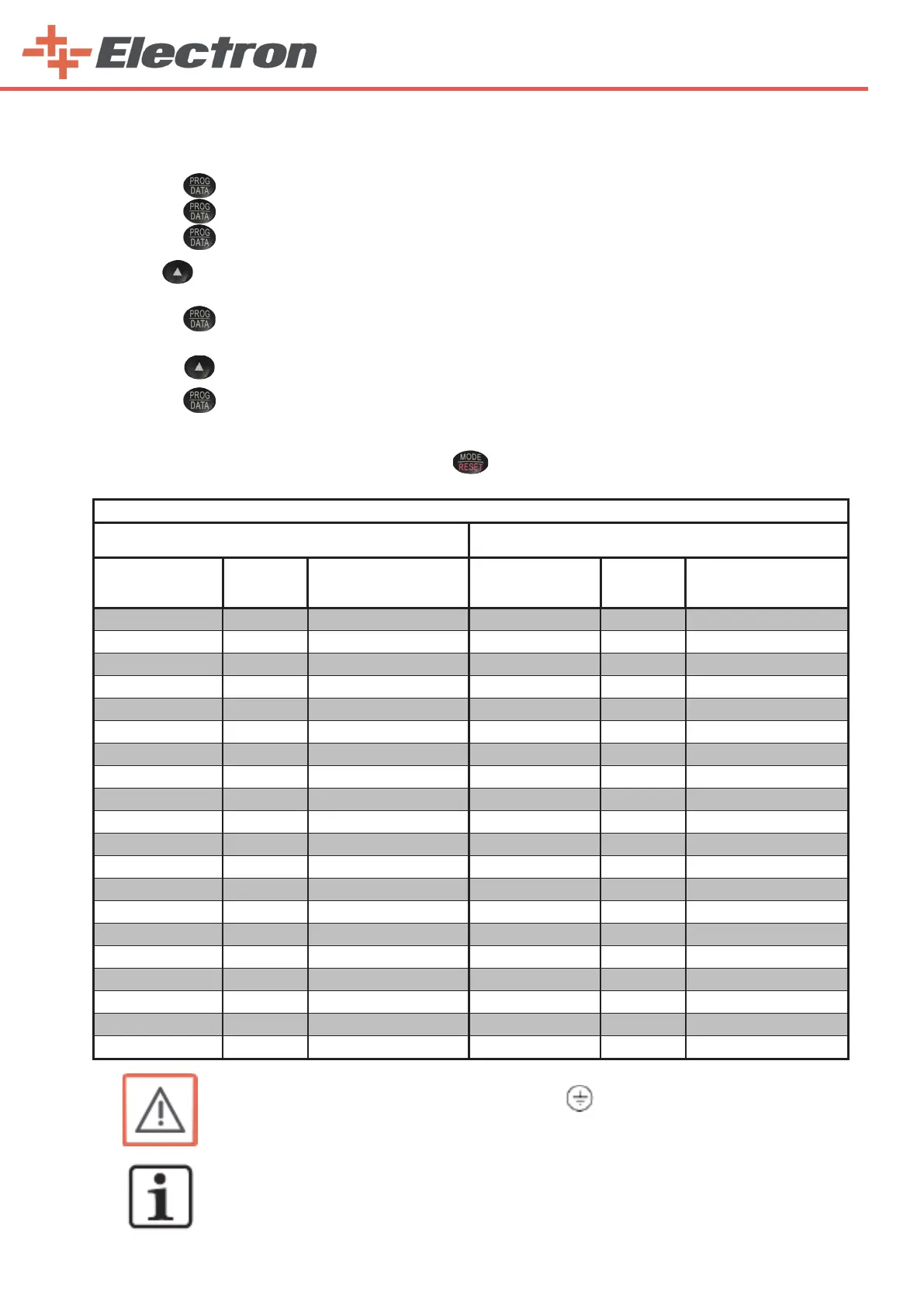
1)Press the ‘‘prog/data’’ button. “1-” will appear on the screen.
2)Press the ‘‘prog/data’’ button once again. “1-00” will appear on the screen.
3)Press the ‘‘prog/data’’ button once again. We do this process to get into the parameter.
4) Press until you reach your desired value without raising your hand. (For example, do not lift our finger
until you see ‘‘75 .0’’ for parameter 1-00.)
5)Press the ‘‘prog/data’’ button once. “END” appears momentarily on the display. You will have saved the
parameter value. And the number of parameters will appear on the screen again.
6)Press the button once to go to the next parameter.
7)Press the ‘‘prog/data’’ button. We do this process to get into the parameter.
8)Apply all operations for each parameter as from item 4.
9)After saving all the parameter values, press the ‘‘mode/reset’’ button twice and return to the main menu.
NOTE:
The same parameters are set for all driver.
WARNING:
Ground the AC DRIVE using the ground terminal . The grounding method
must comply with the laws of the country where the AC drive is to be installed.
E-DRIVE ZX02-E (ROBOT 220 V)
VERTICAL SPEED CONTROL HORIZONTAL SPEED CONTROL
PARAMETERS
FACTORY
SETTINGS
Sengs For
E-ROBOT+3 Z
PARAMETRELER
FACTORY
SETTINGS
Sengs For
E-ROBOT+3 X
1.00 60.00 Hz 75 1.00 60.00 Hz 75
1.01 60.00 Hz 75 1.01 60.00 Hz 75
1.02 220.0 V 230 1.02 220.0 V 230
1.03 1.50 Hz 50 1.03 1.50 Hz 50
1.04 10 V 230 1.04 10 V 230
1.19 00 1 1.19 00 1
2.00 00 3 2.00 00 3
2.01 00 2 2.01 00 2
2.05 01 0 2.05 01 0
4.05 01 5 4.05 01 5
6.03 00 2 6.03 00 2
6.04 % 150 90 6.04 % 150 90
6.05 0.1 Sec 1 6.05 0.1 Sec 1
7.00 4.2 1.8 7.00 4.2 1.2
7.01 1.7 1.7 7.01 1.7 1.1
7.02 0.0 9 7.02 0.0 9
8.00 % 0 35 8.00 % 0 35
8.02 0.0 Sec 0.5 8.02 0.0 Sec 0.5
9.02 03 1 9.02 03 1
9.04 00 3 9.04 00 3



 To Next Page