24
Serial Communication:
E-DRIVE ZX02-E controller unit has an optional connection to an automation system. In this case, the parameters of the control-
ler can be controlled by any TCP/IP based automation system or by any other DRIVE ZX02-E device which is set as a “Master”
in its network settings.
Similarly, E-DRIVE ZX02-E controller unit can be set as “Master” in order to control the parameters of other devices where other
devices are set to “Slave” in the network settings.
Code Info Preferences Factory Preset
IP Address
IP Address of the device itself.
192.168.000.101
Subnet Mask
Subnet Mask of the Network which the device is connected.
255.255.255.000
Gateway
Gateway of the Network which the device is connected
192.168.000.001
Master IP
Valid only when the device is set as a “Slave” in the Networks. De-
nes Master Device’s IP Address in the network. The operational
parameters of the device is copied from the Master device of which
the IP parame- ters is pointed in this setting.
192.168.000.200
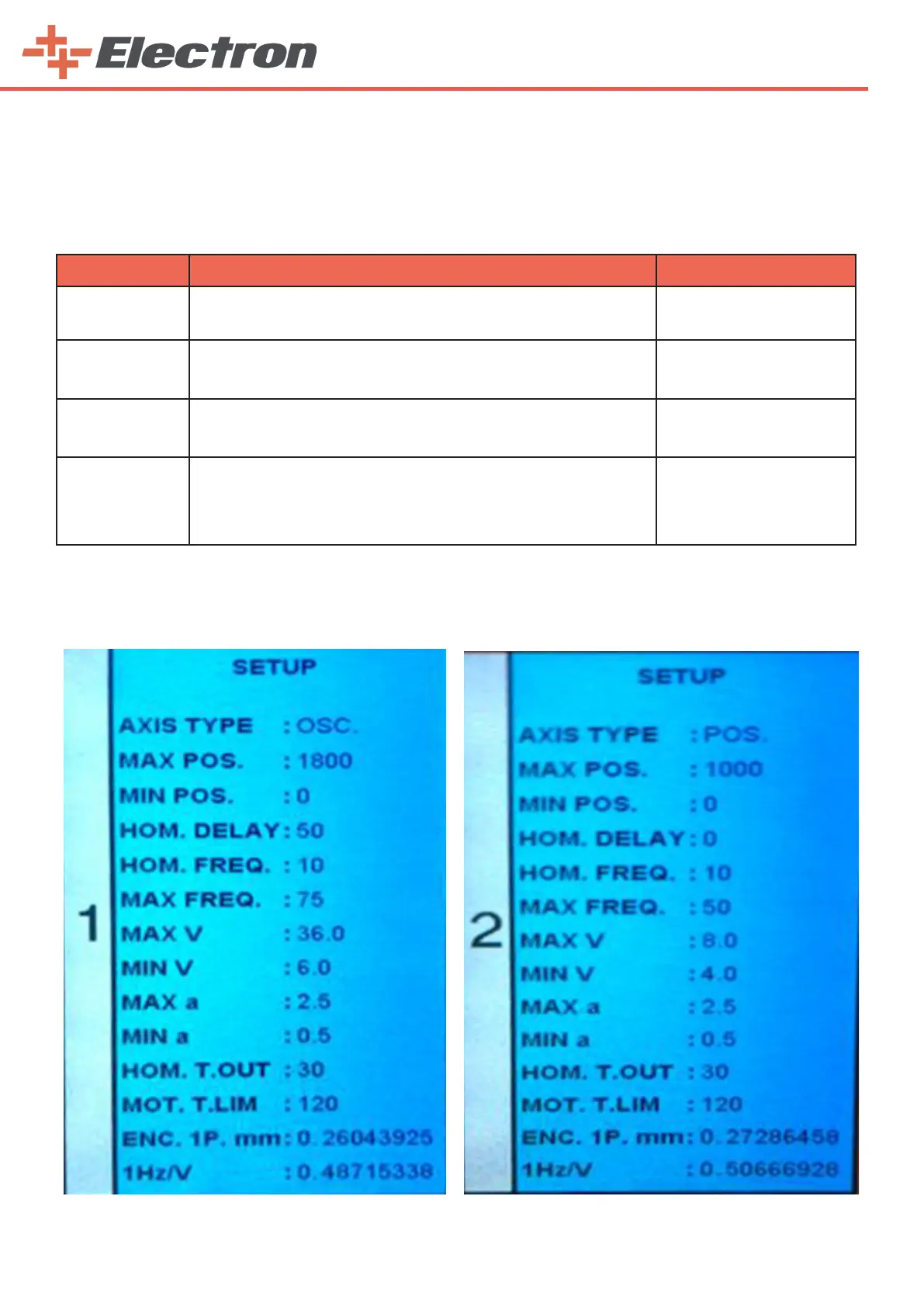
7.3.2. Axes Setup Pages
After the ‘‘Main Setup’’ page, switch to the “Setup” page where you can adjust the properties of the
axes by pressing the ‘Menu Button’ (B13). Then you can go to the settings of other axes with the help of the
‘Menu Button’(B13).



 To Next Page