26
7.5. Recipe Creation & Operating with Recipes
As mentioned in the above sections of this manual, E-DRIVE ZX02 can store up to 50 recipes in memory.
Operator can change the preferences of the reciprocator but changing the recipe is most of the time the easier
thing to do.
For Recipe Creation;
1. In the ‘‘Main Menu’’ page, after adjusting the axis working settings, press and hold the B9 button for 2 seconds.
2. To set the recipe number you want to save, turn ‘Rotary Adjustment Knob’ (K10) and come to the number you want.
3. To complete saving to this recipe number, long press ‘Rotary Adjustment Knob’ (K10) again.
4. When you long press it, the recipe number will start ashing. Do not raise your hand until it starts ashing at rapid intervals.
For Operating with Recipes;
1. To call the registered recipe, press the B9 button once.
2.
Turn the ‘Rotary Adjustment Knob’ (K10) to come to the recipe number you want to operate.
3. You can follow the reciprocator start-up procedure.
NOTE:
There is no option to delete a recipe. However, you can save new recipe settings by
following the same steps on the recipe page you want to delete.
8.Operating Reciprocator
8.1. Start-Up Procedure
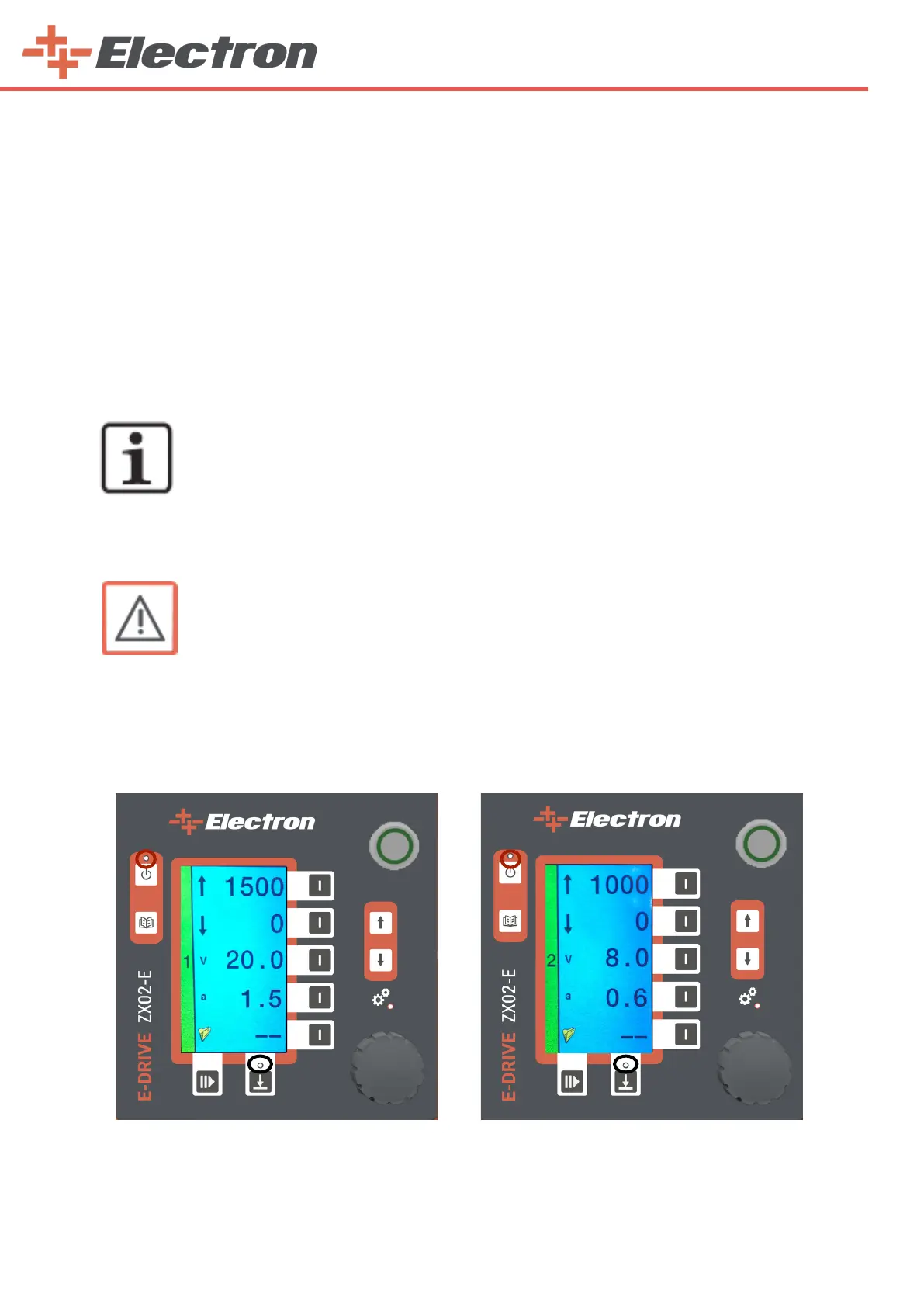
1. After making the recipe settings, press the Axis Start / Stop Button (B12) on recipe page 1 to operate
the 1st axis. The left side of the screens will be green as shown below. However, Robot will not work yet.
2. You should repeat this process for all axes you want to run. Use the Menu button (B13) to switch
between recipes.
WARNING:
Before starting-up the reciprocator, read carefully these operating instructions!
3. When you press the ‘‘Axes Active/Passive Button’’ (B14), all the axes you select (green) will work.



 To Next Page