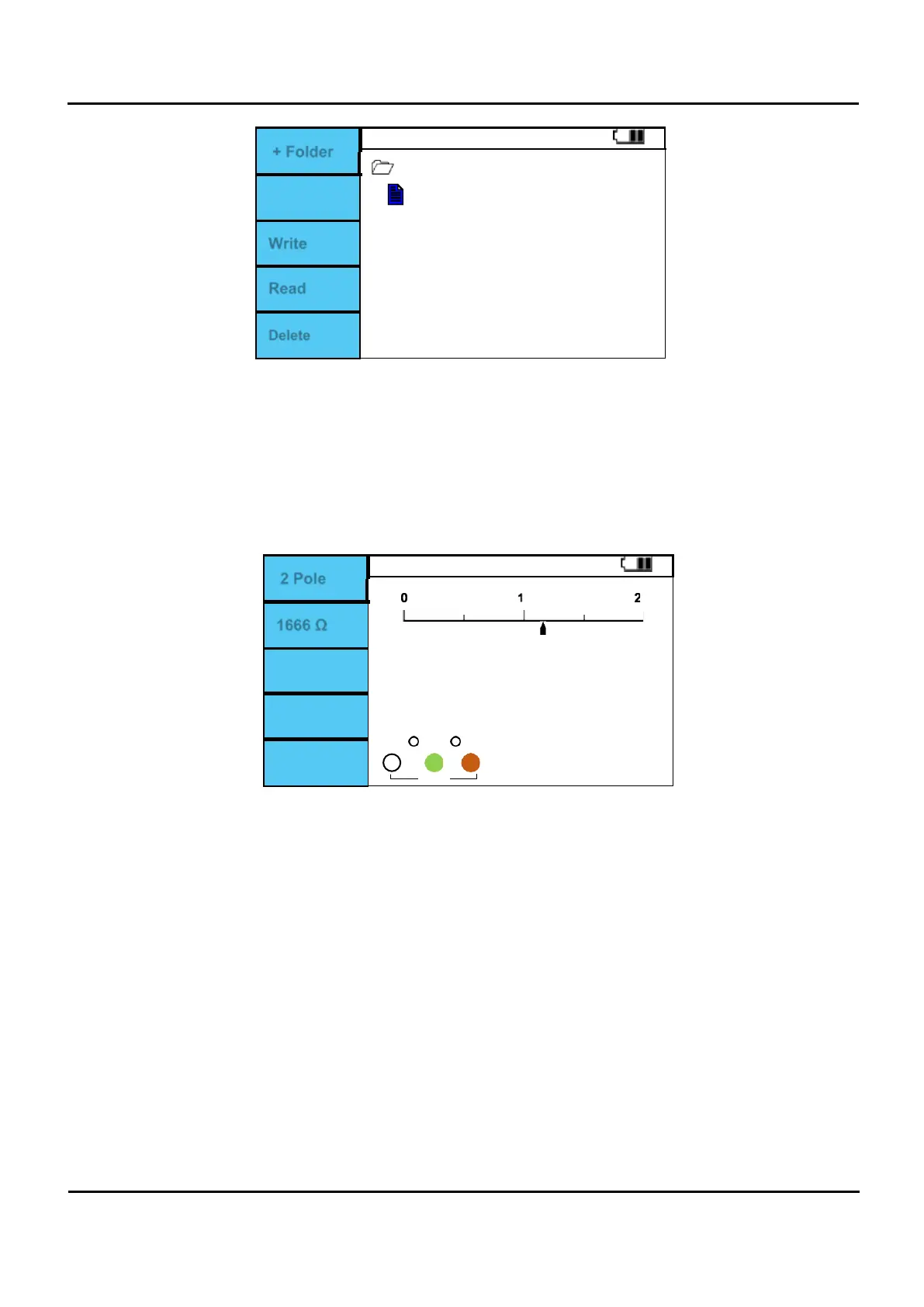
+ Folder
DATA
Data1.txt
Write
Read
Delete
Figure 6.12.2 Memory manager Create File.
VI.
If a file has been created from computer: After measurement, short push on MEM and use the up
and down buttons to select the file as shown in Figure 6.12.2.
VII.
If a file is selected, press F3 (Write) or MEM to save the measured data.
VIII.
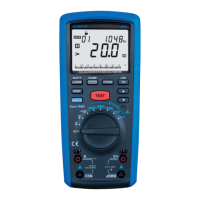
When you select a file that contains data and press F4 (Read), the function and measurement value
of the data saved on the screen are displayed on the screen, and the red letters RECALL are displayed
at the bottom of the screen.
2 Pole
1200
Ω
0
RECALL
0
0
1666 Ω
Figure 6.12.3 Memory manager File Read.


 To Next Page