I.
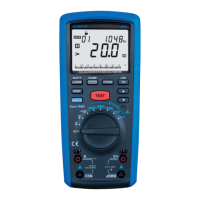
Set the rotary switch to Auto.
II.
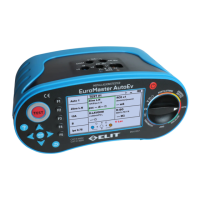
Press the F1 button and select the test number from Auto1,2,3,4,5.
III.
Set Function for each of TEST1-TEST6.
IV.
Connect the input terminals according to the TEST1-6 setting function.
V.
Use the left, right, up, down, and buttons to set the position on TEST1. The selected TEST has a green
frame.
VI.
Press the Test button to start measurement.
VII.
When the TEST1 measurement is completed, the measured value is displayed in the TEST1 cell and
is automatically replaced with the TEST2 Kahn. In this way, the test up to TEST6 proceeds.
VIII.
The screen displays four TEST items. When you move the position with the up and down buttons,
TEST5 and TEST6 are at the bottom.
6.12.
Memory manager
I.
When all functions except Adapter are measured, press the MEM (enter) button.
II.
The screen is changed to the Memory manager function.
III.
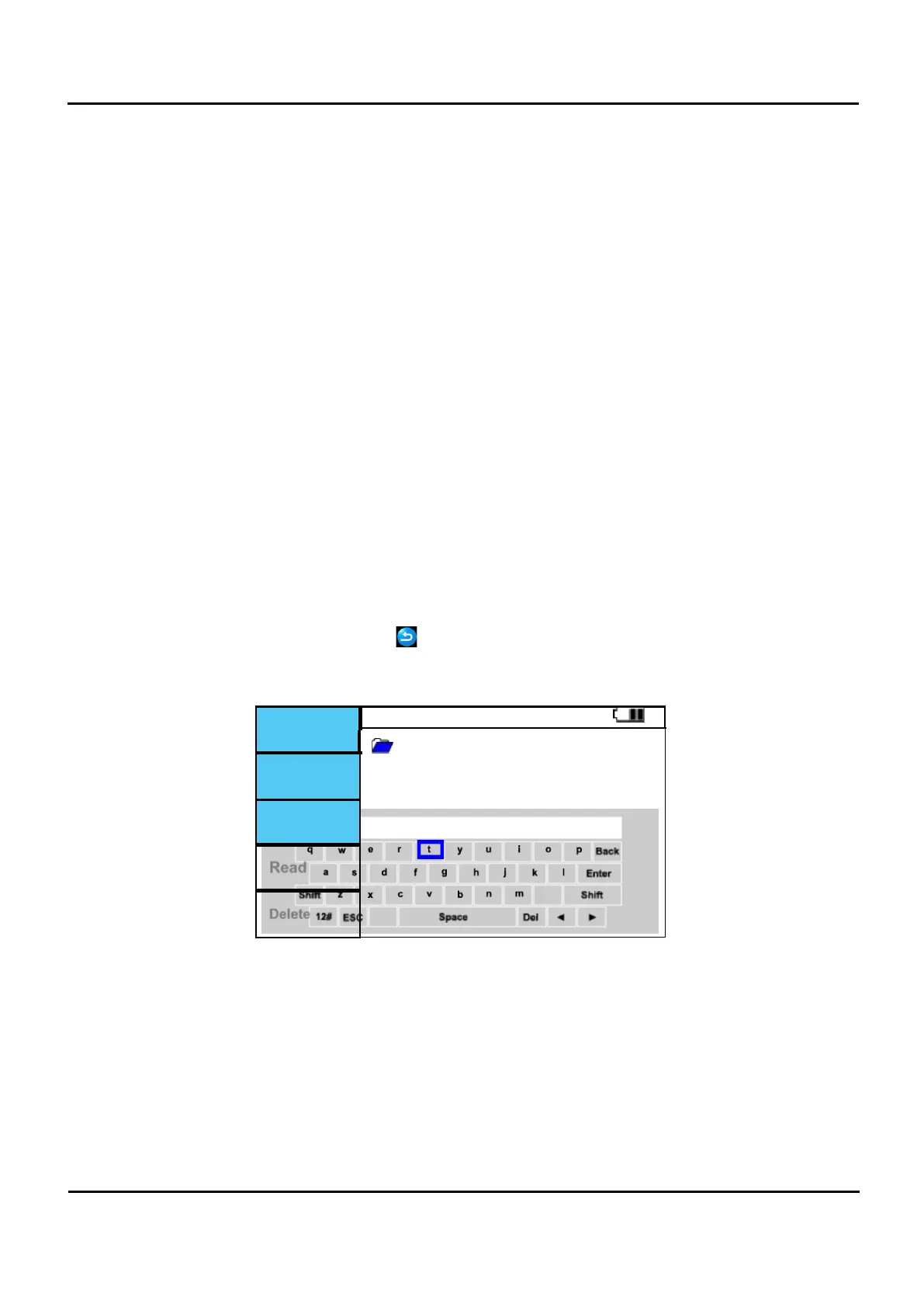
The folder name is the folder where data is saved with DATA.
IV.
Press F3 (Write) to select folder to store in, confirm with "MEM"
V.
When measurement is done: press and hold MEM for 2 seconds to store results in folder.
+ Folder
DATA
Da
Figure 6.12.1 Memory manager screen.


 To Next Page