sysSet
infoSet
Ver : 1.001S
: A symbol that appears while the measurement is in progress by pressing the Test button.
: Symbol displayed when the temperature rises due to internal heat generation in Loop, Z-line, RCD
measurement. Measurement cannot be performed until this symbol disappears.
: Symbol displayed on the screen with sound when L, N, PE wiring polarity is wrong and TOUCH ON is set
by infoSet.
: Pass symbol displayed on the screen when Pass / Fail is turned on with infoSet and the measured value
is within the set value.
: Fail symbol displayed on the screen when Pass / Fail is turned on in infoSet and the measured value
exceeds the set value.
: Symbol displayed when there is a problem with the measurement during measurement and the
measurement is stopped.
6.3.
Setup
sysSet (system set)
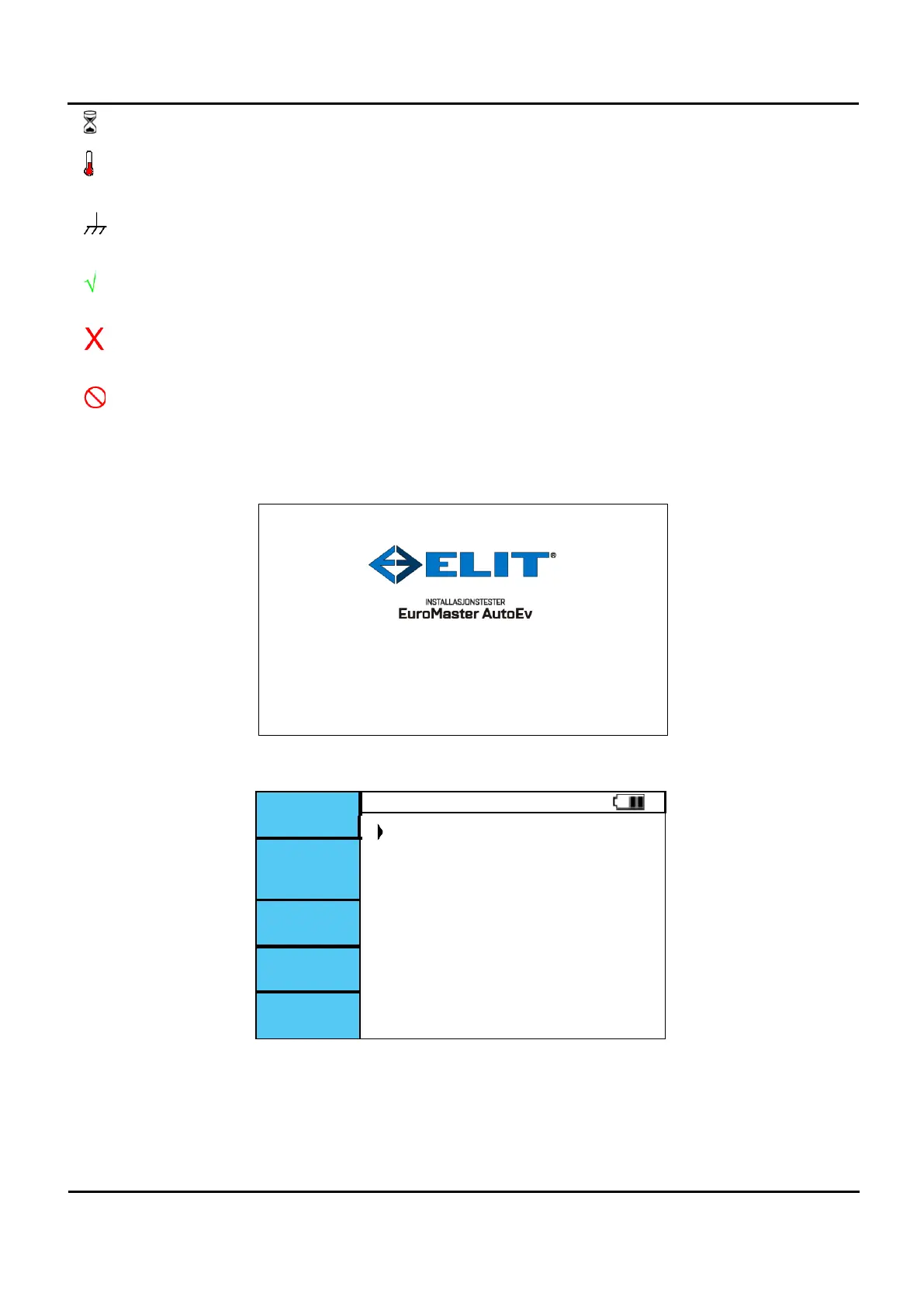
Figure 6.3.1 Startup screen
DATE 2019/09/03
Figure 6.3.2 sysSet screen.


 To Next Page