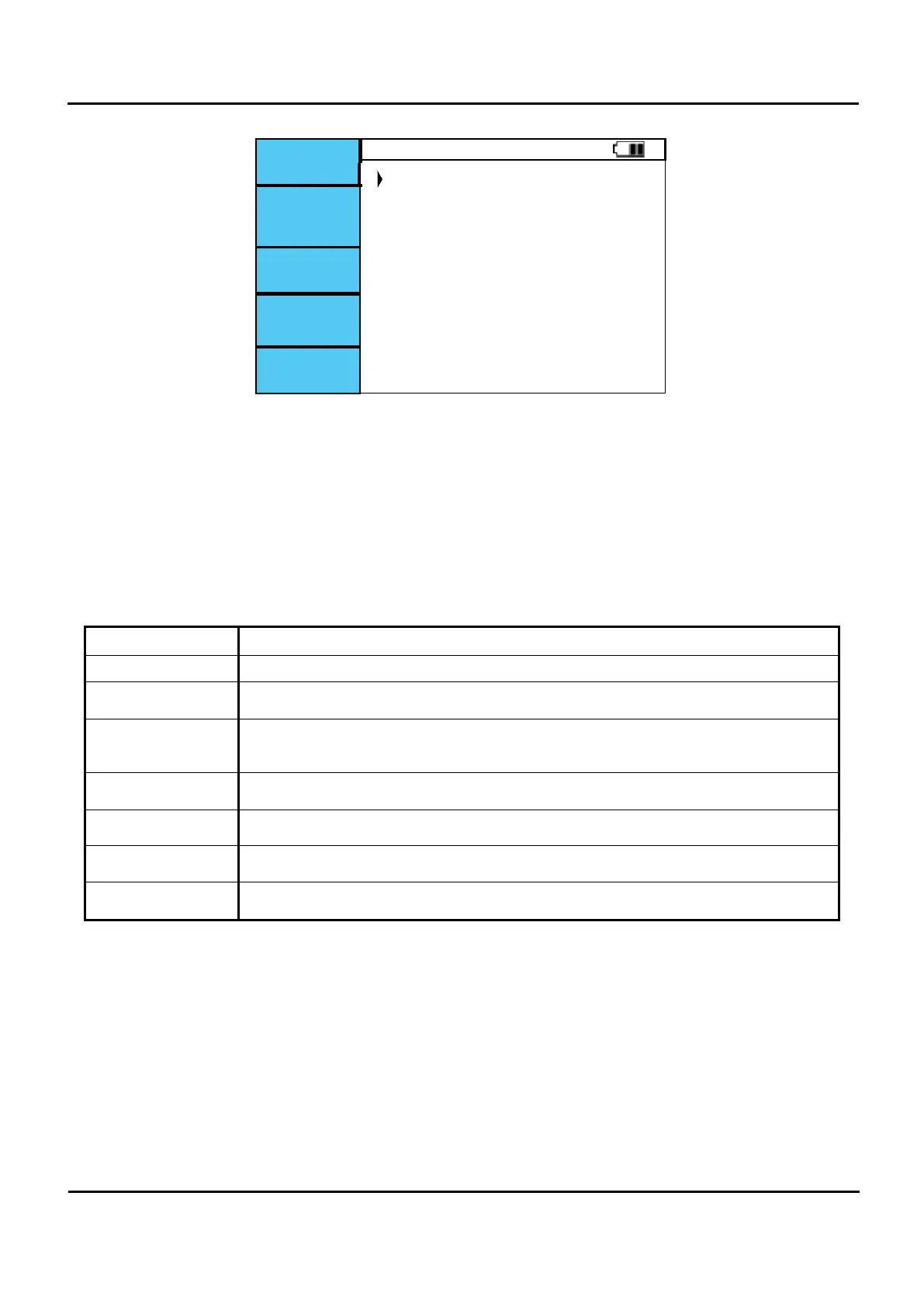
InfoSet (Information set)
UL limit UL 50V
Figure 6.3.3 Information set screen.
I.
Turn on the Power Switch and press F5 infoSet on the Figure 6.3.1 startup screen to enter Information
Setup mode.
II.
Move the cursor up and down on the Figure 6.3.3 screen to set the position and use the left and right
buttons to set.
III.
After completing the setting, press the MEM (Enter) button for 2 seconds or more to save the setting
value.
IV.
When saving is complete, press and hold the Undo button to exit the Setup screen.
Menu Setting method.
UL limit Set the UL Over voltage with RCD Function. (UL50V, UL25V)
TRIP OUT
Set the Maximum Trip time that accompanies the standard collection of RCD functions.
(EN(EN61008,61009), BS(BS7671), IEC (60364-4-41), NEK.)
Ipsc REF
Display with Ipsc calculation on Z-line.
set it to measure or Ref (230V).
PASS / FAIL
When set to ON, Pass and Fail are displayed as symbols.
(ON, OFF)
TOUCH
Set to ON. If the electrical polarity of the L, N, and PE is bad, touch the Touch Pad to
produce a ground sign and beep sound. (ON, OFF)
LANGUAGE
This is the language setting. English, Norwegian and Swedish.
NRC-150
NRC-150 is a ampere adapter. It is necessary to set the frequency of use place 50Hz,
60Hz to measure the accurate current. (50Hz, 60Hz)


 To Next Page