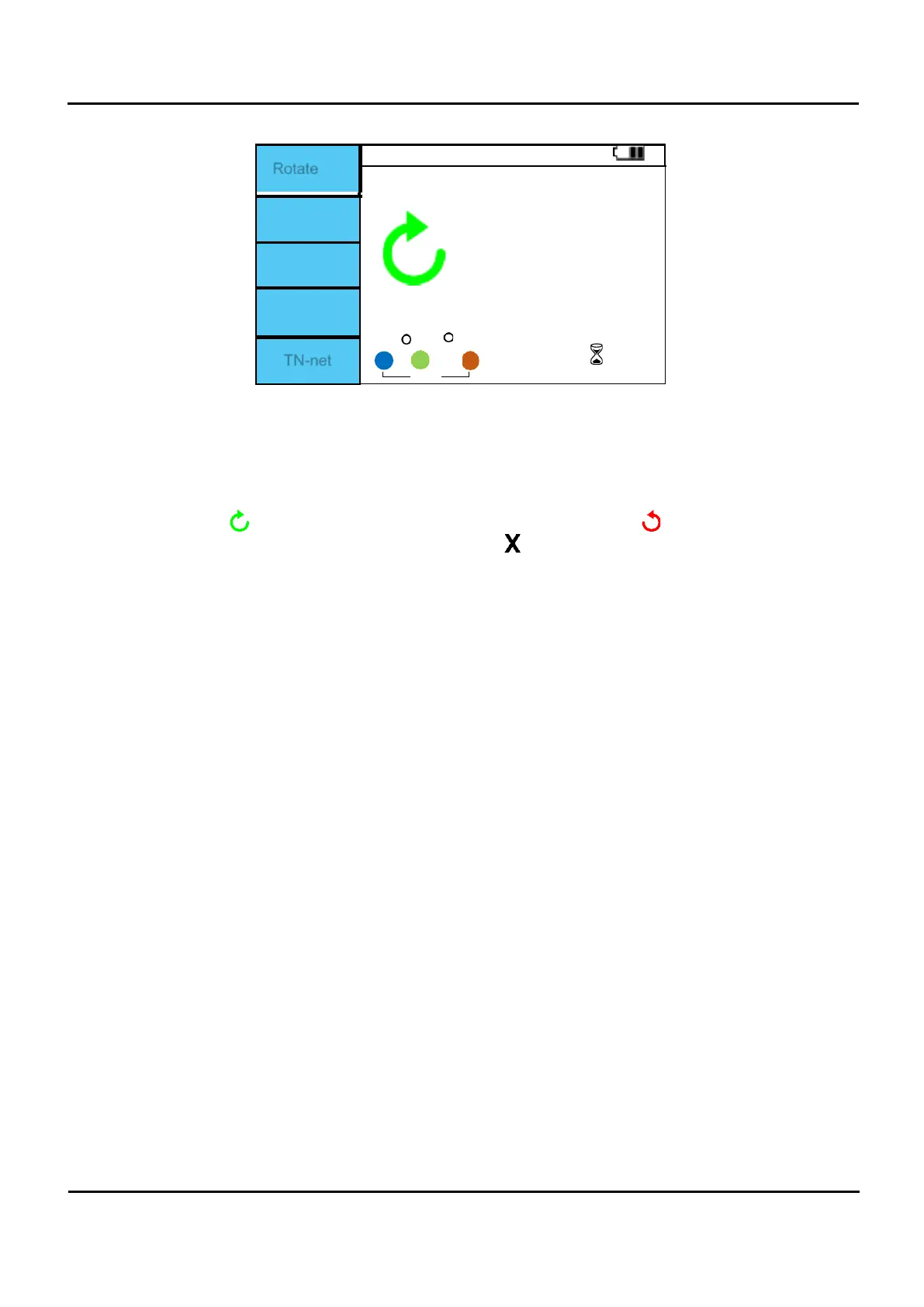
Rotate
0
0
TN-net
Figure 6.4.5 Phase sequence screen.
I.
Press the F1 (L-N) button to change to Rotate.
II.
Connect as shown in Figure 6.4.4
III.
Once connected, press the Test button to start measurement.
IV.
When the voltage is measured and the L1, L2, and L3 are correctly connected to the
terminal, a symbol is displayed, and if not connected correctly, the symbol is displayed.
V.
If the voltage is low or there is a voltage problem, a symbol is displayed.


 To Next Page