TelevisGo Page 18/68
• Interface type: type of network interface:
a) Serial Adapter
b) LanAdapter (TCP/IP)
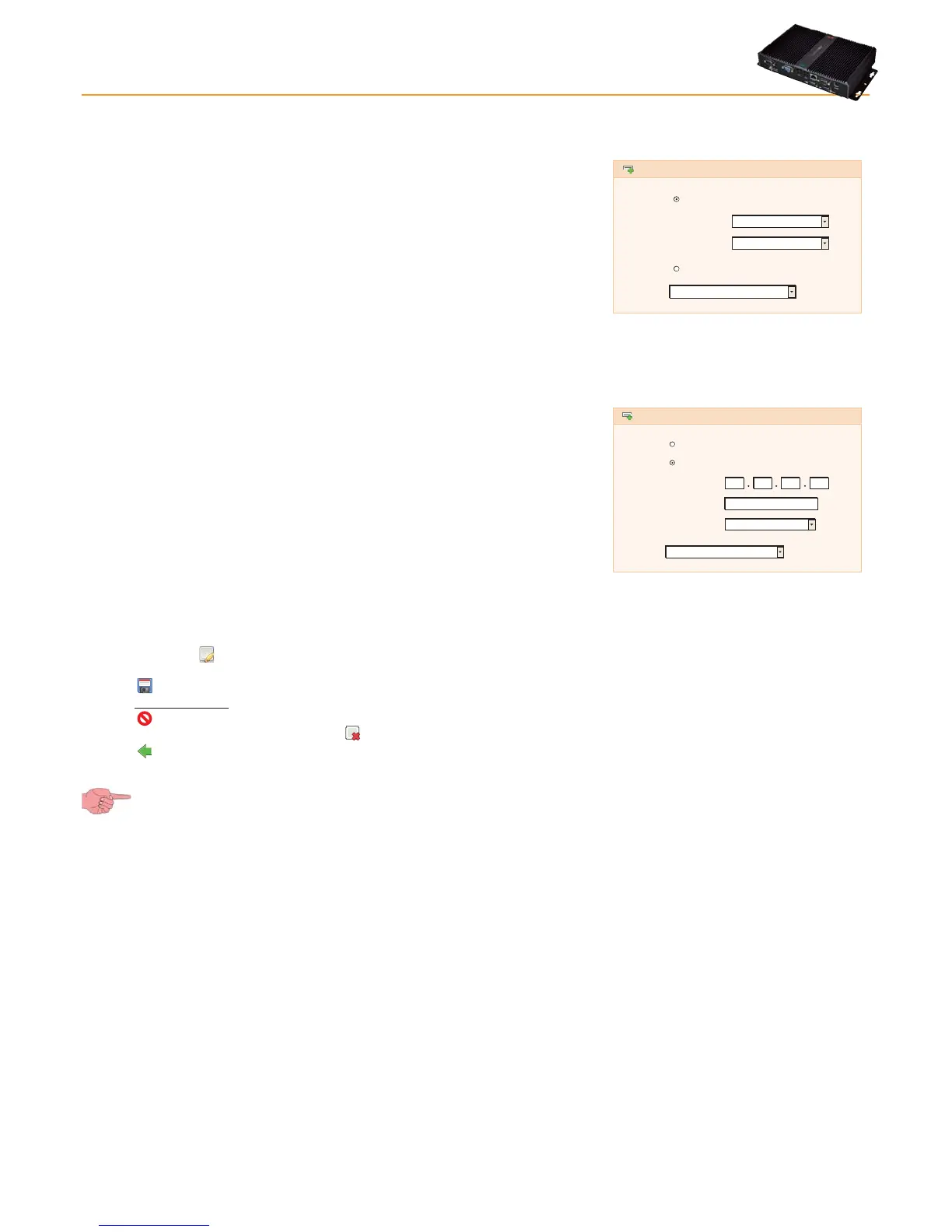
Serial Adapter (Fig.1) example:
• Port: physical communication port used by TelevisGo (COM)
• Protocol: type of communication protocol.
a) Micronet
b) Mixed & Smart (Micronet with Modbus sub-network after a
SmartAdapter)
c) Mixed native (Micronet and Modbus together)
Lan Adapter example (Fig.2):
• Address: set the device IP address.
• Port: virtual TCP/IP navigation import.
• Protocol: type of communication protocol.
a) Micronet
b) Mixed & Smart (Micronet with Modbus sub-network after a
SmartAdapter)
c) Mixed native (Micronet and Modbus together)
• Fieldbus: types of network available:
a) BusAdapter: RS485 serial network
b) LanAdapter: LAN type network
c) LanAdapter Wifi: LAN network + Wifi
d) LanAdapter Radio: LAN network + RadioAdapter
e) RadioAdapter: RS485 network + RadioAdapter
f) SmartAdapter: RS485 network + SmartAdapter
Fig.1
Interface
type
Fieldbus
Details
SerialAdapter
LanAdapter
Port
Protocol
BusAdapter
Micronet
Fig.2
Interface
type
Fieldbus
Details
SerialAdapter
LanAdapter
Address
Port
Protocol
LanAdapter
Micronet
56789
192 168 1 1
On selection of the icon or Edit, after selecting the network to be modified, the same screen as "Add" opens where you can
change all previously entered values.
Click the
icon or Save to save all data entered or changes made. When using a LANAdapter network, we recommend you always
use the “Test connection” key to check communication between TelevisGo and the device itself.
Click the
icon or Cancel to exit without saving the changes.
To remove a network, select it then click the
icon or Remove.
Click the
icon to go back a menu.
If you change page without saving, any changes made will be lost (the same as clicking Cancel).



 To Next Page