TelevisGo Page 58/68
The various sections of the system can be updated by loading the relative update files.
To update the system, go to:
Computer Update
To access this section, data logging must be suspended (see Data Logging section).
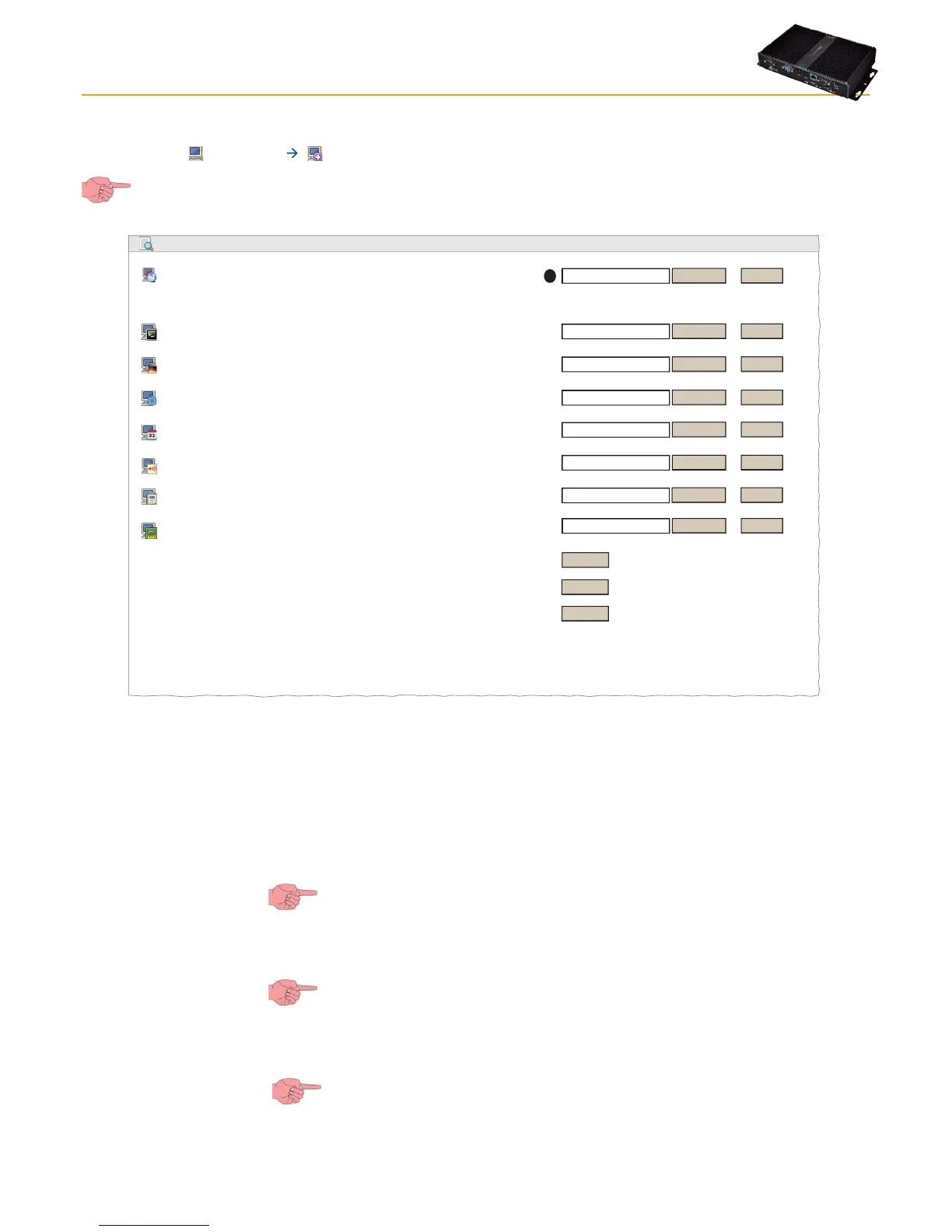
The following screen opens:
Browse...
Execute
(.zip)
Browse...
Execute
Browse...
Execute
Browse...
Execute
(.zip)
(.txt)
(.txt)
Update Application
Application
Languages
General settings
Upgrade
[Upgrader.exe - v. 5.0.0.0] [18944 Bytes] [7-9-2011 6:16:47 pm]
Browse...
Execute
Browse...
Execute
Remove
Remove
Remove
(.xml)
(.xml)
Scheduled actions
Parameter map
Device drivers
TCDF0140.bin [64aba093-b132-42bd-aa23-e186b9944fa8] - [True] - [Micronet] - [InUse:True]
TCDF0004.bin [ac096582-c7e0-448f-b7f8-ac5f38645c8a] - [True] - [Micronet] - [InUse:False]
TCDF0010.bin [8c33d444-24e5-48f8-8caa-b6038dc68a6e] - [True] - [Micronet] - [InUse:False]
Alarm Categories
Browse...
Execute
(.dat)
Browse...
Execute
(.bin)
A
In this, the following updates can be made:
• Update Application(*) : This application manages the TelevisGo update.
• Application(*) : Updates the TelevisGo application.
• Languages(*) : Updates/uploads the TelevisGo system glossaries.
• General settings: The procedure uses the file “Forced_setting.txt”.
• Scheduled actions: To upload an XML file containing a series of scheduled activities planned using the
OfflineConfigurator application (see the Off-line Configuration section).
Since the upload overwrites the previous settings, before uploading the file, we
recommend making a backup copy of current settings. (see section entitled Scheduled
Actions - Advanced and Backup Settings and system restore)
• Alarm Categories: To upload an XML file containing network alarm configuration rules saved previously using the
OfflineConfigurator application (see the Off-line Configuration section).
Since the upload overwrites the previous settings, before uploading the file, we
recommend making a backup copy of current settings. (see Backup and System
Restore section)
• Parameter map: To upload a map to be used for periodical activities. (see chapter entitled "Scheduler").
• Device driver(*) : To upload a file for a new network device.
IMPORTANT!: Since the installation of a new driver the existing driver, before
uploading the file, we recommend making a backup copy of current settings. (see
Backup and System Restore section).
(*) IMPORTANT!: The files to be loaded MUST be supplied by Eliwell
.
8. SYSTEM UPGRADE AND BACKUP METHODS



 To Next Page