TelevisGo Page 33/68
5.4.3 STARTING SCHEDULED ACTIVITIES
To Start scheduled activities as scheduled, go to:
Functions Start/Stop
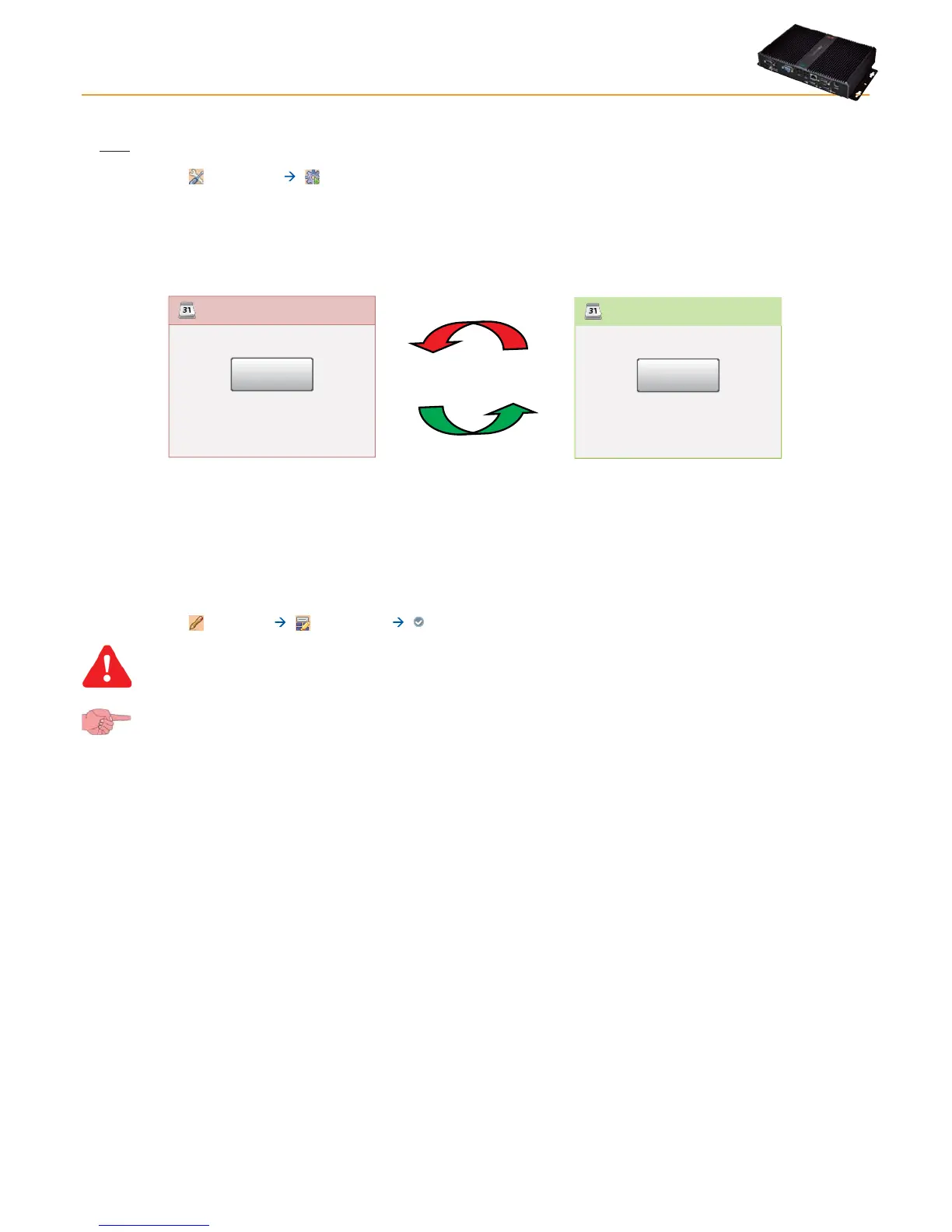
Depending on whether activities have commenced, when you enter this menu one of the windows shown below will open:
• If data logging is suspended, the window on the left opens: click Start to start logging.
• If data logging is started, the window on the left opens: click Stop to stop logging.
Scheduler
Start
Scheduled actions status:
Not running
Start
Stop
Scheduler
Stop
Scheduled actions status:
Running
5.5 ENERGY RESOURCES
TelevisGo allows you to treat the resources of some devices as energy utilities, i.e. measuring the electricity consumption of a plant.
The measurements recorded by these resources will be saved in a dedicated database that is separate from the one with saved
historical data, and with a separate data logging interval.
To set up energy resources, go to:
Settings Interfaces Energy Resources
NOTE: If the page is not shown, reduce your browser zoom.
To access these sections, data logging must be suspended (see Data Logging section).



 To Next Page