TelevisGo Page 36/68
6.2.1 SETTING UP/SENDING ALARM MESSAGES
All switches to alarm condition are recorded, except for when a delay time has been set up and the alarm itself did not persist for
longer than the time set in the delay.
This delay time can be set in the configuration panel for network devices (see section entitled Installation/Maintenance - “Naming
Network Devices Manually or from File”):
from here you can pick which alarms should be signaled and when.
If the list of recipients has been defined, when an error condition arises TelevisGo will store it and send a message in accordance
with the rules established in the relative section (see the "Recipient Configuration" section).
6.2.2 RECIPIENT CONFIGURATION
6.2.2.1 SUMMARY
To view the alarm categories, go to:
Settings Alarms Summary
All "Alarm categories" entered will be displayed. The following page opens:
Page last update on: 7.39.34
Actions
Alarm categories
Time intervals
View
Alarm categories
Level
1
Escalate Name
Universal
SMS - Technical Support
Daily (MON/0.00 > SUN/23.59)
Actions
Time intervals
6.2.2.2 ALARM CATEGORIES
To set the alarm categories, go to:
Settings Alarms Alarm Categories
To access this section, data logging must be suspended (see Data Logging section).
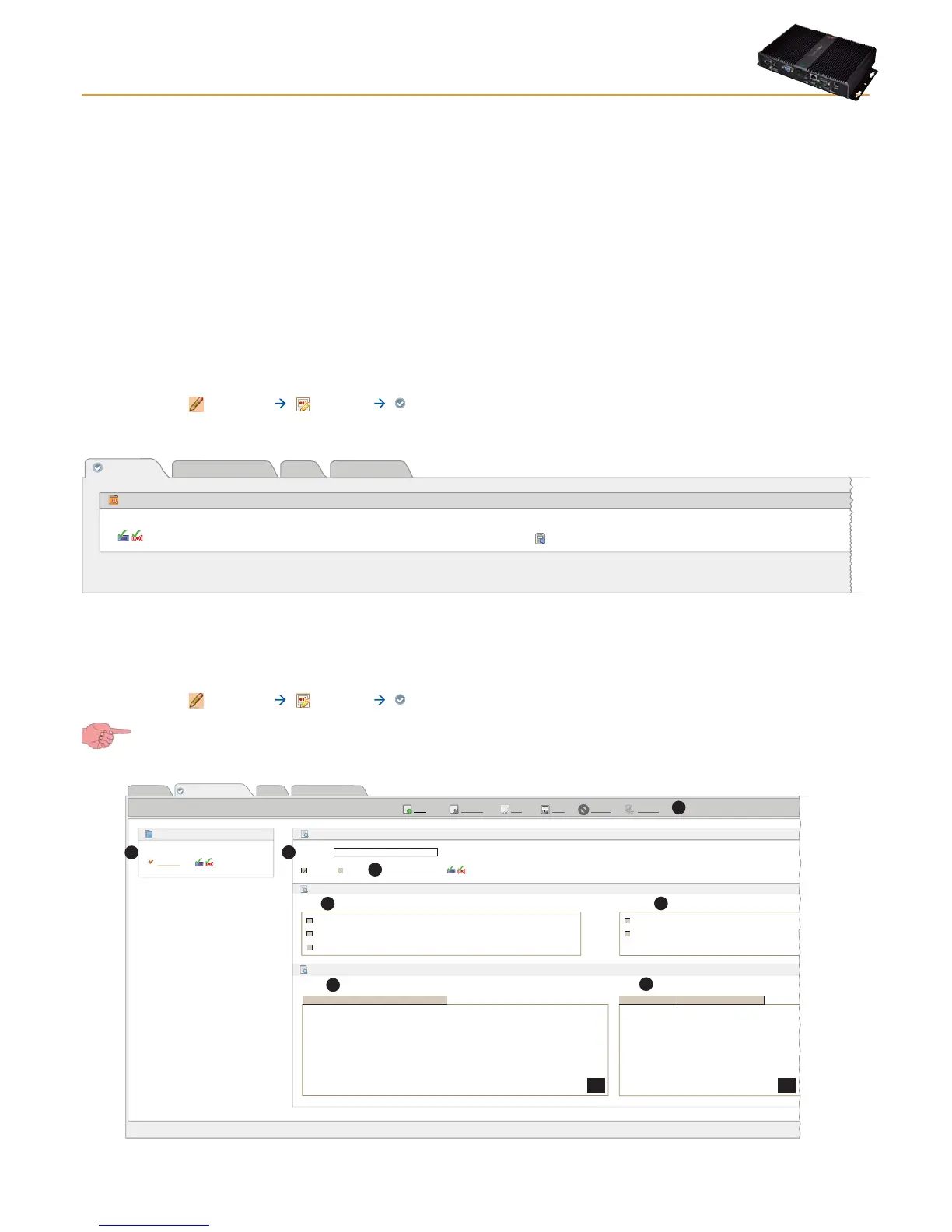
A window like this will open:
Page last update on: 7.39.34
EditRemove
Add
Save Cancel Preview
View
Time intervals
Actions
Alarm categories
Name Level
Alarm categories
universal
1
Details
Actions and Time intervals
Filters
Name*
Enabled
Actions Time intervals
Devices Alarms
SMS - Installer A Always
Daily
SMS - Technical Support
Email - Technical Support
<inferiore id=”0”>
<device address=”02:00”/>
<device address=”02:01”/>
<interface/>
<resource id=”ALM00166”/>
<resource id=”ALM00300”/>
<resource id=”ALM00301”/>
Level: 1
Escalate
Select all Get from list...Select all Get from list...
A
B1
B2
B
C
D
E
F
G
H
All "Alarm Categories" set will be shown in the box on the left (F).



 To Next Page