TelevisGo Page 25/68
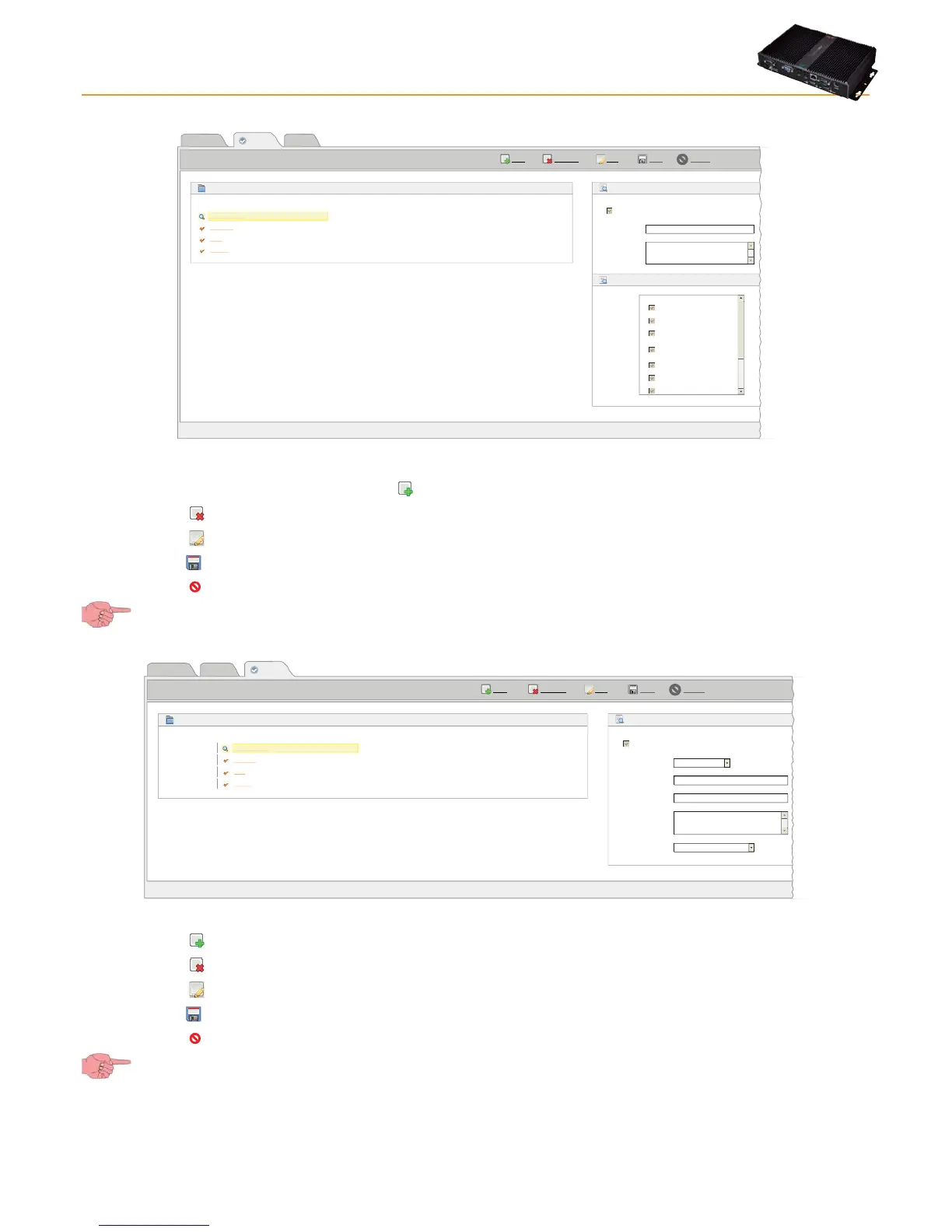
To create/edit a Group of Users and relative rights, click the Groups (A) icon. The following window appears:
Page last update on: 7.39.34
EditRemove
Add
Save Cancel
View
Users
Groups
Default operator group
Name Description
Default user group
Default reader group
Operators
Users
Enabled
Name*
Description
Permissions
Readers
Groups
Details
Administrators
Default administrator group
Permissions
Application upgrade
Drivers update
License/Languages
upgrade
Network discovery/naming
& start/stop acquisitions
Alarm management
User/group management
Parameter access
Default administrator group
Administrators
The following operations can be performed:
• A user group can be created by clicking the icon or Add.
• Click the
icon or Remove to delete a User Group.
• Click the
icon or Edit to edit a User Group.
• Click the
icon or Save to save the User Group(s) created / edited.
• Click the
icon or Cancel if you don't want to save the changes made to Groups.
If you change page without saving, any changes made will be lost (the same as clicking Cancel).
To create/edit a User and relative profile, click the Users (B) icon. The following window appears:
Ultimo aggiornamento della pagina: 7.39.34
EditRemove
Add
Save Cancel
View
Users
Groups
Default operator group
User name Description
Default user group
Default reader group
Operator
User
Enabled
Group*
User name*
Password
Description
Home Page
Reader
Users
Details
Administrator
Group
Operators
Users
Readers
Administrators
Default administrator group
Default administrator
Alarms state
**************
Administrator
Administrators
The following operations can be performed:
• Click the
icon or Add to create a New User.
• Click the
icon or Remove to delete a User.
• Click the
icon or Edit to edit a User Profile.
• Click the
icon or Save to save the User Profile created/edited.
• Click the
icon or Cancel if you don't want to save the changes made to User Profiles.
If you change page without saving, any changes made will be lost (the same as clicking Cancel).
NOTE:
1) The rights of “Administrators” cannot be modified.
2) To edit the rights of a Group or User Profile, you must be logged in as Administrator or have the necessary authorization
credentials to configure users/groups.



 To Next Page