LMI Setup-Greer EEC-0066 V1.0
LMI Setup
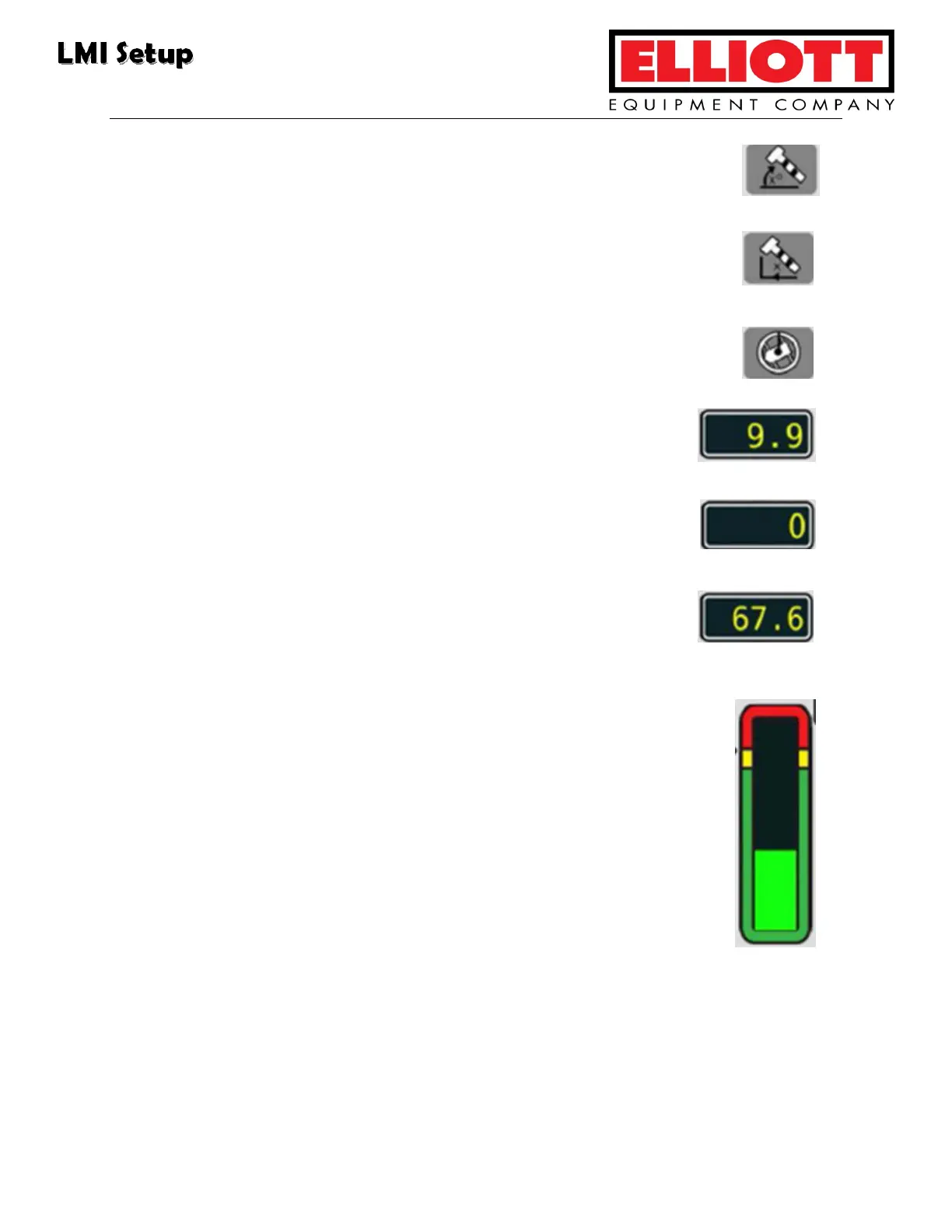
15. Boom Angle Symbol: This is displayed to the right of the boom
angle display.
16. Load Radius Symbol: This is displayed to the right of the load
radius display.
17. Swing Angle Symbol: This is displayed to the right of the swing
angle display. NOTE: This feature is not used on all models.
18. Load Radius: This display is to the left of the Load Radius
Symbol.
19. Swing Angle: This display shows the swing angle of the
boom, and is to the left of the Swing Angle Symbol.
20. Boom Angle: This display shows the degree angle of the
boom relative to horizontal, and is to the left of the Boom
Angle Symbol.
21. Bar Graph: This indicates the actual load vs. the crane’s rated
capacity.
Green: Load is within rated capacity.
Yellow: Load is near rated capacity.
Red: Load is at/above rated capacity. LMI will cut off
functions.



 To Next Page