22
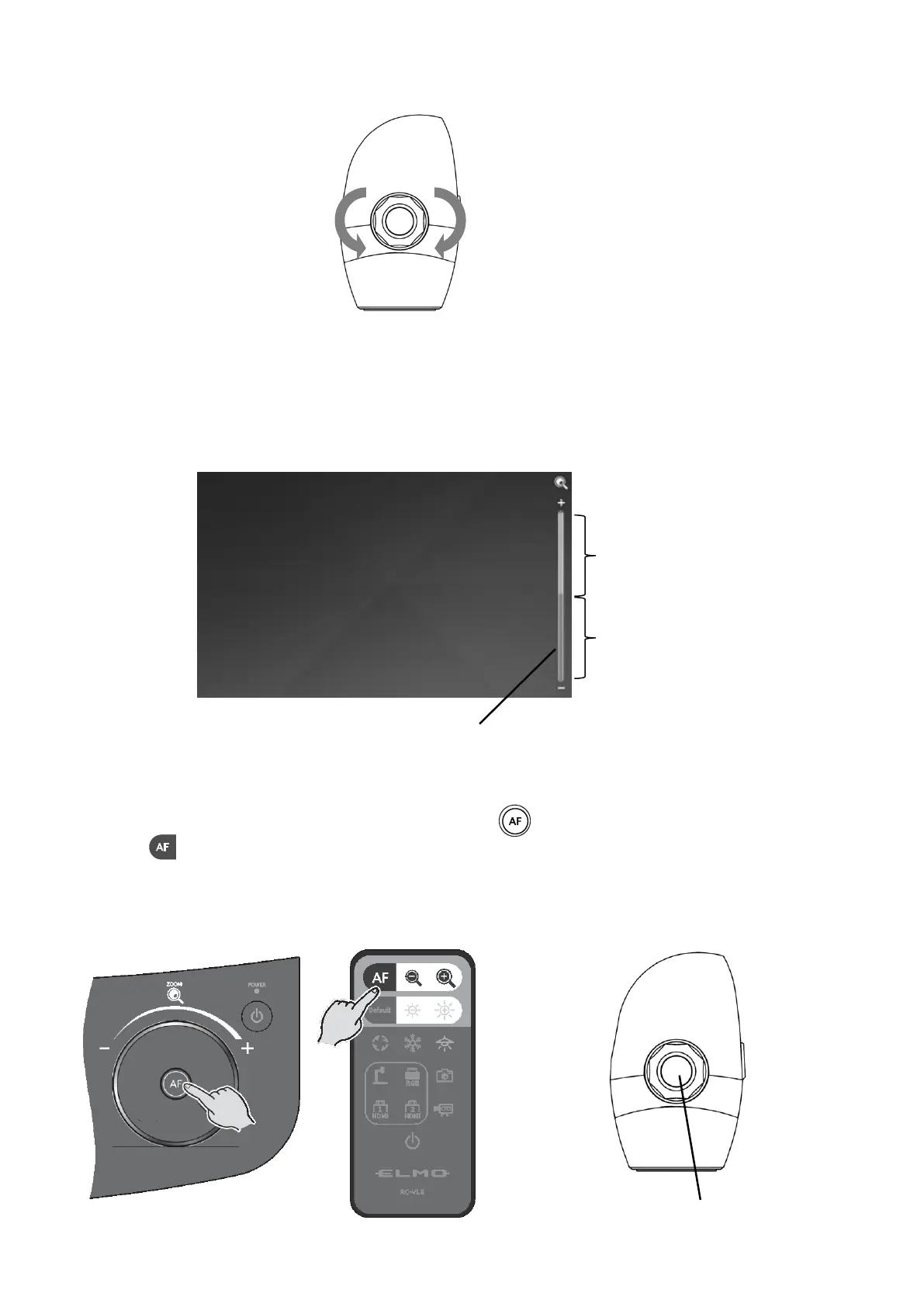
<Zoom head dial>
A zoom bar indicating the zoom position appears on the LCD touchscreen during zoom operation.
The upper part indicates the digital zoom range and the lower part indicates the optical zoom
range.
※The zoom bar appears only on the LCD touchscreen of the PX-10E/30E.
◆AF (AUTO FOCUS)
The AF (Auto Focus) works once when the AF button [ ] on the Operating panel or AF
button [ ] on the remote control or AF button in the Zoom head dial is pressed.
The AF icon appears on the LCD touchscreen AF operation.
<Zoom jog dial> <Remote control> <Zoom head dial>



 To Next Page