47
➌ -10 Using the MF mode
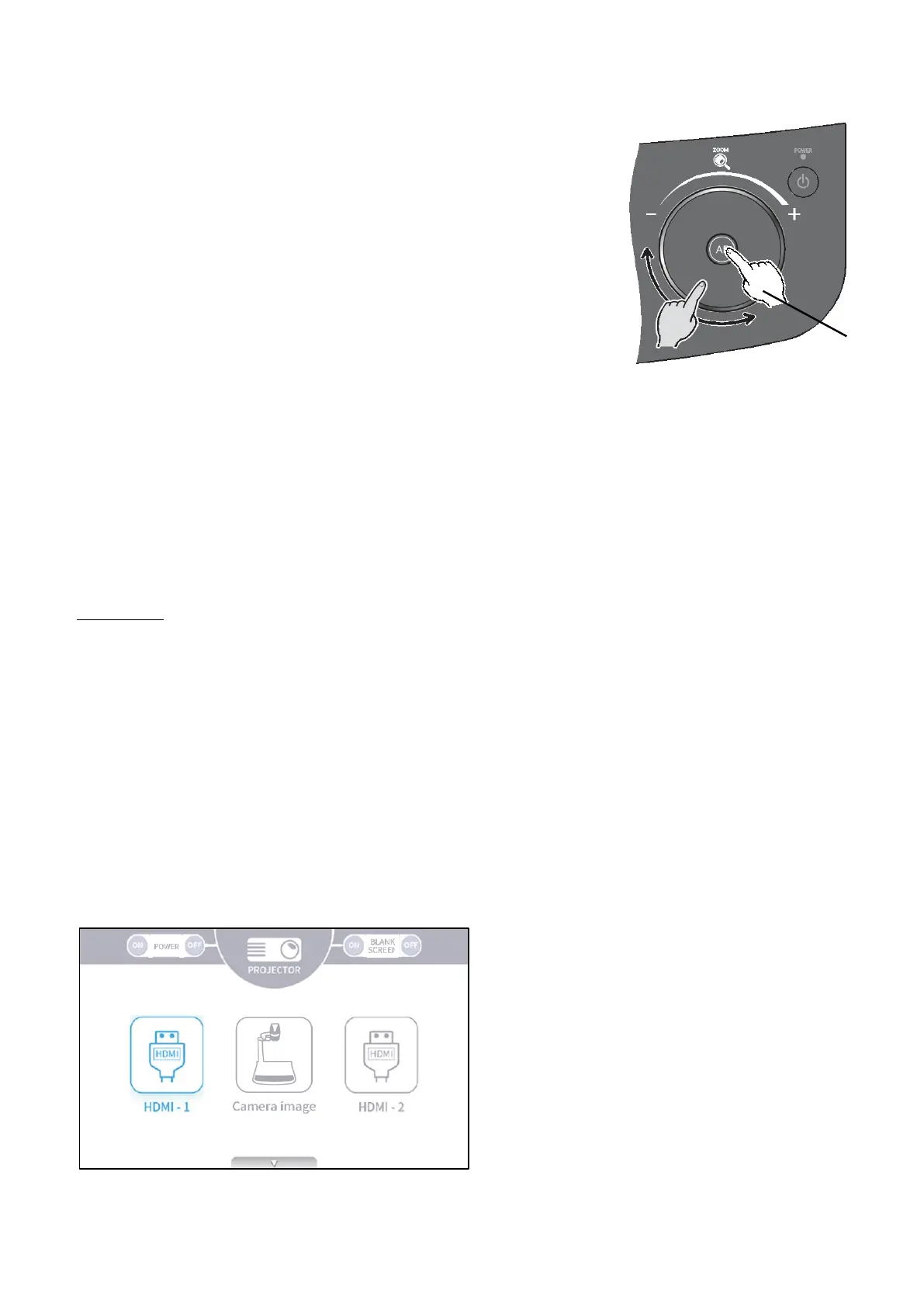
When the MF mode is set to ON, by rotating the Zoom jog dial
on the Operating panel, You can adjust the focus manually.
➌ -11 Using the AV control mode (for PX-30E only)
By connecting the product to a projector with the HDBaseT cable after setting the product to the
AV control mode, you can control a projector easily using the LCD touchscreen of the product. (⇒
P.29)
With a single HDBaseT cable you can create a simplified video system with which you can
transmit 4K image data (max.70m) and control a projector.
Preparation
・This feature can only be used for Elmo projector "RL-6000UT".
・Connect the product to a projector with the HDBaseT cable.
・For compatibility with other output devices, contact the dealer from whom you have purchased
this product or our branch/office near your location.
<How to use the AV control mode>
1. Connect the product to a projector with the HDBaseT cable. (⇒P.14)
2. Press the Settings button on the Operating panel and select "AV control mode" in the System
Setting menu. (⇒P.29)
3. The AV control menu screen will be displayed.
AV control screen
near
far



 To Next Page