48
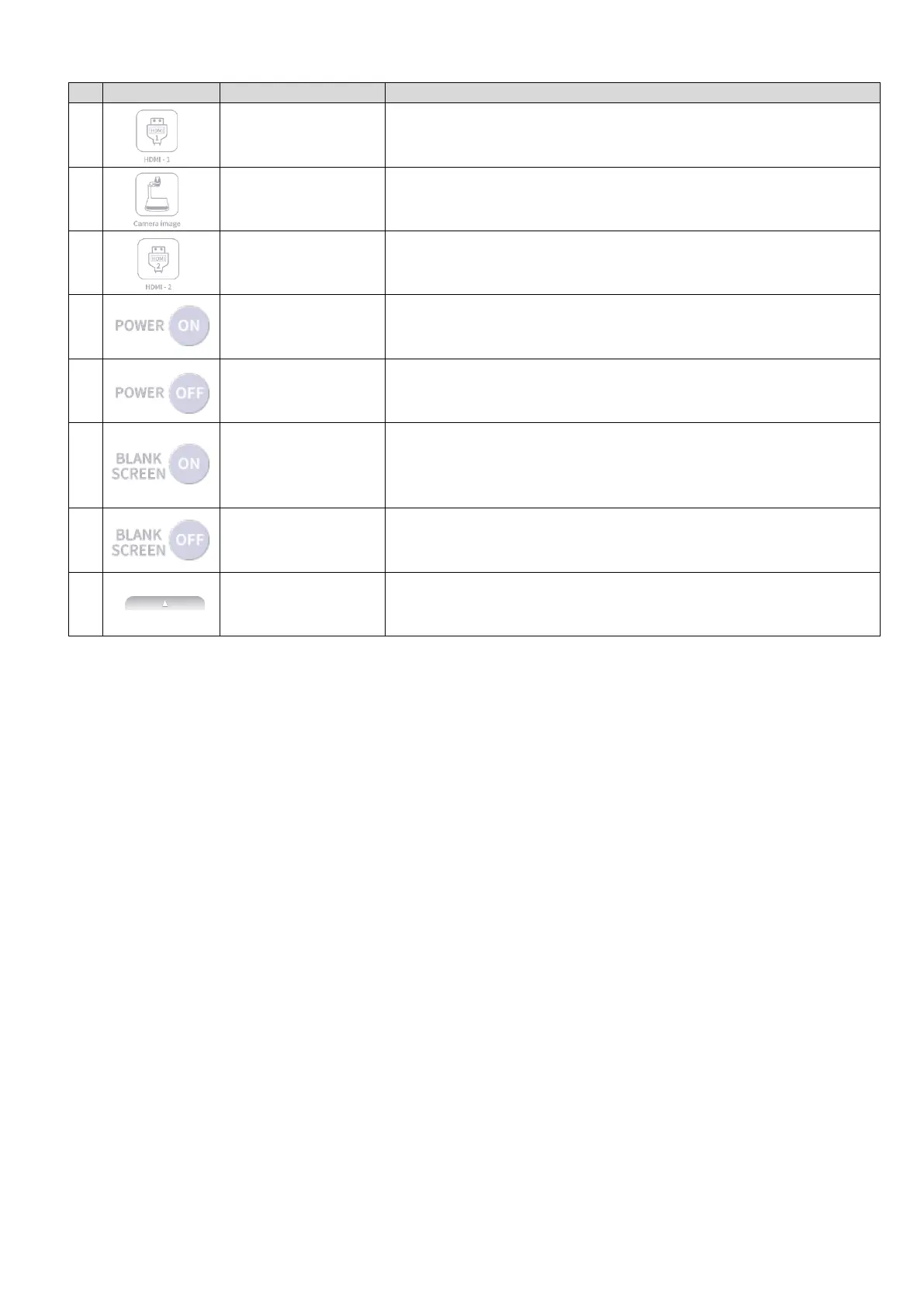
To display the HDMI image being input to the HDMI-1 port.
To display the camera image.
To display the HDMI image being input to the HDMI-2 port.
To turn on the connected projector by sending the Power
ON command to a projector.
To turn off the connected projector by sending the Power
OFF command to a projector.
To send the Blank screen ON command to a connected
projector. The light intensity will be reduced to display the
black screen so that the documents will be hidden.
To send the Blank screen OFF command to a connected
projector. The light intensity will be back to normal.
To switch between the Camera / HDMI screen and AV
control screen.



 To Next Page