36
VIDEO
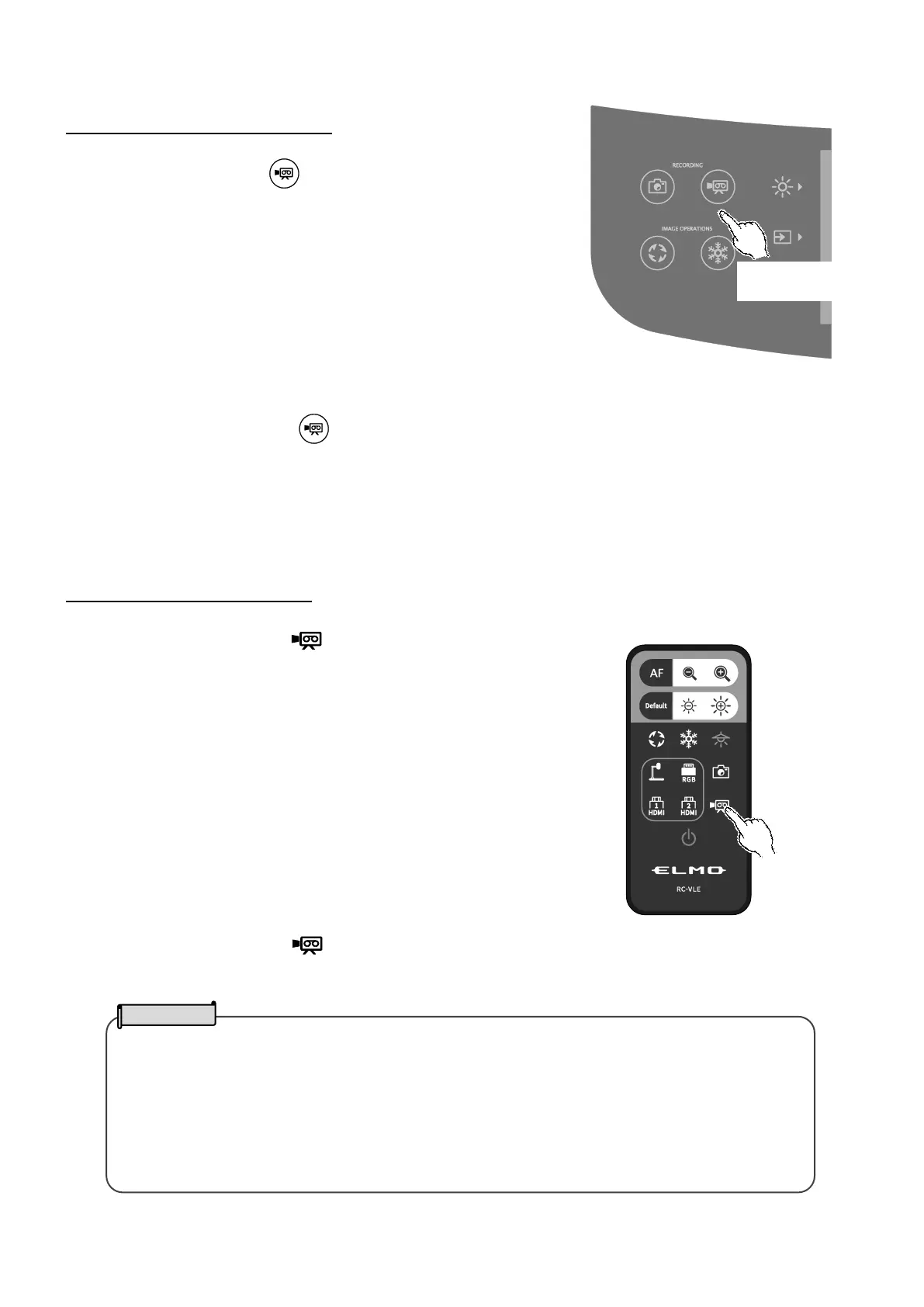
Recording using the operating panel
①Press the Record button [ ] on the operating panel.
②Video recording begins when a mark appears on the LCD
touchscreen.
③When the Recording button [ ] on the operating panel is pressed again, video recording stops and the
mark disappears.
Recording using the remote control
①Press the Recording button [ ] on the remote control.
②Video recording begins when a mark appears on the LCD touchscreen.
③When the Recording button [ ] on the remote control is pressed again, video recording stops and the mark
disappears.
・When recording video onto an SD card, use an SD card that has fast read and write speeds
(class 10 or above). If you use an SD card that has slow read and write speeds, the video
quality may be degraded.
・When both SD card and USB flash drive are inserted into the PX-10E/30E, the primary
recording destination is SD card. When recording a still picture to a USB flash drive, go to the
System Setting and select “USB Memory Stick” from the “Default saving location”.
(⇒
)



 To Next Page