55
VARIOUS
FUNCTIONS AND
OPERATIONS
English
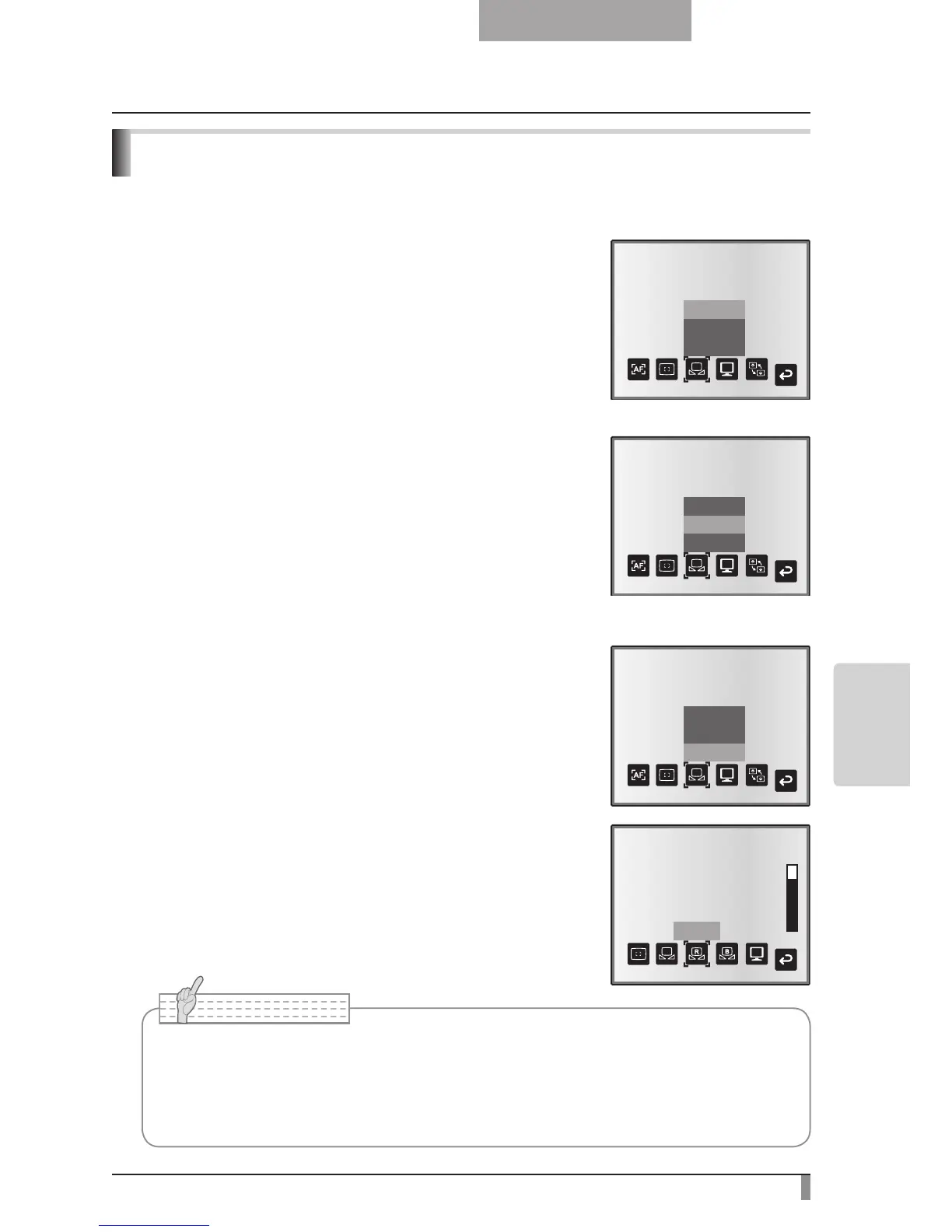
White Balance
How to use [Auto]
Adjust the white balance automatically according to the color
status of the document.
Factory setting: Auto
How to use [One-Push]
To be used when the color balance of the image is lost.
Shoot a sheet of white paper and then set [White Balance] →
[One-Push] from the OSD menu. The white balance for the
color temperature is then fixed.
How to use [Manual]
Setting [White Balance] → [Manual] from the OSD menu
fixes the white balance to allow [R-Gain] and [B-Gain] for the
OSD to be adjustable.
■
■
■
• The color temperature that can be automatically followed ranges from approx.
3000K to 8000K.
• By
setting [Guide] to [On] in the OSD menu, the setting details are displayed on the
screen.



 To Next Page