EasyManua.ls Logo

Elmo TT-02RX - How to Call Settings

Elmo TT-02RX
70 pages
Print Icon
To Next Page IconTo Next Page
To Previous Page IconTo Previous Page
Loading...
57
VARIOUS
FUNCTIONS AND
OPERATIONS
English
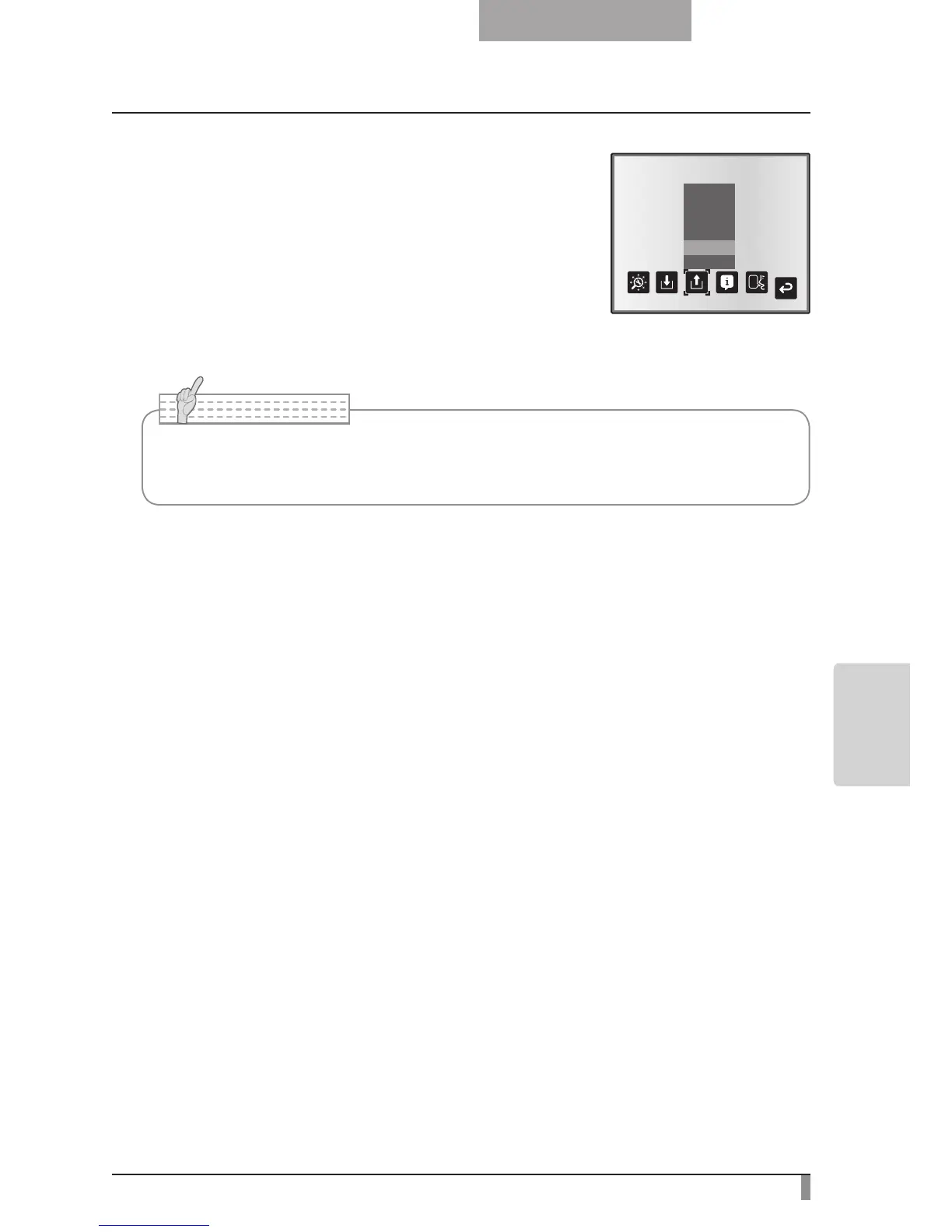
How to call settings
Select [Call] [1] to [3] from the OSD menu to call the
settings for the selected number.
Select [Call] [Power On] from the OSD menu to call the
settings for when the power is turned on.
Select [Call] [Default] from the OSD menu to call the
factory settings. (Excluding USB Mode settings)
Power On
Default
Exit
3
2
1
N o t e
Unable to operate the zoom dial on the front operation panel or the remote control
while calling settings.

Table of Contents

Other manuals for Elmo TT-02RX

Related product manuals