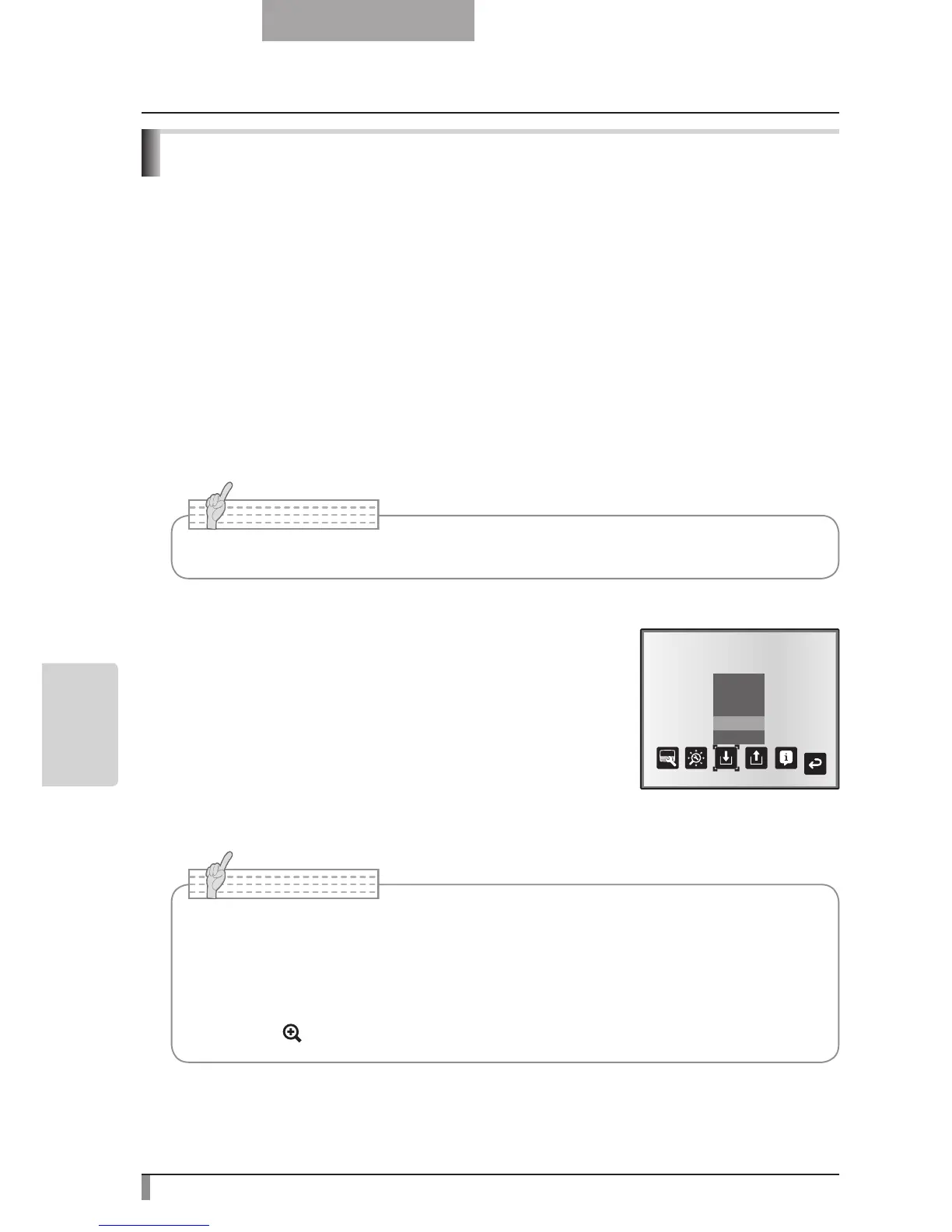
How to save settings
Select [Preset] → [1] to [3] from the OSD menu to save
current unit configuration as the selected number. (Excluding
USB Mode settings)
Select [Preset] → [Power On] from the OSD menu to save
the settings that are called when the power is turned on for
the main unit. (Excluding USB Mode settings)
■
Save/call settings
The operation status of the unit can be saved to or called from the memory. The unit saves
4 states (1 to 3 and Power ON) under the following storage conditions.
•
Current zoom ratio (The range of the optical zoom)
• Status of white balance
• Brightness •
Intensity of red color (when selecting
[White Balance] → → [Manual])
• Image Mode Settings •
Intensity of blue color (when selecting
[White Balance] → → [Manual])
• Edge enhancement (in Graphics mode) • Posi/Nega settings
• Gamma value setting (in Graphics mode) • Color/B&W switch settings
• Status of image rotation • AF Mode/Zoom Sync settings
• The status of a presentation given with a microscope cannot be saved.
• The status of image r
otation can be only be saved in [1] to [3].
• Zoomed areas cannot be saved during digital zooming. However, when saving the
settings in digital zoom mode, when the zoom size of view is at the maximum position
[ZOOM-IN
] the area within the range of the optical zoom can be saved.



 To Next Page