Highlight Function
It you want to draw attention to a particular section of the output image, you can use Highlight
display.
Highlight settings
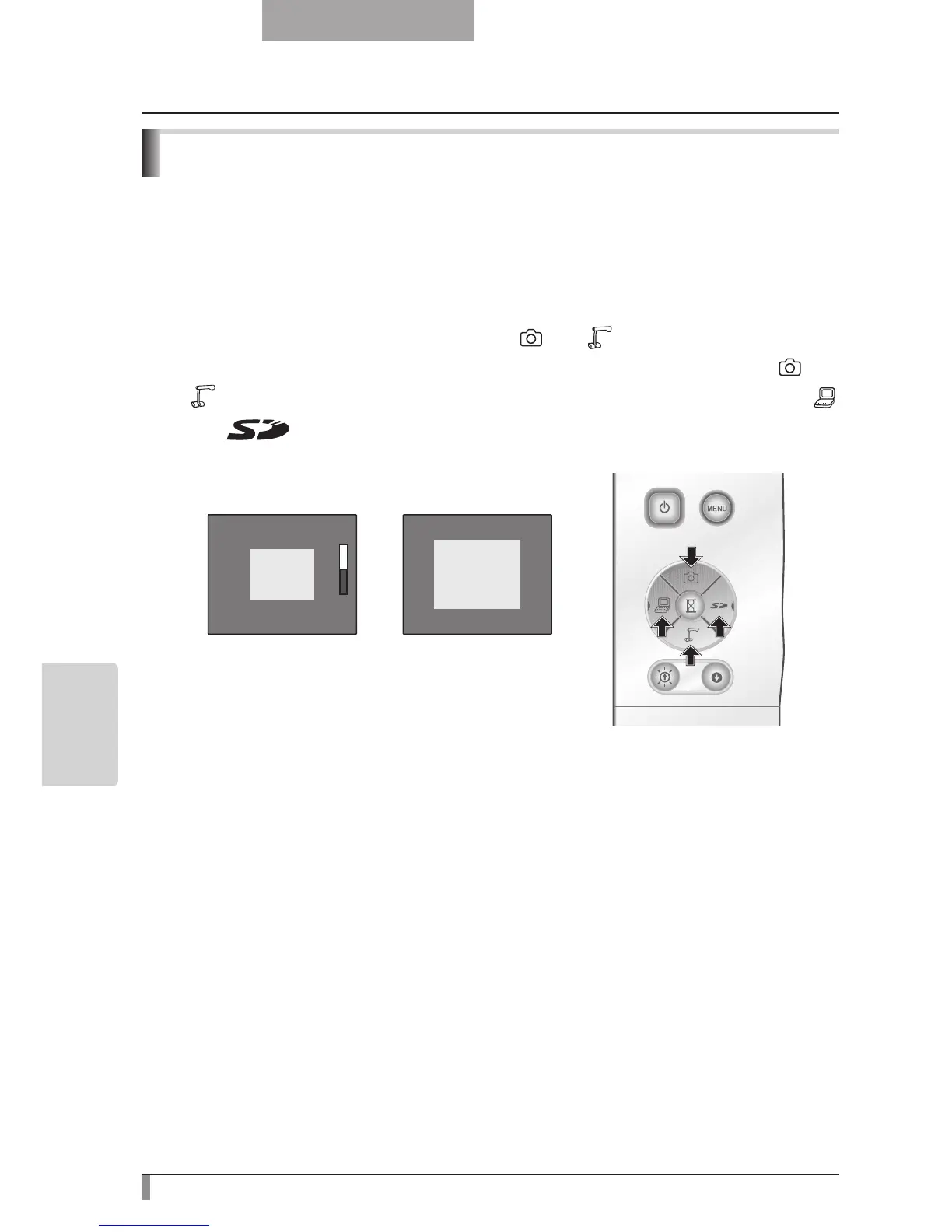
From the Camera Mode OSD Menu select [Function Setting] → [Highlight]. When
[Darkness] is selected the level bar is displayed, and you can then set the darkness for the
areas outside the highlighted section with the [
] and [ ] buttons. Also, when you select
[Size], you can adjust the size of the highlighted section vertically by using the [
] and
[
] buttons on the operating panel, and you can adjust the size horizontally using the [ ]
and [
] buttons.
■



 To Next Page