40
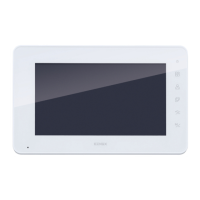
Confi guration of the video door entry unit
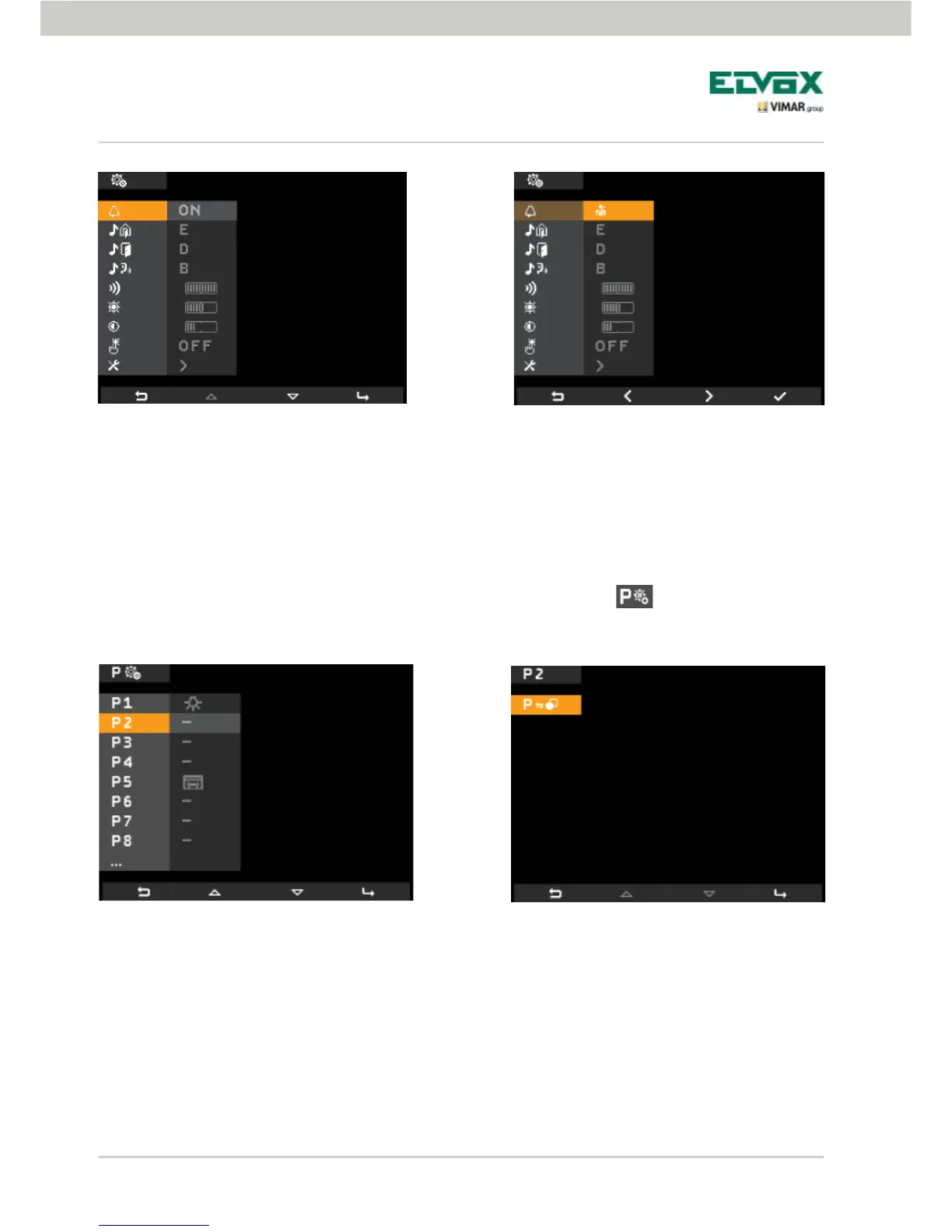
Associating an icon with a function.
This option allows you to assign a specific icon to each one of the 16 available functions.
Starting from the Configuration menu (fig. 35), use B and C to select the icon
and tap the softkey D.
Using B and C, select the desired function (from the ones available) and confirm by tapping D.
Tap D and, using B and C, select the icon to associate with the function (the icon is useful in order to identify
the corresponding command better), then confirm by tapping D.
The icon "tells" the video door entry unit that the associated command corresponds to a function.
Fig. 58 - Available functions Fig. 59 - Selecting a function
Fig. 56 - Accessing the User Away function
Fig. 57 - Selecting and activating the User
Away function
When the "User Away" function is enabled, the display shows the corresponding icon.


 To Next Page