Installation Cerabar PMP21 IO-Link
14 Endress+Hauser
5 Installation
5.1 Mounting requirements
• Moisture must not penetrate the housing when the device is being mounted, the
electrical connection is being set up or during operation.
• Do not clean or touch process isolating diaphragms with hard and/or pointed objects.
• Do not remove the protection on the process membrane until just before installation.
• Always tighten the cable entry firmly.
• Point the cable and plug downwards where possible to prevent moisture from entering
(e.g. rain or condensation water).
• Protect the housing against impact.
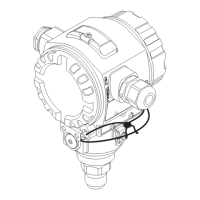
• For devices with gauge pressure sensor, the following applies:
NOTICE
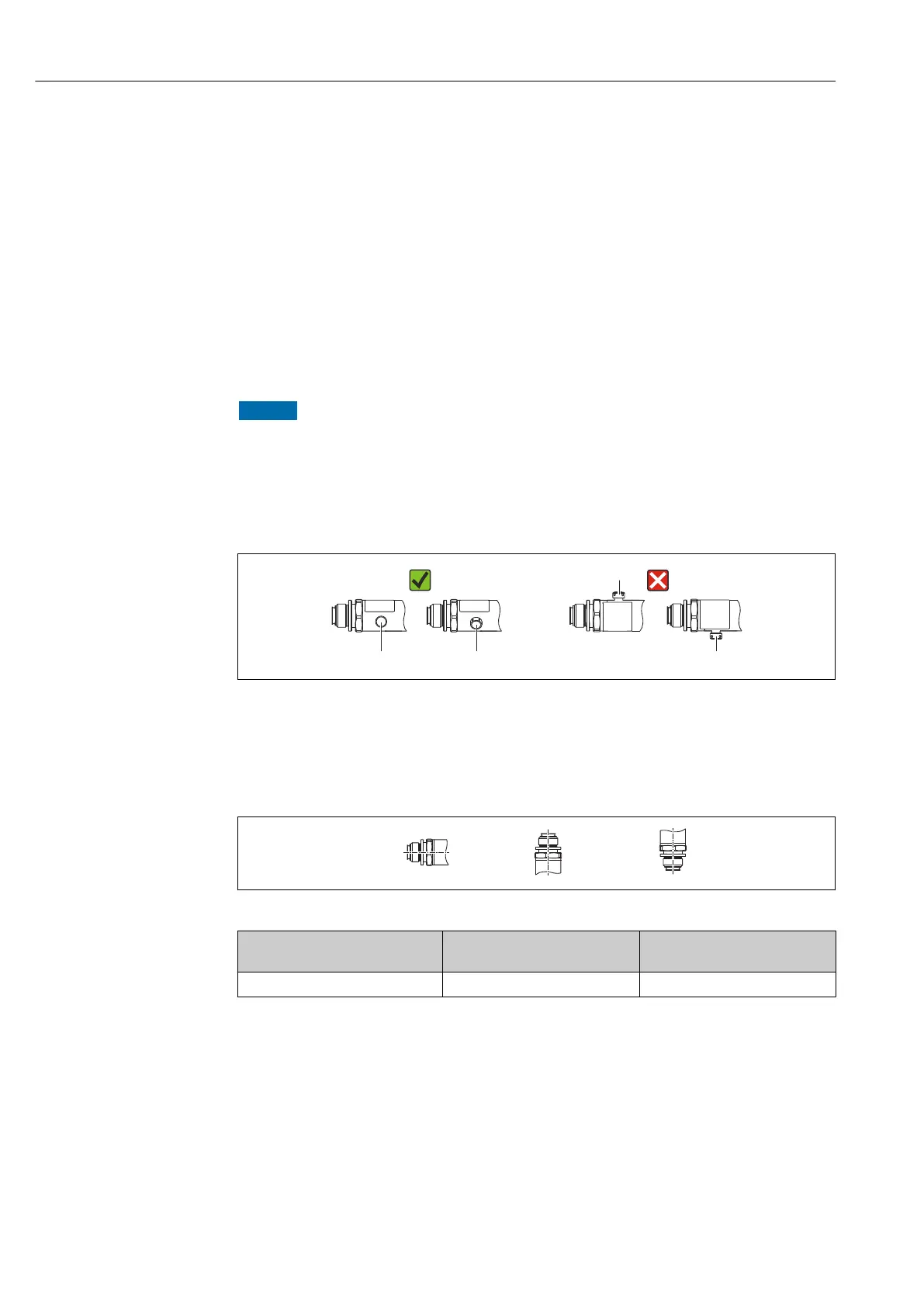
If a heated device is cooled during a cleaning process (e.g. by cold water), a vacuum
develops for a short time and, as a result, moisture can enter the sensor through the
pressure compensation element (1).
Device could be destroyed!
‣
In the event of this happening, mount the device in such a way that the pressure
compensation element (1) is pointing downwards at an angle or to the side, if possible.
A0022252
5.2 Influence of the installation position
Any orientation is possible. However, the orientation may cause a zero point shift, i.e. the
measured value does not show zero when the vessel is empty or partially full.
A0024708
Process membrane axis is
horizontal (A)
Process membrane pointing
upwards (B)
Process membrane pointing
downwards (C)
Calibration position, no effect Up to +4 mbar (+0.058 psi) Up to –4 mbar (–0.058 psi)
5.3 Mounting location
5.3.1 Pressure measurement
Pressure measurement in gases
Mount the device with the shutoff device above the tapping point to allow any condensate
to flow into the process.




 To Next Page