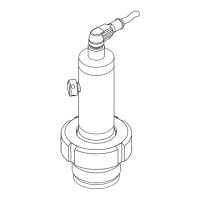
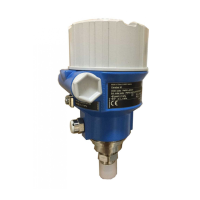
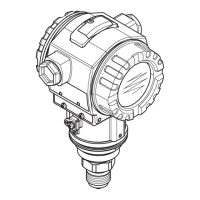
Cerabar PMP21 IO-Link Diagnosis and troubleshooting
Endress+Hauser 39
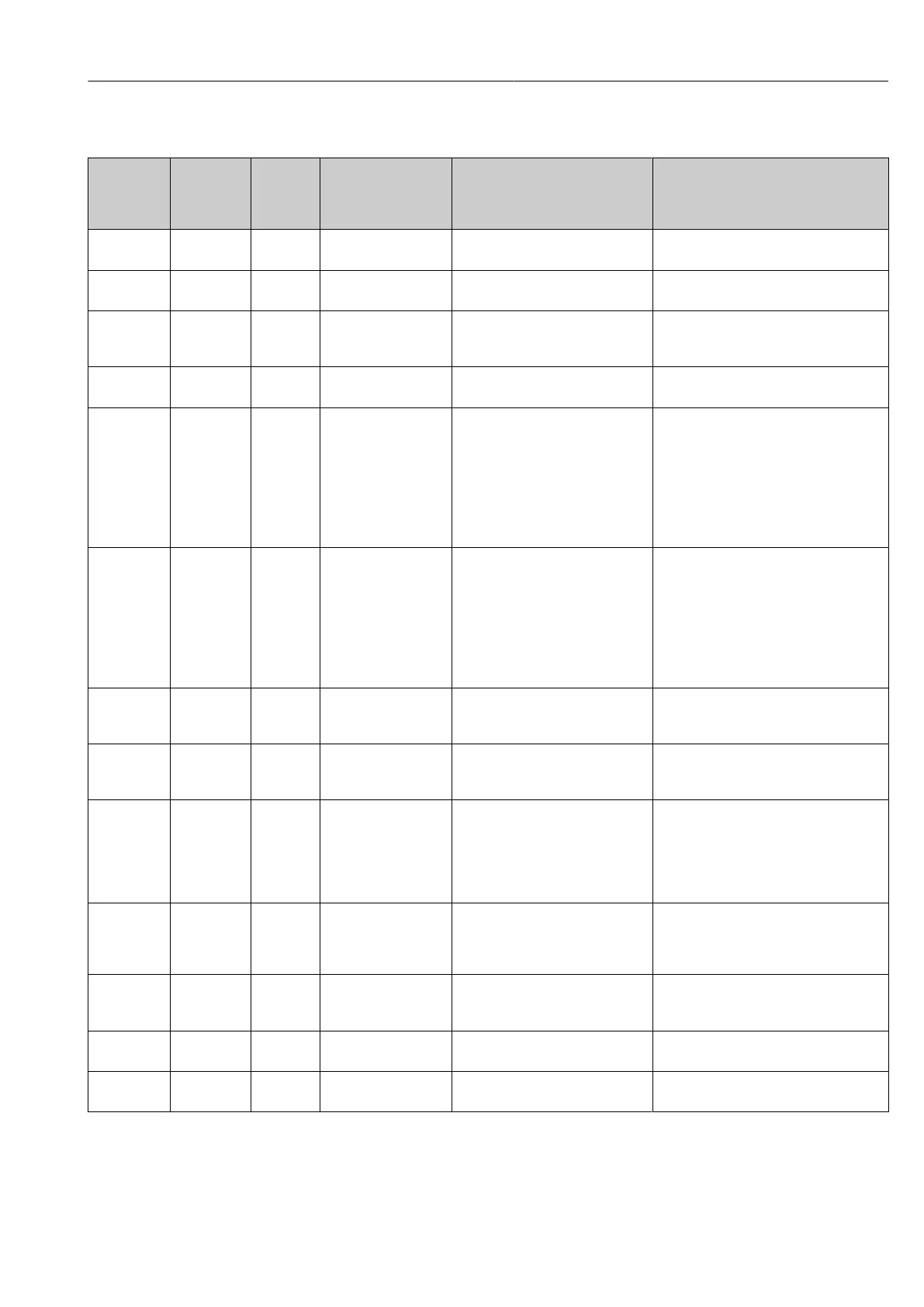
10.2.2 Overview of diagnostic events
Status
signal/
Diagnostic
event
Diagnostic
behavior
EventCode Event text Cause Remedial measure
S140 Warning 0x180F Sensor signal outside
of permitted ranges
Overpressure or low pressure
present
Operate device in the specified measuring
range.
S140 Warning 0x180F Sensor signal outside
of permitted ranges
Sensor defective Replace device.
F270
1) 2)
Fault 0x1800 Overpressure/low
pressure
Overpressure or low pressure
present
• Check the process pressure.
• Check the sensor range.
• Restart device.
F270
1) 2)
Fault 0x1800 Defect in electronics/
sensor
Defect in electronics/sensor Replace device.
C431
3)
Warning 0x1805 Invalid position
adjustment (Current
output)
The adjustment performed would
cause the sensor nominal range to
be exceeded or undershot.
Position adjustment + parameter of the
current output must be within the sensor
nominal range
• Check position adjustment (see Zero
point configuration (ZRO) parameter)
• Check measuring range (see Value for
20 mA (STU) and Value for 4 mA
(STL) parameters)
C432 Warning 0x1806 Invalid position
adjustment (Switching
output)
The adjustment performed leads to
switch points being outside the
sensor nominal range.
Position adjustment + parameter of the
hysteresis and window function must be
within the sensor nominal range
• Check position adjustment (see Zero
point configuration (ZRO) parameter)
• Check the switch point, switchback
point for hysteresis and window
function
F437 Fault 0x1810 Incompatible
configuration
Invalid device configuration • Restart device.
• Reset device.
• Replace device.
C485 Warning 0x8C01
4)
Simulation active During simulation of the switch
output or current output, the device
issues a warning message.
Switch off simulation.
S510 Fault 0x1802 Turn down violated A change in the span results in a
violation of the turn down (max. TD
5:1)
Values for adjustment (lower range
value and upper range value) are
too close together
• Operate device in the specified
measuring range.
• Check the measuring range.
S803 Fault 0x1804 Current loop Impedance of load resistance at
analog output is too high
• Check the cabling and load at the
current output.
• If the current output is not required,
switch it off via the configuration.
S803 Fault 0x1804 Current output not
connected
Current output not connected • Connect current output with load.
• If the current output is not required,
switch it off via the configuration.
F804 Fault - Overload at switch
output
Load current too high Increase load resistance at switch output
F804 Fault - Overload at switch
output
Switch output defective • Check output circuit.
• Replace device.





 To Next Page