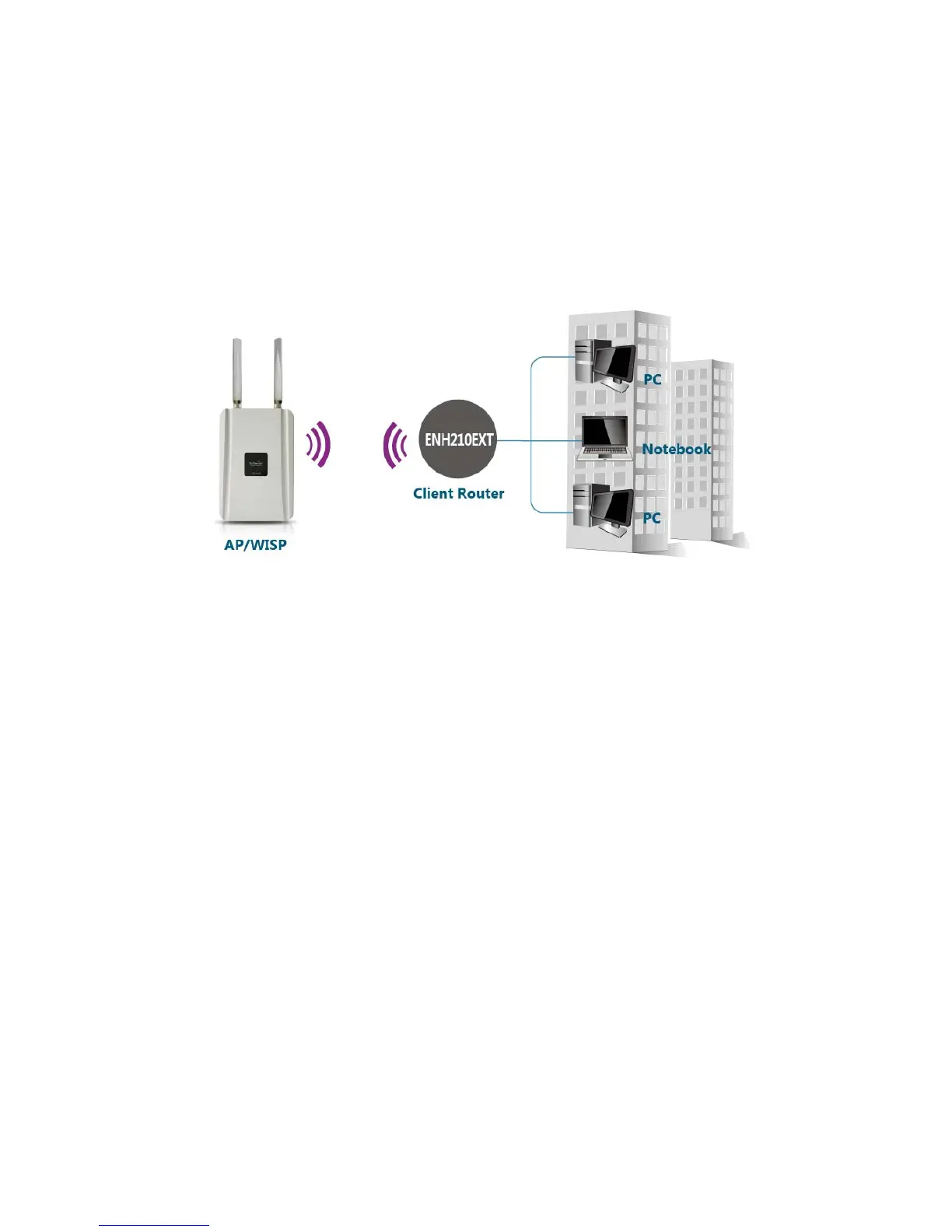
3.5 Client Router Mode
In Client Router Mode, the ENH210EXT provides two functions: 1) acting as a
wireless-Ethernet Bridge in order to relay signal from the access point; 2) acting as an active
DHCP server that allows WLAN clients to share the same wireless network connection. Ideally,
have clients wirelessly connect to an AP/WISP and connect to LANs via Ethernet. Client Router
Mode is different from the AP Router Mode. It is not a common application however useful
when connects to WISP AP.



 To Next Page