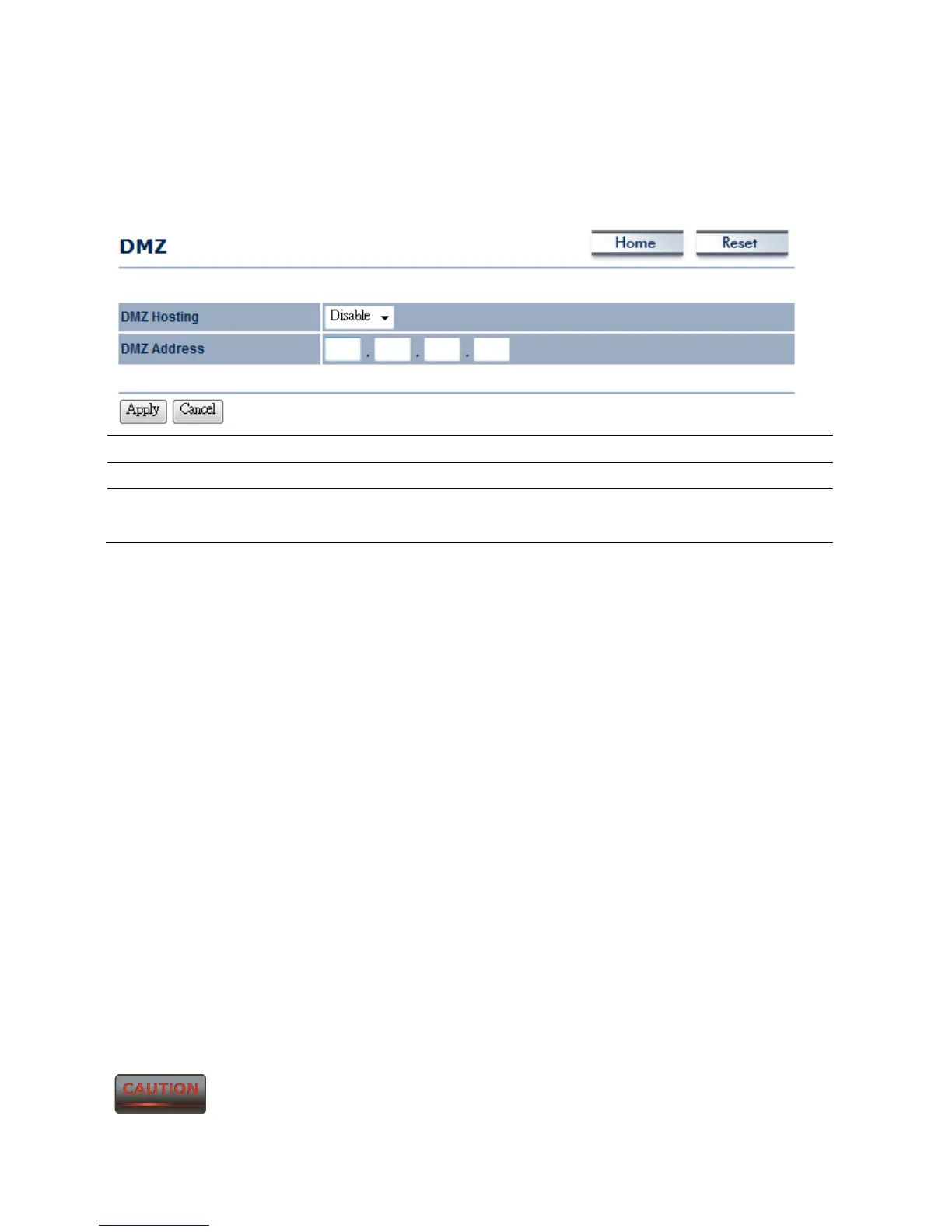
9.5 DMZ
Enabling DMZ will expose the computer which is in the DMZ to the Internet. This feature may
be used in scenarios such as Internet Gaming or Video Conferencing. DMZ will forward all the
ports to one PC simultaneously. This PC will be vulnerable to any incoming traffic, including
unsolicited or malicious traffic, because DMZ opens all of the ports.
DMZ Hosting Select Enable or Disable DMZ from drop down list.
DMZ Address Specify an IP address of DMZ.
Accept / Cancel Press Accept to confirm the changes or Cancel to return
previous settings.
Accept does not apply the changes – you must go to Status -> Save / Load
to apply the new settings. Please refer to Chapter 4.1 for more information.



 To Next Page