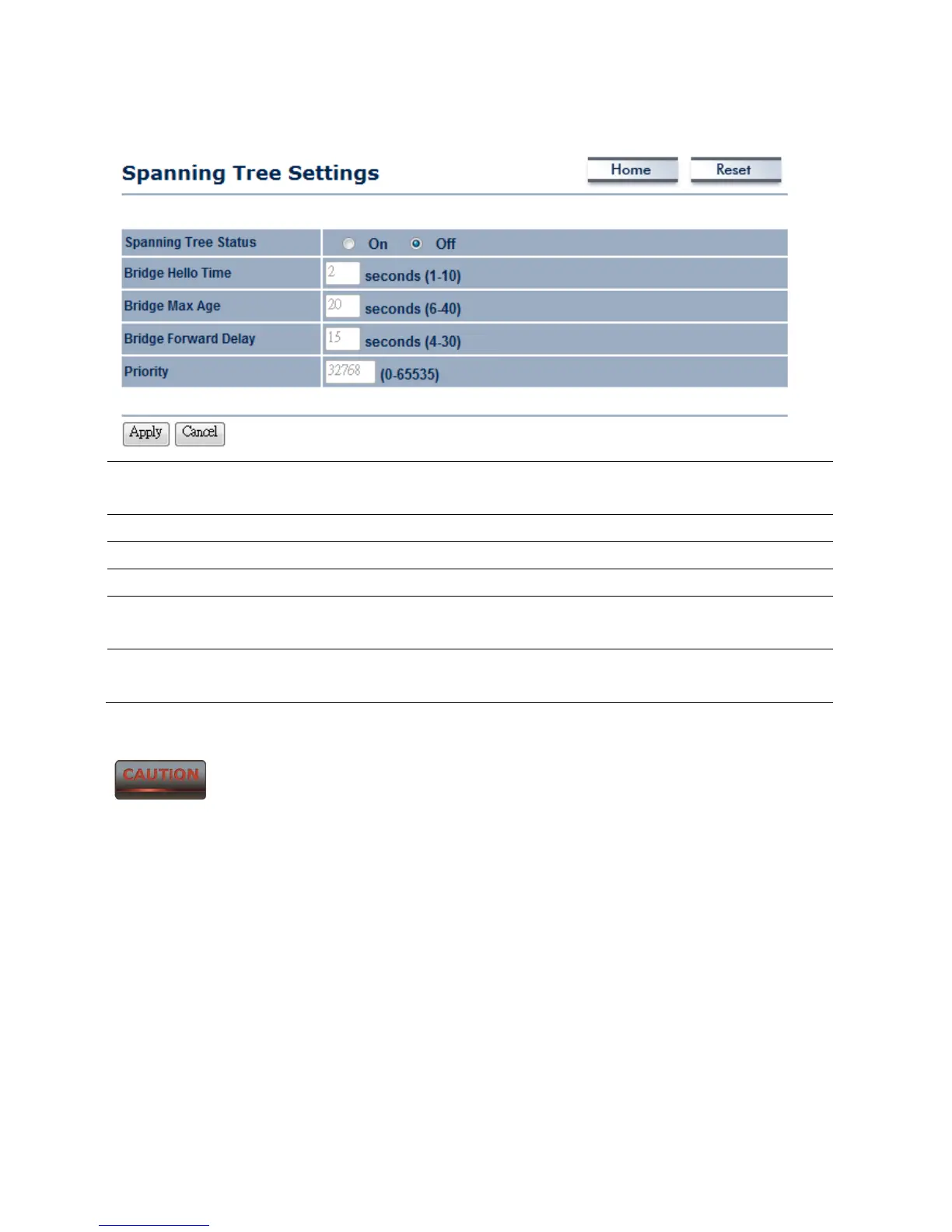
8.2 Spanning Tree Settings
Spanning Tree Status Select the Radio button to On or Off to toggle the Spanning Tree
function.
Bridge Hello Time Specify Bridge Hello Time in seconds.
Bridge Max Age Specify Bridge Max Age in seconds.
Bridge Forward Delay Specify Bridge Forward Delay in seconds.
Priority Specify the Priority number; smaller numbers have greater
priority.
Accept / Cancel Press Accept to confirm the changes or Cancel to return
previous settings.
Accept does not apply the changes – you must go to Status -> Save / Load
to apply the new settings. Please refer to Chapter 4.1 for more information.



 To Next Page